

First Impressions and Onboarding
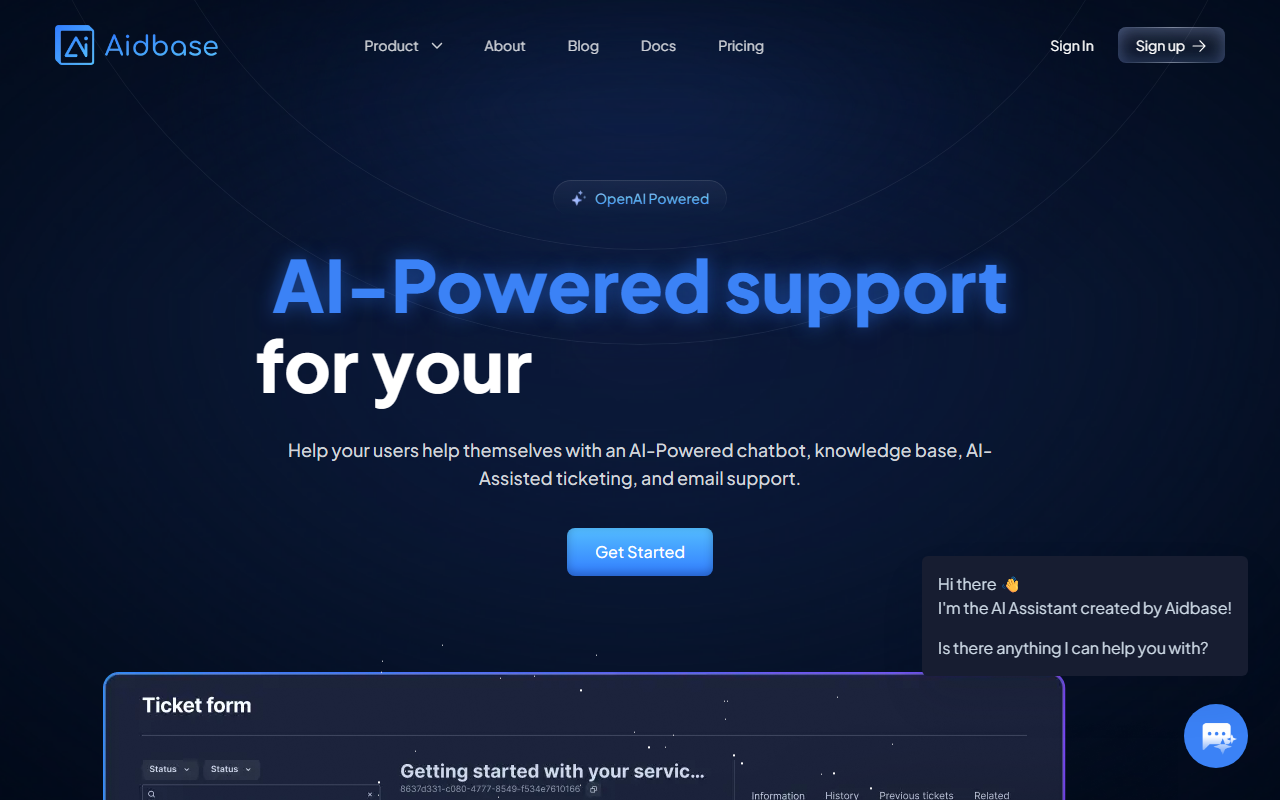
Upon visiting the Aidbase website, I was greeted by a clean, modern interface that immediately communicates its value proposition: AI-powered support for SaaS startups. The landing page highlights the core features: an AI chatbot, ticket form, email inbox, and knowledge base. Signing up for the free 7-day trial was straightforward, requiring only an email and password. The dashboard, once inside, presents a simple layout with sections for chatbots, tickets, emails, and knowledge management. I was able to quickly connect my data sources—a few PDFs and a Notion workspace—to train the AI chatbot. The onboarding flow includes a step-by-step guide, making it easy even for non-technical founders to get started.
Core Features and Workflow
Aidbase is built around reducing support overhead. The AI chatbot can be trained on your business data, including websites, PDFs, videos, and other documents. I tested this by uploading a set of FAQ PDFs and then asking the chatbot a few questions about my product. The responses were accurate and human-like, pulling directly from the knowledge base. The system also identifies knowledge gaps—questions it cannot answer—which feeds back into improving the AI model.
The ticket form and email inbox are unified in a single dashboard. What impressed me is the AI-assisted handling: the system learns from previous tickets and suggests responses, which cuts down response time drastically. As quoted by a user on the site, response time reduced by over 70%. The integration options are extensive: Discord, Slack, Shopify, WordPress, Zapier, Webflow, OpenAI, and more. Aidbase also provides SDKs, APIs, and webhooks for custom integrations, plus a React library for embedding chat in React or Next.js apps. I tried the npm install command for the chat package, and it worked without issues.
Pricing and Market Position
Aidbase offers a 7-day free trial with no credit card required. Beyond that, pricing is not publicly listed on the website—you need to contact sales or start the trial to see plans. This is a minor drawback for transparency. Compared to competitors like Intercom or Drift, Aidbase focuses specifically on AI automation for support, rather than being a full CRM. Its strength lies in quick setup and deep learning from your data. It is best suited for SaaS startups with limited support teams who need to scale without hiring more staff. Larger enterprises may find the lack of advanced routing or analytics limiting.
Strengths and Limitations
Strengths: The AI chatbot learns fast from multiple data sources, and the AI-assisted ticketing genuinely reduces manual work. The integration with tools like Slack and Notion is seamless. The no-code setup makes it accessible to non-developers. The ability to identify knowledge gaps is a standout feature—it turns customer support into a continuous learning loop. Additionally, the system is GDPR compliant, a plus for European users.
Limitations: Pricing is opaque, which may frustrate budget-conscious startups. The free trial is short at 7 days. I also noticed that the AI can sometimes struggle with nuanced or ambiguous queries, even after training—common with most AI support tools. There is no native support for phone or voice, which might be a dealbreaker for some businesses. The user interface, while clean, could benefit from more advanced customization options for power users.
Who should use Aidbase? If you run a SaaS startup and spend too much time on repetitive support queries, Aidbase is a solid choice. It's ideal for teams of 1-10 people who want to implement AI quickly without heavy engineering resources. If you need a full help desk with advanced analytics or multi-language support, you might look at alternatives like Zendesk or Intercom.
Visit Aidbase at https://aidbase.ai/ to explore it yourself.





Comments