

First Impressions and Onboarding
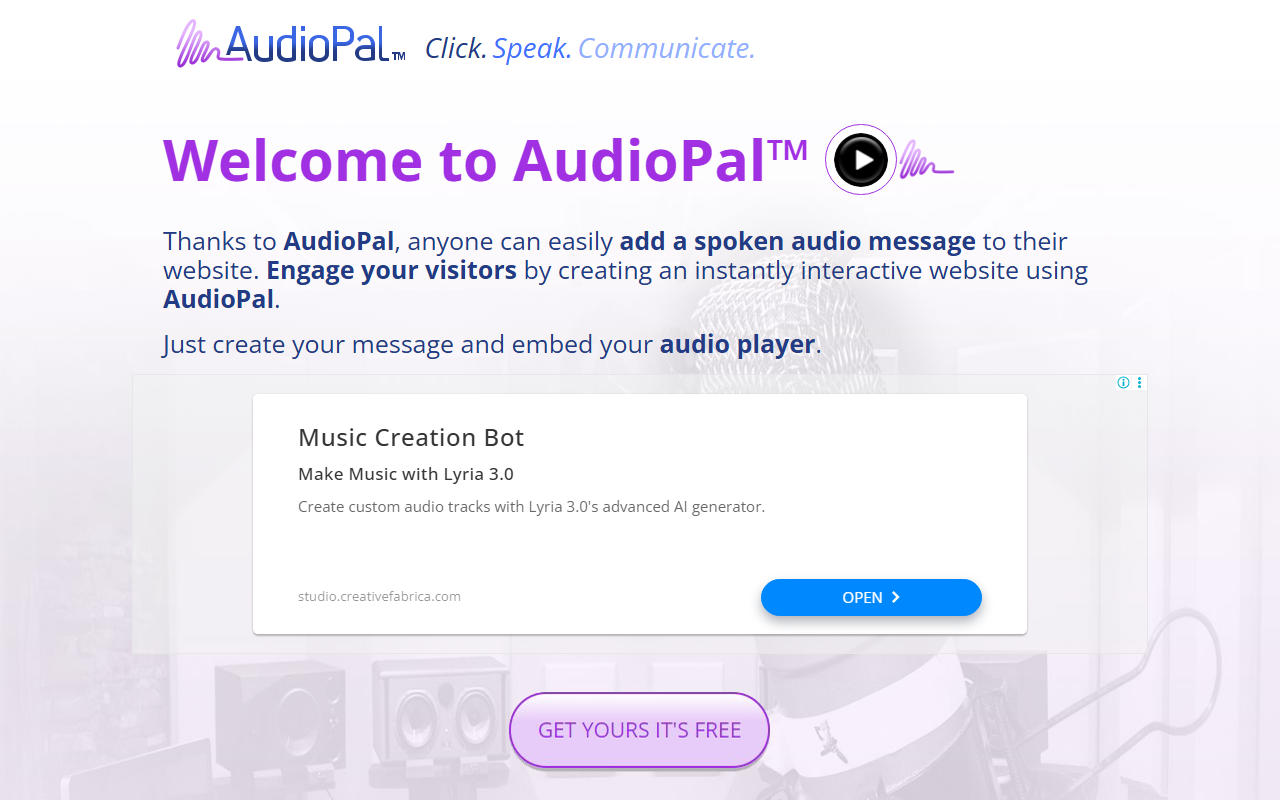
Upon visiting AudioPal’s website, I was greeted by a clean, single-purpose interface. The homepage immediately presents three methods to create audio: record your own voice, use text-to-speech, or upload an MP3 file. No sign-up is required—you jump straight into the creation process. I clicked the “CREATE” tab and was taken to a straightforward form where I could type text and choose a voice. The dashboard shows no clutter; it’s just a player preview, a text box, and voice/language selectors. Within seconds I had a working audio player to embed. The error message seen at the bottom of the site (a JavaScript glitch) was a slight hiccup, but it didn’t affect core functionality.
Features and Technology
AudioPal relies on text-to-speech (TTS) engines with over 100 voices across 25+ languages. I tested the English US female voice and found it clear and natural, though not on par with premium neural TTS from Amazon or Google. The tool also supports direct microphone recording and MP3 upload, making it flexible for different use cases. The generated audio is delivered via a small, sleek player that can be embedded in any website using an iframe code. Player options are minimal—autoplay and loop toggles are absent on the free tier. The service is hosted by Oddcast Inc., a company known for its SitePal speaking characters, but AudioPal is a separate, simplified offering. No API is publicly documented, and there are no analytics or customization beyond the basic player.
Market Context and Pricing
AudioPal is completely free—no credit card, no hidden upgrades within the tool itself. The site asks “what’s the catch?” but I found none for basic usage. The main limitation is control: you cannot adjust speed, pitch, or pronunciation. For comparison, Amazon Polly offers higher-quality voices and SSML support but requires AWS setup and incurs costs. Google Cloud Text-to-Speech is similarly powerful but not as easy to embed immediately. AudioPal’s simplicity makes it best for non-technical site owners or educators who want a quick audio greeting. However, users needing professional-grade voiceovers or detailed customization should look elsewhere. The tool is clearly aimed at lightweight, free enhancements.
Verdict and Recommendations
AudioPal’s greatest strength is its zero-barrier entry: no sign-up, instant embed, and cross-browser playability. Its biggest weakness is the lack of advanced features like voice tuning, analytics, or an API. During my test, the site occasionally felt dated, and the error at the footer raised mild trust concerns, though no data was requested. I recommend AudioPal for personal blogs, simple landing pages, or classroom projects where a warm human touch is needed without cost or complexity. For businesses requiring scalability or brand-consistent voices, invest in a paid TTS service. Visit AudioPal at https://audiopal.com/ to explore it yourself.













Comments