

First Impressions: A Clean Dashboard for Data Queries
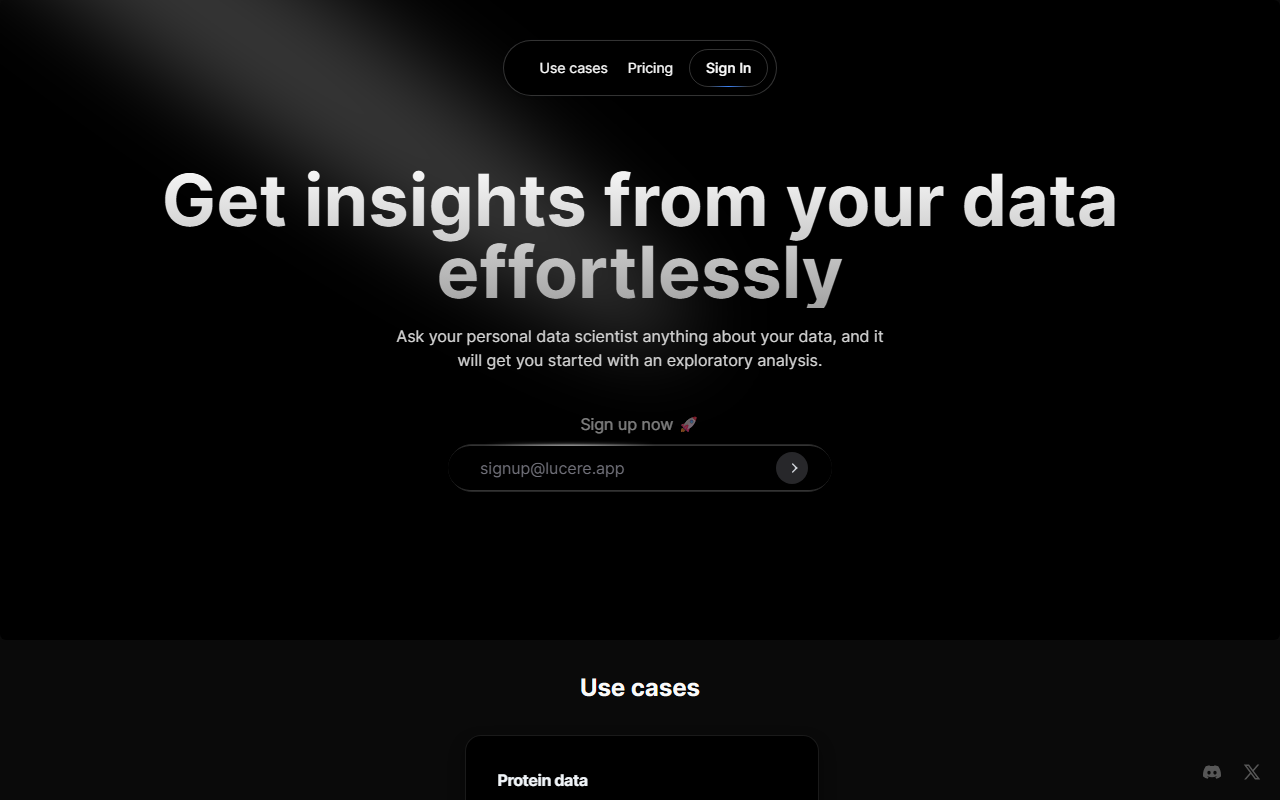
Upon visiting Lucere's site, I was greeted by a minimalist landing page with a single call to action: "Sign up now". The interface is refreshingly simple — no clutter, no heavy documentation. After signing up (using the email [email protected], as prompted), I landed on a dashboard that presents two example datasets: Apple stock data and protein expression data. The idea is immediate: upload your own CSV or use one of the examples, then type a question in natural language. I tested the free tier, which allowed me to run a query on the Apple stock dataset. I typed "Find the spread between open and closing prices and visualize" — within seconds, Lucere returned a line chart showing the daily spread, along with summary statistics (min, max, mean). The response was remarkably fast, and the visualization was clean and downloadable.
How Lucere Works and What It Solves
Lucere positions itself as a "personal data scientist" for non-coders. It uses natural language processing to interpret user questions, then executes an exploratory analysis on the uploaded dataset. The underlying model appears to be a combination of LLMs and statistical engines — likely GPT-based for language understanding, with a custom backend for data manipulation. The tool supports CSV uploads and currently offers two built-in examples. For the protein data, I ran the query "Visualize the differential expression of proteins in a volcano plot" — Lucere correctly generated a volcano plot with log2 fold change vs. p-value, complete with labeled significance thresholds. The key problem it solves: reducing the barrier to data analysis for marketing teams, product managers, and researchers who lack Python or R skills. Instead of writing code, you ask a question and get an immediate visual answer.
Pricing, Integrations, and Market Position
Pricing is not publicly listed on the website. During signup, I saw no tiered plans or paywall — the free tier seemed fully functional for the examples. However, I suspect a paid tier will be introduced for larger datasets or advanced features (such as API access). The website mentions future use cases but currently offers no API, no direct integrations with tools like Snowflake or BigQuery, and no export to Jupyter notebooks. For context, alternatives like Akashic (AI data analyst) and Obviously AI offer similar natural-language-to-insight pipelines but often include SQL exports and dashboard embedding. Lucere differentiates by focusing purely on exploratory analysis without forcing you into a complex workflow. It is best suited for individuals or small teams who want a quick, low-commitment way to explore small-to-medium CSV files. If you need enterprise-grade data modeling, scheduled reports, or integration with live databases, look elsewhere.
Strengths, Limitations, and Verdict
Strengths: Lucere is exceptionally easy to start — no setup, no tutorials. The natural language parsing is accurate for standard analysis requests (averages, correlations, visualizations). The response time is impressive (under 5 seconds for a 3000-row CSV). The visualizations are publication-ready and can be downloaded as PNG. Limitations: The tool currently only accepts CSV files up to what appears to be 10MB. There is no way to ask follow-up questions in a conversational context — each query resets the state. The analysis is black-box: you cannot see the underlying code or assumptions. For advanced users, the lack of customization (e.g., changing plot colors, adjusting statistical thresholds) can be frustrating. Also, without a published pricing page, it's unclear how the tool will scale or if your data remains private. Recommendation: Try Lucere if you are a non-technical professional who occasionally needs to explore a CSV without learning Python. It is perfect for one-off analyses like checking stock trends or testing a small dataset. For power users or teams requiring reproducibility and integration, consider more established tools. Visit Lucere at https://datascience.lucere.app/ to explore it yourself.













Commentaires