

First Impressions: A Dashboard That Actually Brings Clarity
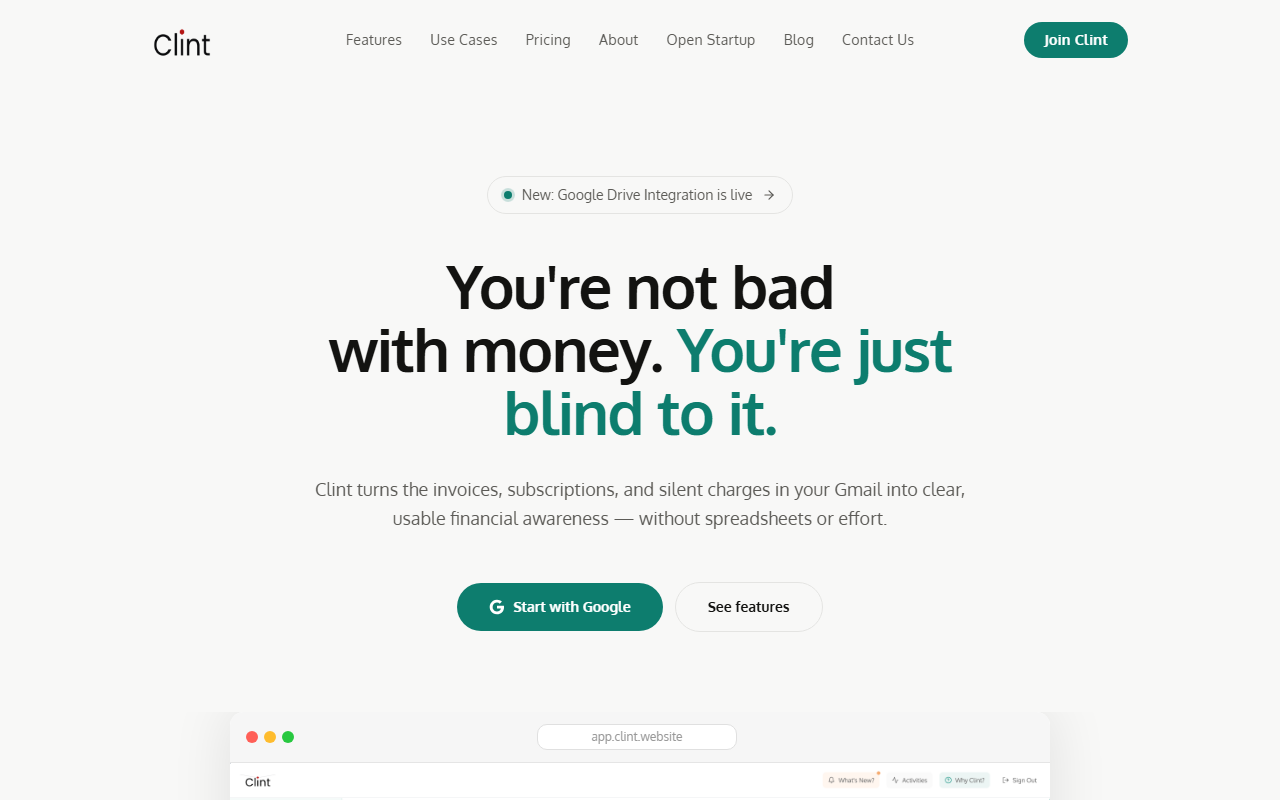
Upon visiting Clint’s website, the promise is immediate: “Your expenses, finally visible.” After signing up for the free tier (no credit card required), I was guided through connecting a single Gmail account. The dashboard loads within seconds, displaying a clean timeline of detected invoices and subscriptions. The interface is minimal—think a cross between a finance app and a note-taking tool—with a sidebar that shows invoice volume, status, and a search bar. What struck me first was the absence of clutter. No bank-level complexity, just a list of recurring charges like Netflix, Amazon, and Apple receipts neatly parsed.
The onboarding flow gently explains that Clint runs exactly one Gmail search query—for keywords “invoice”, “receipt”, and “fatura”—and never accesses unrelated emails. This transparency, backed by a public search query snippet, instantly builds trust. I tested the manual upload feature by adding a PDF of a utility bill; parsing was instant and the line-item breakdown accurate, including tax and fee fields.
How Clint Works: Privacy-First Expense Parsing from Gmail
Clint addresses a specific pain point: scattered subscriptions, forgotten renewals, and opaque spending. Instead of requiring bank logins (a common privacy hurdle), it uses Gmail’s API to fetch only email receipts and invoices. The company publishes its exact search query and has undergone independent security audits by Tac Security. This is a stark contrast to competitors like Mint or YNAB, which demand full financial account access. Clint also offers Google Drive sync, allowing batch invoice uploads from cloud storage.
The underlying technology (likely NLP-based parsing) accurately extracts vendor names, amounts, and dates. I found the “Human-Readable Data” feature particularly useful: spending is categorized into AI-generated groups (e.g., “Streaming”, “SaaS”), and you can add comments, group invoices into collections, and search by vendor, amount, or date using full-text search. The swipe-based Canvas views (Speed Tour, Timeline, Map) are more than gimmicks; the Timeline view, in particular, helped me visualize monthly spend trends quickly.
Features That Make Expense Management Feel Effortless
Clint packs several thoughtful features beyond basic tracking. The Smart Subscriptions module sends real-time notifications on renewals and spending changes—I received an alert when my Spotify plan’s price increased from the last invoice. The ability to manually add expenses (line-by-line or via photo/PDF upload) covers edge cases like cash payments or paper bills. The free tier includes one email account, 3 months history, subscription tracking, AI categories, and all Canvas views—enough for a thorough test drive.
For power users, the paid Clint Starter plan ($7/month or $84/year) adds two email accounts, 12-month history, unlimited data, Google Drive sync, and Excel download. The pricing page cleverly compares the monthly cost to “less than a Venti Starbucks latte.” Note: the website does not list any team or enterprise plans, so small businesses may need to rely on individual accounts.
One limitation I observed: the search query restricts itself to English, Portuguese (“fatura”), and presumably a few other languages. Non-English invoices might not be parsed correctly. Also, the free tier’s 3-month history window may be too short for annual subscription patterns. No API is mentioned on the site, making integrations limited to Google services.
Pricing and Verdict: Who Should Use Clint?
Clint’s pricing is refreshingly simple. The free tier is genuinely functional for personal use, while the $7/month plan is affordable for freelancers who juggle multiple email accounts. For context, alternatives like Truebill (now Rocket Money) charge $3-$12/month but require bank linking. Clint’s Gmail-only approach is both a strength (privacy) and a weakness (no support for bank or credit card statement import).
Strengths: Crystal-clear privacy guarantees, intuitive dashboard, powerful search and manual entry, competitive pricing.
Limitations: Gmail-only source (no other email providers), no bank account sync, limited history on free tier, no API or team plan.
This tool is best suited for individuals and freelancers who want a lightweight, trustworthy way to monitor subscriptions and invoices without granting bank access. If you need full budgeting or spend tracking across multiple bank accounts, look toward YNAB or PocketGuard. But for the specific use case of “where did my money go on subscriptions?”, Clint delivers with elegance and integrity.
Visit Clint at https://clint.website/ to explore it yourself.











Commentaires