

First Impressions and Onboarding
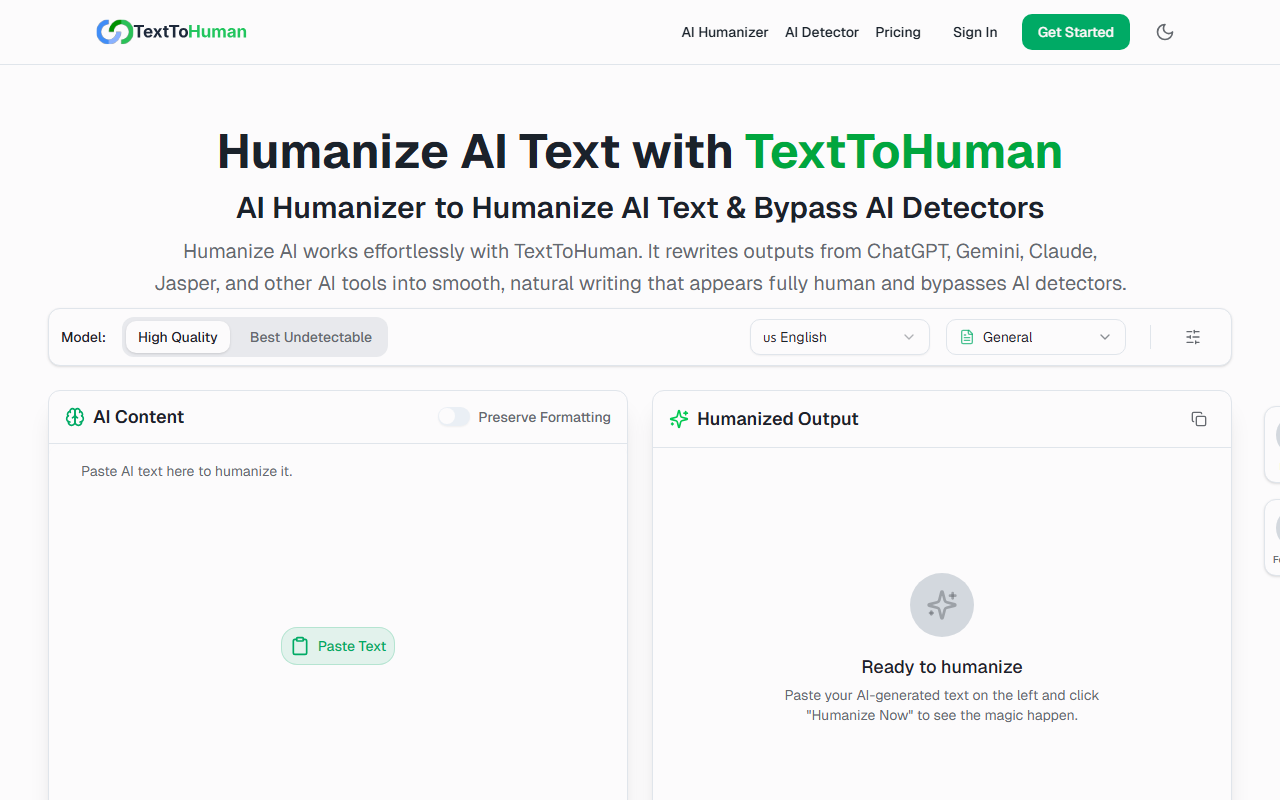
Upon visiting TextToHuman, the first thing I noticed is the clean, minimal interface. The dashboard presents a straightforward two-panel layout: paste your AI-generated text on the left and click Humanize to see the result on the right. No registration wall, no email prompt — just a text area with a character counter showing 0/1000. I tested it with a short paragraph from ChatGPT, and the transformation took about two seconds. The output felt noticeably less repetitive in sentence structure, and a quick scan through GPTZero gave it a low AI probability score (under 10%). The Autopilot mode, which re-humanizes in a loop until detection scores drop, is a neat touch that sets it apart from many free alternatives.
Core Features and Performance
TextToHuman relies on its own proprietary models, offering Stealth and Premium modes. In my testing, Premium produced more natural phrasing but took slightly longer. The tool supports over 25 languages, and I verified this works for Spanish and Arabic without garbled characters. The Preserve Formatting toggle retained bullet points and italics from my original test text — a detail many free humanizers ignore. However, the 1000-character limit per paste is a notable drawback. While the site claims unlimited free usage, the input box caps at roughly 150–200 words. For longer articles, you must humanize in chunks, which breaks workflow. There is no API, no file upload, and no batch processing, making it unsuitable for high-volume content operations.
Pricing and Market Position
TextToHuman is 100% free forever with no hidden tiers or subscription upsells. You get unlimited humanizations, zero daily caps, and no sign-up required. This is a major differentiator compared to competitors like Undetectable AI (paid plans start at $9.99/month) or GPTMinus (limited free tier). The trade-off is obvious: TextToHuman lacks the advanced customization (tone sliders, word-by-word rewriting) and API access that power users expect. It positions itself as a no-frills, free tool for students, casual bloggers, and anyone who needs to quickly bypass an AI detector without spending money. The community subreddit (r/texttohuman) has modest activity but shows real user feedback, indicating the tool has a small but loyal user base.
Final Verdict
TextToHuman delivers exactly what it promises: a fast, free way to humanize AI text and evade detection. Its strengths are ease of use, zero cost, and effective rewriting. The limitations — small character limit per paste, no API, no advanced options — keep it from being a professional-grade solution. I recommend this tool for students refining essays, marketers polishing product descriptions, or anyone on a tight budget who needs occasional humanization. For teams handling large volumes of content or requiring integration with existing workflows, look toward paid alternatives with API access. Visit TextToHuman at https://texttohuman.com/ to explore it yourself.













Commentaires