

First Impressions and Onboarding
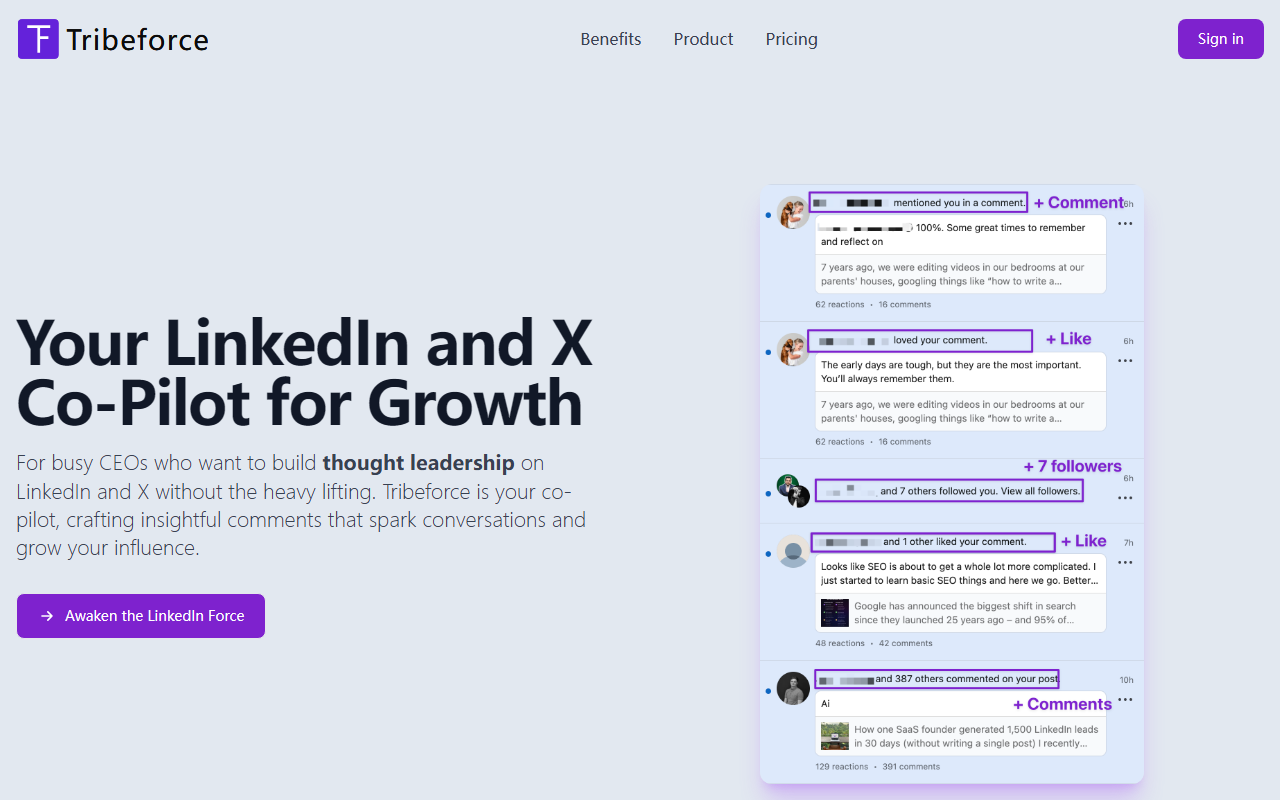
Upon visiting the Tribeforce website, I was greeted by a clear, focused pitch: AI sales automation engineered specifically for LinkedIn and X (formerly Twitter). The landing page leans heavily into Star Wars metaphors—"Awaken the LinkedIn Force"—but beneath the playful branding, the tool's purpose is direct. After clicking the "Try for free" button, I was prompted to install a browser extension. No credit card was needed for the free trial, which grants 15 replies—a generous enough taste to evaluate the workflow. The onboarding flow is minimal: after installing the extension, it activates on both LinkedIn and X, placing a small Tribeforce icon next to the comment box on any post. Clicking it opens a panel where you can select a template—there are several, including "Agree and Add Value," "Ask a Question," and "Share Insight." You can also customize the tone and length. I tested it on a LinkedIn post from a thought leader in SaaS. The generated comment felt natural, with a slight variation that avoided the robotic copy often produced by generic AI tools. The entire process took about 10 seconds, a stark contrast to the minutes I usually spend crafting a thoughtful reply.
Core Features and Technology
Tribeforce operates entirely within the LinkedIn and X interfaces via its browser extension. This means no tab-switching or copying-and-pasting; you simply open the comment box, click the Tribeforce icon, and pick a response style. The underlying AI uses what appears to be a fine-tuned model optimized for professional social engagement. The tool offers proven templates that I could verify: they include frameworks for adding value, asking questions, and expressing agreement. Customization is a standout feature—you can define your brand voice and tone during setup, and the AI will try to mirror that style. However, the AI's output still requires a quick review for exact brand fit; it's not perfect. The speed improvement is real: I timed myself manually writing a 40-word comment versus using Tribeforce—the AI cut the time from about 2 minutes down to 15 seconds. The dashboard—accessible through the extension—shows your monthly reply usage and allows you to switch between the Padawan, Jedi, and Darth Vader plans. There is no API mentioned, so this is purely a consumer-grade browser extension. Unlike general AI writing tools like Jasper or Copy.ai, Tribeforce is hyper-focused on social media replies, which makes it more efficient for its narrow use case but less versatile.
Pricing and Positioning
Tribeforce offers three subscription tiers, billed monthly or annually (the latter grants two months free). The Padawan plan costs $33 per month (billed annually) for 100 replies—about 3 per day. The Jedi plan is $66 per month for 500 replies, roughly 17 per day. The Darth Vader plan is $165 per month for 2,000 replies, about 67 per day. All tiers include access to all templates and both platforms. The pricing is competitive when compared to hiring a social media virtual assistant, but it's more expensive than some alternative AI engagement tools like ContentStudio or Agorapulse (which offer broader features). Tribeforce does not publish a public list of its technology stack or model version, and there is no free plan beyond the 15-reply trial. One limitation I observed: the tool currently only generates replies, not original posts or threaded comments. This means you cannot use it for drafting LinkedIn articles or scheduling tweets—it's a pure engagement sidekick. The positioning toward busy CEOs and their VAs is accurate; if you are an individual contributor or marketer who needs original content generation, you'll need a separate tool.
Who Should Use Tribeforce?
Tribeforce is best suited for executives, founders, and sales leaders who want to maintain a visible presence on LinkedIn and X without spending hours on manual replies. It's also a strong fit for virtual assistants managing multiple accounts—the speed boost and templates can dramatically scale engagement. However, if you need a full-content marketing suite—including post scheduling, analytics, and cross-platform publishing—look at tools like Hootsuite or Buffer. Tribeforce's genuine strength is its laser focus and seamless integration: few AI writing tools embed directly into the social media comment box. Its limitation is its narrow scope; you cannot generate original posts or handle platforms like Instagram or Facebook. Also, the AI occasionally produces comments that are too generic if you don't invest time in tone customization. I would recommend trying the 15-free-reply trial to see if the voice matches your personal style. For the price of the Jedi plan, you can effectively replace a part-time engagement assistant. Visit Tribeforce at https://tribeforce.ai to explore it yourself.













Commentaires