

First Impressions and Onboarding
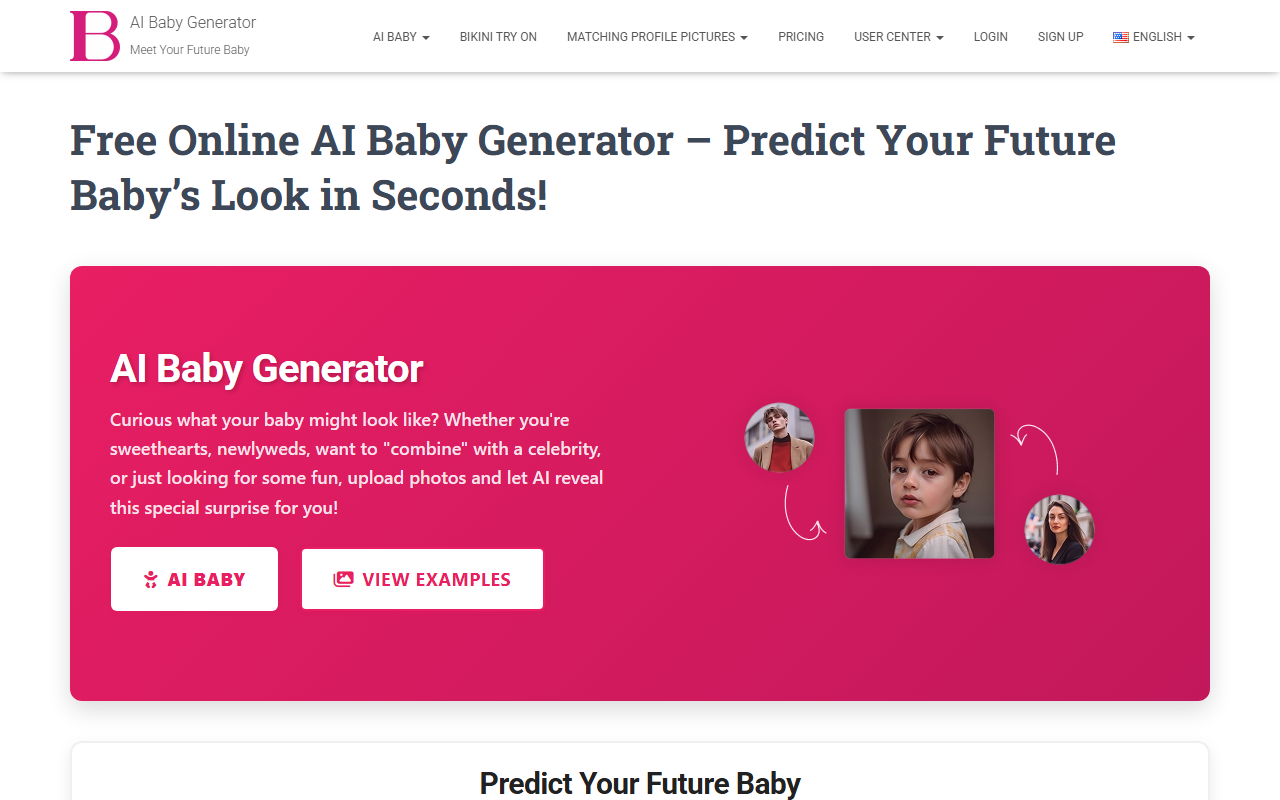
Upon visiting AI Baby Generator, the interface is immediately clear and welcoming. A single landing page presents two upload boxes for Parent 1 and Parent 2 photos, each with a 10 MB limit. Below that, an optional "Baby Features" section lets you specify details like eye color or hair texture. I tested the free tier by uploading two clear front-facing portraits (using sample images I had on hand) and clicked "Predict Your Baby Appearance." The tool displayed a loading message: "Our AI is analyzing parental features…" and returned a result in about 20 seconds. The output was a single, high-resolution image of a baby face that blended features from both input photos. The whole process took under a minute, and the interface never felt cluttered or confusing.
How the Technology Works and Pricing
The tool uses machine learning algorithms trained on thousands of family photos to analyze facial features, genetic traits, and family resemblance patterns. It identifies eyes, nose, mouth, face shape, skin tone, and hair from both parents, applies simulated genetic inheritance (dominant/recessive principles), and composites a baby-like image. The website emphasizes that results are for entertainment purposes. Pricing is not listed – the tool appears to be completely free to use, with no premium tiers or subscription plans visible. No API or integrations are offered; it is a standalone web app. For context, similar tools like Baby Generator by Remini often charge per generation after a free trial, making this free online alternative appealing for casual use.
Strengths and Limitations
Strengths: The interface is genuinely one of the simplest I have encountered – no sign-up required, no ads, and instant results. Privacy is a clear priority: the site states photos are deleted after generation. The output quality is good, with realistic skin tones and facial proportions. The "Family Combination Examples" section (Caucasian, Asian, Mixed Race, etc.) demonstrates the model handles diverse ethnicities reasonably well. Customizable features, such as specifying eye color or hair type, add a layer of personalization that many competitors lack.
Limitations: Accuracy is explicitly not guaranteed – these are speculative, algorithmic composites, not scientific predictions. During my test, the baby’s expression was fixed and neutral; the "Emotional Expressions" feature mentioned on the site did not appear as an option in the workflow. The tool also only generates one image per session; there is no slider or multiple variations to refine results. For users seeking more sophisticated AI painting features (e.g., style transfer, retouching), this is too narrow. Additionally, no advanced controls like age progression or multi-ethnic blending are offered beyond the basic upload-and-generate flow.
Who Should Try This Tool
AI Baby Generator is best suited for curious couples, expecting parents, or anyone looking for a lighthearted, free way to imagine a future baby’s appearance. It is also fun for social sharing or creating keepsake images for family announcements. However, professionals needing reliable, scientifically backed facial prediction (e.g., forensic artists) or users wanting robust editing tools should look elsewhere. The tool serves one specific purpose well – it is fast, private, and free. If your goal is simply entertainment with zero commitment, it delivers without gimmicks. Visit AI Baby Generator at https://ai-babygenerator.com/ to explore it yourself.










Comments