

First Impressions and Onboarding
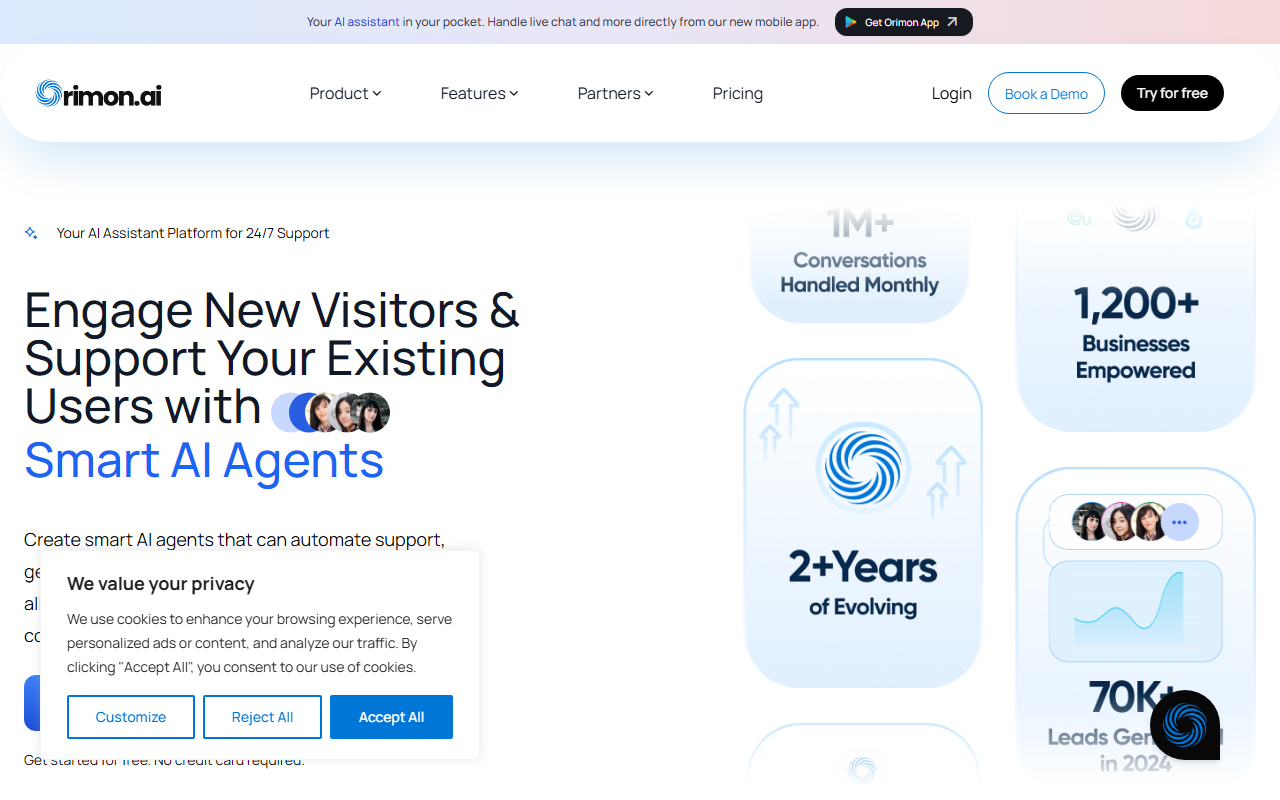
Upon visiting the Orimon.ai landing page, I immediately noticed a clean, modern design that emphasizes simplicity. The headline promises "revolutionizing digital interactions with generative AI chatbots," and the call-to-action to create a chatbot without a credit card is inviting. I clicked through and found a straightforward sign-up flow (just email and password). Within two minutes, I was inside the dashboard—a minimal but functional interface with a left sidebar for bots, integrations, and settings. The onboarding wizard prompted me to name my first bot and choose its purpose: support, lead generation, or internal queries. I selected "support" and was asked to upload website content or provide a URL to train the bot. I fed it a sample FAQ page, and within seconds, the bot was ready to test in a preview pane.
Features and Capabilities
The core strength of Orimon.ai lies in its no-code bot builder that leverages generative AI to understand and respond contextually. During testing, I explored several key features:
- Conversational Lead Qualification: The bot can automatically score leads based on conversation flow. I tested this by asking product-related questions; the bot captured intent and offered to connect me with a human agent—a nice handoff.
- Multilingual Support: The platform claims support for 150+ languages. I switched the bot to Spanish and typed a query; the response was accurate and natural. This is a huge plus for global businesses.
- Omnichannel Presence: You can deploy the same bot on website, WhatsApp, Instagram, and more. In the dashboard, I connected a test WhatsApp number via API—took about five minutes with clear instructions.
- Analytics Dashboard: A real-time analytics panel shows user behavior, engagement trends, and demographics. I saw a live count of conversations and a breakdown of common topics.
- Live Chat Handover: If the AI cannot resolve an issue, the chat can be seamlessly passed to a human agent. I triggered this by asking an ambiguous question; the bot escalated after two failed attempts.
- Chat Summaries: Each conversation ends with a concise summary, stored in the history. This is valuable for customer support teams to review context quickly.
Integrations with HubSpot, Pabbly, and others are available, though I did not test them. The bot appearance is customizable via themes—you can adjust colors and avatar to match your brand.
Market Positioning and Use Cases
Orimon.ai fits squarely in the customer service automation niche, competing with tools like Tidio and Intercom. Unlike Tidio, which requires more manual setup for AI workflows, Orimon focuses on instant deployment and generative responses. It also offers broader omnichannel support than many alternatives. The testimonials on the site—from a municipal court to a real estate CEO—suggest versatility. Pricing is not publicly listed on the website; only a free tier is advertised with no credit card needed. For detailed pricing, users must contact sales. This is a limitation if you want to budget upfront. The tool is best suited for small to mid-sized businesses that need an easy-to-launch chatbot for 24/7 support and lead gen without technical overhead. Larger enterprises with complex custom workflows may find the customization options too shallow.
Final Verdict
Orimon.ai delivers on its promise of quick, no-code chatbot creation with solid AI responses. Strengths include multilingual support, omnichannel deployment, and a user-friendly dashboard. However, the lack of transparent pricing beyond the free tier and potentially limited advanced customization are genuine drawbacks. I was impressed by how fast I could go from sign-up to a live bot—under ten minutes. For businesses that prioritize speed and ease over deep configurability, Orimon is a strong contender. I recommend trying the free tier first. Visit Orimon.ai at https://app.orimon.ai/ to explore it yourself.













Comments