

First Impressions: A Clean Dashboard with Generous Free Tier
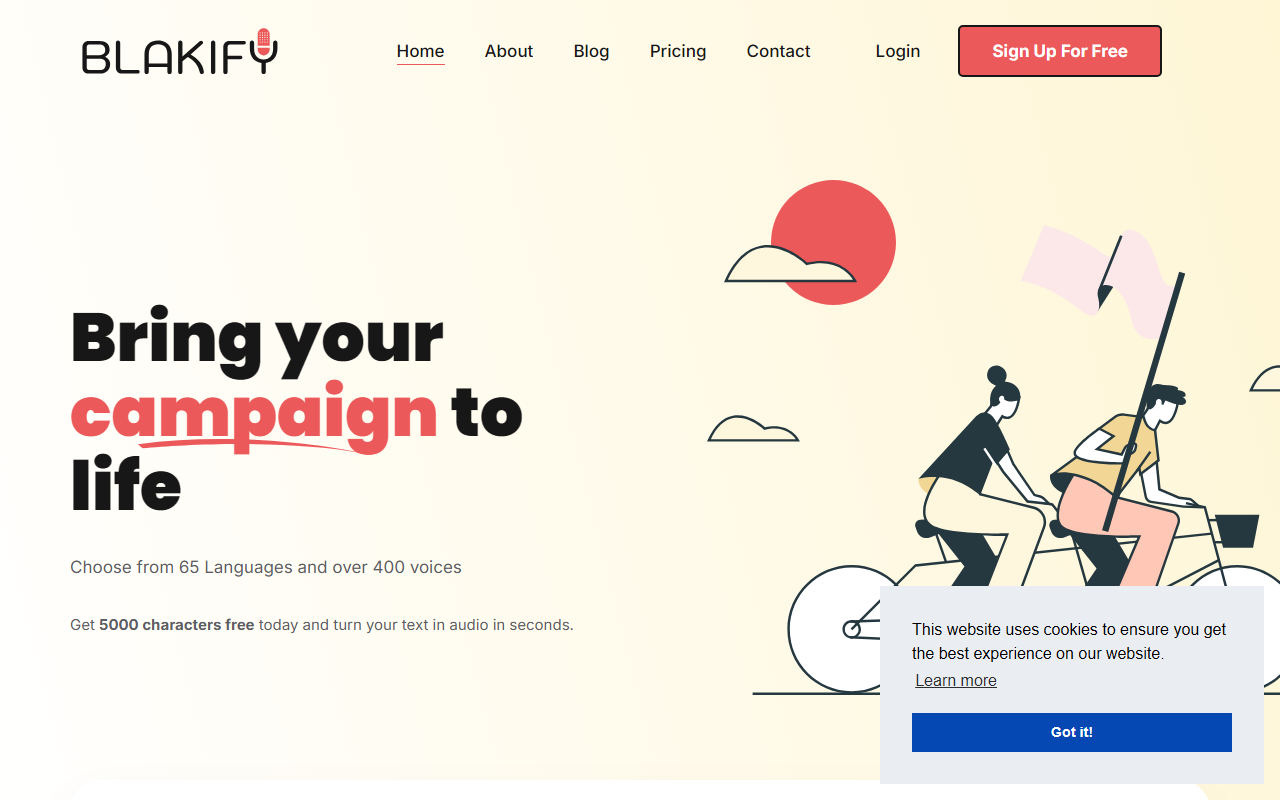
Upon visiting Blakify.com, I was greeted by a straightforward landing page that immediately highlights the tool's core promise: turn text into audio in seconds using over 700 voices across 70 languages. The interface is simple, with a clear call to action for a 5,000-character free trial—no credit card required. I pasted a sample paragraph and was able to generate an MP3 download within seconds. The voice selection panel shows flags and language codes (e.g., Yuna for Korean, Denise for French), making it easy to browse. The onboarding is frictionless, and the editor includes basic playback controls, speed adjustment, and an option to save drafts. For a first-time user, the experience feels polished and intuitive.
Features and Technology: Synthetic Voices from Leading Engines
Blakify aggregates voices from Google, Amazon, IBM, and Microsoft, offering over 700 voices in 65+ languages and accents. This is a standout feature—most TTS tools rely on one or two providers. During testing, I tried the US voice “Matthew” and the GB voice “Amy”; both sounded natural with proper intonation and rhythm. The platform supports SSML tags for fine-tuning pronunciation, speech styles, and pauses. You can export audio in MP3 or WAV formats and adjust sample rates. The editor also allows merging multiple audio files to create multi-voice dialogues—a useful feature for podcasts or e-learning.
Use cases listed include audiobooks, e-learning, telephony IVR, and voice-overs for videos. Blakify stores files securely and supports drafts with auto-save. Notably, the tool positions itself as a “lifetime access” product rather than a subscription, which is rare in the TTS space. The FAQ confirms updates are included in the one-time purchase.
Pricing and Market Position
Blakify offers a transparent pricing model: a free tier with 5,000 characters, then a one-time payment for lifetime access. Exact pricing is not publicly listed on the website (the pricing section shows “Chose your perfect Plan” but no numbers), which is a minor frustration. However, from customer reviews, it appears to be a competitive flat fee, often offered through deal platforms. This positions Blakify against subscription-based rivals like Murf (starting at $19/month) and Speechify (freemium with premium tiers). Unlike those tools, Blakify does not offer real-time collaboration or a mobile app—at least not prominently advertised. The strength is clearly the sheer voice library and cost efficiency for heavy users.
Verdict: Who Should Use Blakify?
Strengths: Massive voice library, natural-sounding synthesis, generous free trial, lifetime pricing, and support for multiple export formats. The aggregation from top AI providers means you get the best of each engine.
Limitations: No API mentioned (for developers), no mobile app, and the free tier’s 5,000 characters may be insufficient for serious projects. The lack of publicly listed prices on the main site could deter quick comparisons.
Recommendation: Blakify is ideal for content creators, authors, and e-learning developers who need a one-time investment and a wide variety of voices. If you require API integration or a mobile experience, look elsewhere. But for straightforward text-to-speech with high-quality output and lifetime access, Blakify is a compelling pick.
Visit Blakify at https://blakify.com/ to explore it yourself.










Comments