

First Impressions and Onboarding
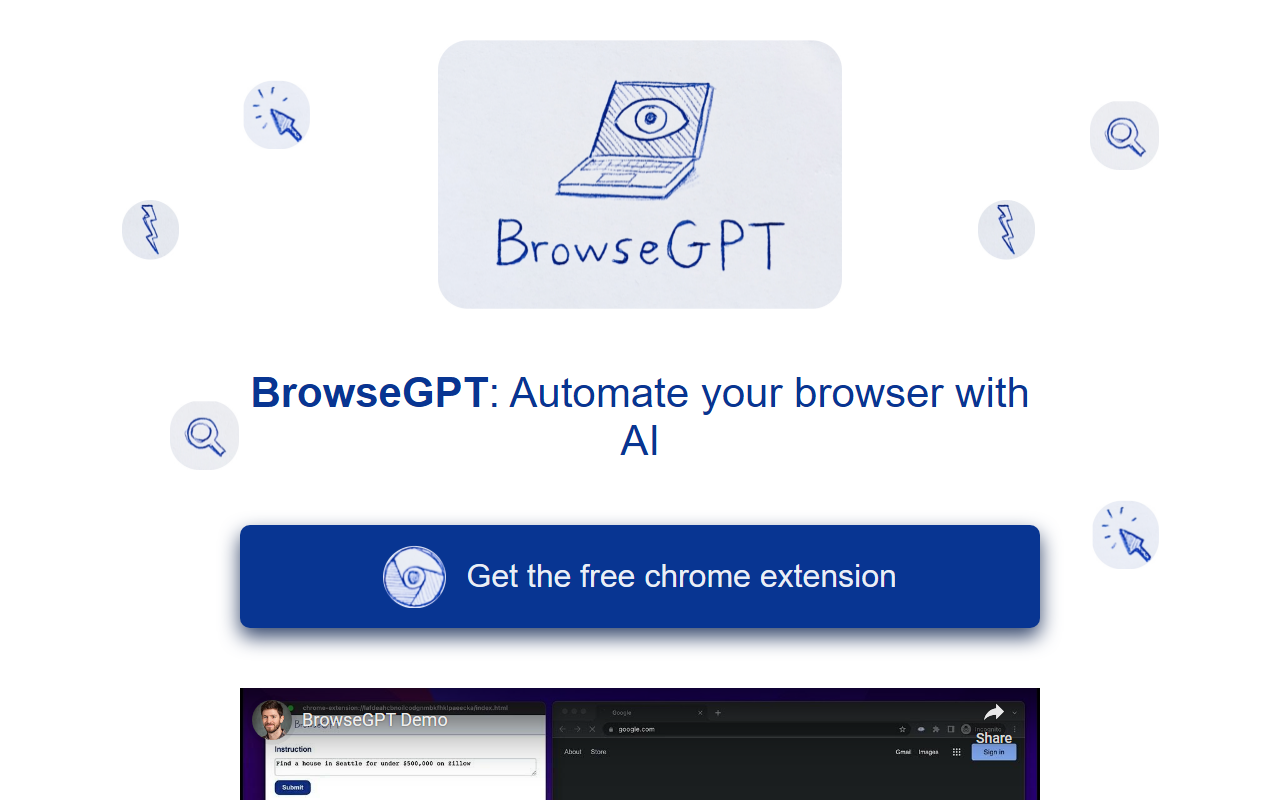
Upon visiting the BrowseGPT website, I found a clean, minimalist landing page. The primary call-to-action is a button labeled 'Get the free chrome extension', which directs you to the Chrome Web Store. Installation is frictionless — a single click adds the extension to your browser. After installing, a pop-up appears with a text field where you can type natural language instructions. There is no sign-up or API key requirement upfront, which makes it easy to test. The interface is simple: a single input box and a log panel showing the AI's reasoning and actions.
How BrowseGPT Works and What It Delivers
BrowseGPT leverages OpenAI's GPT-3 model to process the content of the current web page and generate browser commands such as CLICK, ENTER_TEXT, or NAVIGATE. For example, I instructed it to 'Find a place to stay in Seattle on February 22nd' while on a blank new tab. The extension first navigated to a search engine, typed the query, and eventually landed on a hotel booking site. Its reasoning for each step is displayed in the log, which is helpful for debugging.
However, as the website honestly warns, the tool is experimental. During my test, it got stuck in a loop trying to click a non-existent button and once navigated to a URL that returned a 404 error. The AI's decision-making is transparent — it explains why it chooses each action — but the reliability is low. It does not handle dynamic pages or complex multi-step workflows consistently. The extension also explicitly advises against using it on pages with private information or where errors could cause serious harm.
Pricing and Market Position
Pricing is not publicly listed on the website. The extension appears to be free to install and use without a subscription, but there may be usage limits tied to the GPT-3 API. Unlike enterprise-focused automation tools such as AutoGPT or browser-based RPA solutions like UiPath's AI fabric, BrowseGPT is lightweight and designed for casual experimentation. Its main competitor could be the now-deprecated 'AI' features in some browsers, but none offer the same open-ended instruction following. The tool lacks any integrations with databases or external APIs, making it a standalone proof-of-concept rather than a production-ready assistant.
Final Verdict and Recommendations
BrowseGPT’s greatest strength is its transparency — every action comes with a reason, allowing users to learn how the AI interprets instructions. It also requires zero setup, lowering the barrier for curious users. The real limitations are its unreliability and the safety warnings, which restrict practical use cases. It is best suited for developers, AI enthusiasts, or early adopters who want to explore the potential of browser automation without commitment. For mission-critical tasks or sensitive data, look elsewhere. If you enjoy tinkering and have low expectations, BrowseGPT offers a fascinating glimpse into the future of AI-assisted web navigation.
Visit BrowseGPT at https://browsegpt.ai/ to explore it yourself.










Comments