

What Casablanca Does and How It Works
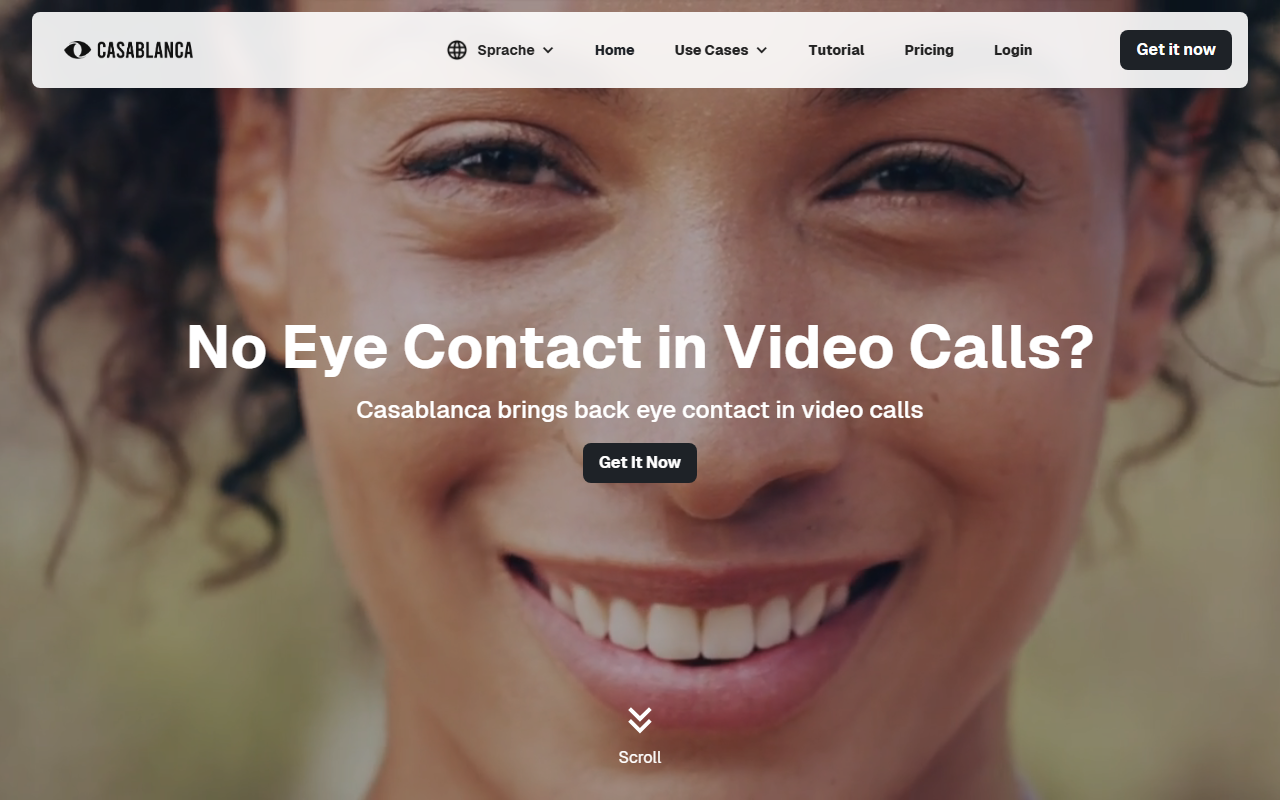
Upon visiting the Casablanca website, the message is clear: video calls lack eye contact, and this tool brings it back. Casablanca is a software-only solution that uses real-time AI to adjust your gaze so it appears you are looking directly at the camera, even when your eyes are focused on the screen. The technology processes all image data locally on your machine, meaning no video frames are ever sent to the cloud for analysis. This addresses a core pain point for remote workers, sales professionals, and educators who rely on trust and personal connection during virtual meetings. The setup is straightforward: after downloading the free version, you select Casablanca as your virtual camera in any video conferencing tool—including Zoom, Microsoft Teams, Google Meet, Webex, and OBS Studio. The AI then works in real time, preserving natural head and eye movement while subtly repositioning your gaze. Compatibility is broad, so you don’t need to switch platforms to use it.
Hands-On with the Free Tier and User Experience
I downloaded the free Starter tier directly from the site (registration required, no payment needed). The installation on Windows was quick, and after granting camera permissions, Casablanca appeared as a new camera source. Selecting it in Zoom instantly transformed my usual downcast gaze into a confident, direct look. The AI processing was snappy—no noticeable lag or dropped frames, even on a modest laptop. Importantly, the tool retains your natural expressions: when I moved my head or smiled, the effect adjusted fluidly without the creepy “stare” effect common in some early eye-contact tools. The dashboard shows minimal controls—on/off toggle and a settings gear for calibration. During my test call, the other participant remarked that my engagement felt much more personal. The free tier appears to be full-featured for non-commercial use, though the website notes a Pro version (7€/month) is “coming soon” with commercial licensing. For now, the free download offers a genuine taste of the experience. Testimonials from leaders at Aleph Alpha and German government officials add credibility, but I confirmed the core functionality myself.
Pricing, Availability, and Market Position
Pricing is refreshingly simple: a free Starter tier with no time limit, and a Pro version at 7€ per month (plus VAT) aimed at commercial users, though not yet available for purchase. Enterprise plans are available on request, including custom pricing and premium support. The website does not mention a macOS version, so Windows users are currently the primary audience. Compared to alternatives like NVIDIA Broadcast (free, but requires an NVIDIA GPU and offers only basic gaze correction) or hardware solutions like the Insta360 Link webcam (physical pan-tilt), Casablanca is unique in being purely software-based and GPU-agnostic. It also claims 100% privacy by running all computation locally—a strong differentiator for compliance-conscious users. The tool has been covered by German tech media and has backing from notable figures, but the company itself is relatively new (Casablanca.ai). For users on Windows who want a lightweight, privacy-first solution, this is an attractive option. The main drawback is the lack of a macOS version and the fact that the Pro commercial tier is not yet released.
Strengths, Limitations, and Who Should Use It
Casablanca’s greatest strength is its simplicity and immediate impact—it makes video calls feel more human without any hardware purchase. The on-device AI ensures privacy and works with virtually any webcam. However, there are limitations: the Pro version is not yet available, so commercial use (e.g., sales calls) may hit a watermark or be restricted. Additionally, Windows-only support excludes Mac and Linux users. The software requires a reasonably modern processor; older machines may struggle with real-time detection. Who should try it? Remote workers, salespeople, and educators who rely heavily on video calls and want to build trust quickly. If you already use a high-end webcam with physical eye contact features, this may not add much. But for anyone with a standard laptop camera, Casablanca offers a free, effective upgrade. Look elsewhere if you need macOS support, or if you require a polished enterprise tool with full licensing today. Overall, Casablanca delivers on its promise and is worth the download for anyone serious about improving their video presence. Visit Casablanca at https://casablanca.ai/ to explore it yourself.










Comments