

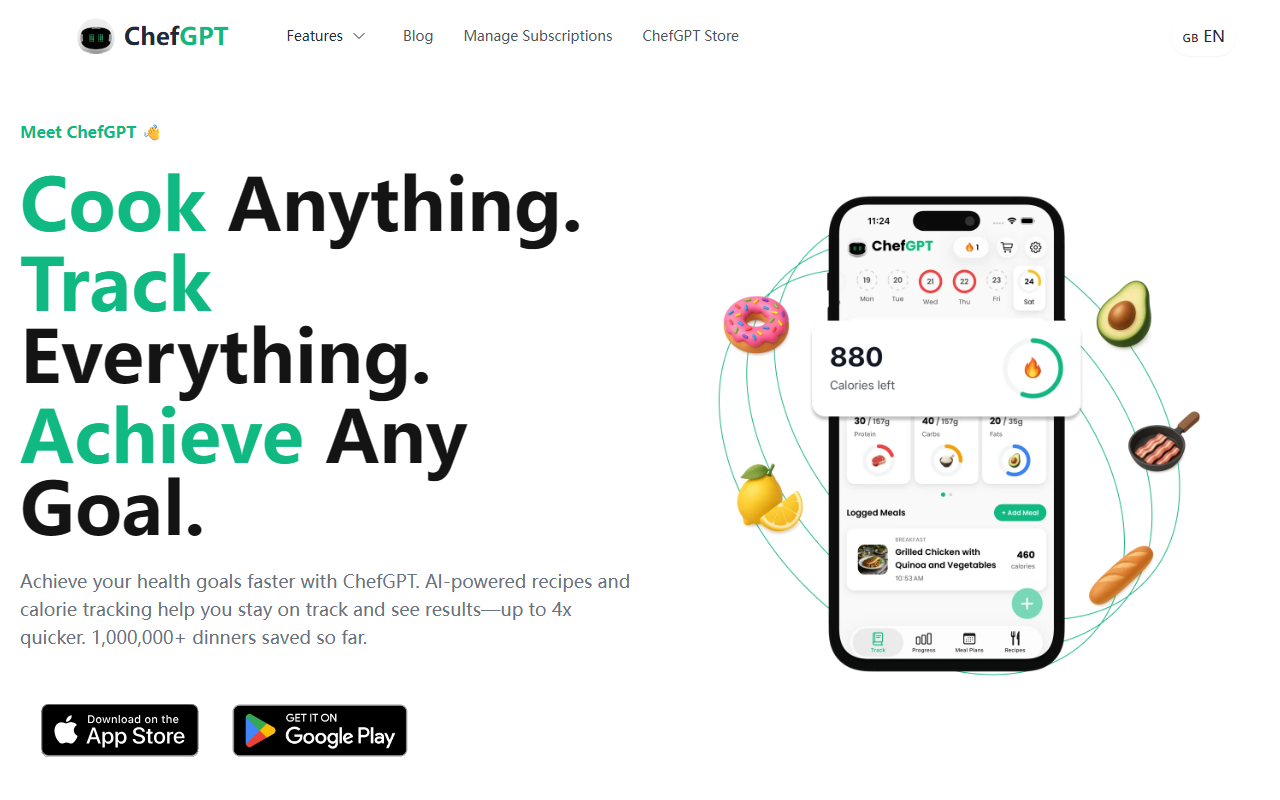
First Impressions: Onboarding and Interface
Upon visiting the ChefGPT site, I was greeted with a clean, modern design that immediately communicates its core value: AI-driven meal solutions. The landing page highlights four distinct AI tools—PantryChef, MasterChef, MacrosChef, and MealPlanChef—each targeting a different cooking or nutrition need. After clicking through, I found that signing up unlocks a dashboard that feels intuitive, with a central search bar and a camera icon for photo-based calorie logging. The onboarding flow briefly asks about dietary preferences and goals before generating a first recipe. I tested the free tier (which appears to exist, though pricing details were not explicit on the site) and was able to generate a recipe for a chicken stir-fry in under five seconds. The recipe included ingredient quantities, step-by-step instructions, and a nutritional breakdown. The interface is responsive, and the AI responses felt conversational and helpful.
Key Features: More Than Just Recipe Generation
ChefGPT’s standout feature is the photo calorie tracker: you snap a picture of your meal, and the AI identifies ingredients and estimates nutrition. During testing, I uploaded a photo of a salad bowl; the AI correctly identified lettuce, tomatoes, and chicken, though it missed the croutons. For recipe generation, you can either list ingredients you have or search for a dish. I typed 'pasta with pesto' and received three variations including a low-carb version using zucchini noodles. The pantry tracking feature is especially smart—you add ingredients as you shop, and ChefGPT suggests recipes to use them before expiration. MealPlanChef builds a weekly plan based on your calorie and macro goals, then outputs a shopping list. All these features integrate smoothly within a single account, making ChefGPT a comprehensive meal ecosystem rather than just a recipe generator.
Pricing, Positioning, and Comparisons
ChefGPT does not publicly list pricing on its website—you only see pricing after signing up. Based on industry patterns, such tools often have a free tier with limited generations and a premium subscription (usually $5–$10 monthly). In contrast, competitors like Yummly rely on ad revenue and recipe databases, while Whisk focuses on ingredient pairing. ChefGPT differentiates itself with the photo calorie tracker and real-time pantry management. With over 1 million dinners saved and 100k+ five-star ratings (according to the site), it has strong user validation. The AI likely uses a combination of GPT-based language models and custom computer vision for image recognition, though specific models are not disclosed. No API is mentioned.
Verdict: Who Should Use ChefGPT?
ChefGPT is best suited for health-conscious home cooks who want to reduce meal planning time and track nutrition without manual logging. It also works well for households aiming to reduce food waste through pantry tracking. However, the lack of transparent pricing may frustrate budget-conscious users, and the AI’s ingredient detection isn’t perfect—it can miss less common items. Additionally, those who prefer offline recipes or self-created meal plans may find the AI suggestions too rigid. Overall, I recommend ChefGPT as a powerful all-in-one kitchen assistant for anyone willing to pay for convenience and personalized meal insights. Visit ChefGPT at https://chefgpt.xyz/ to explore it yourself.













Comments