

First Impressions and Onboarding
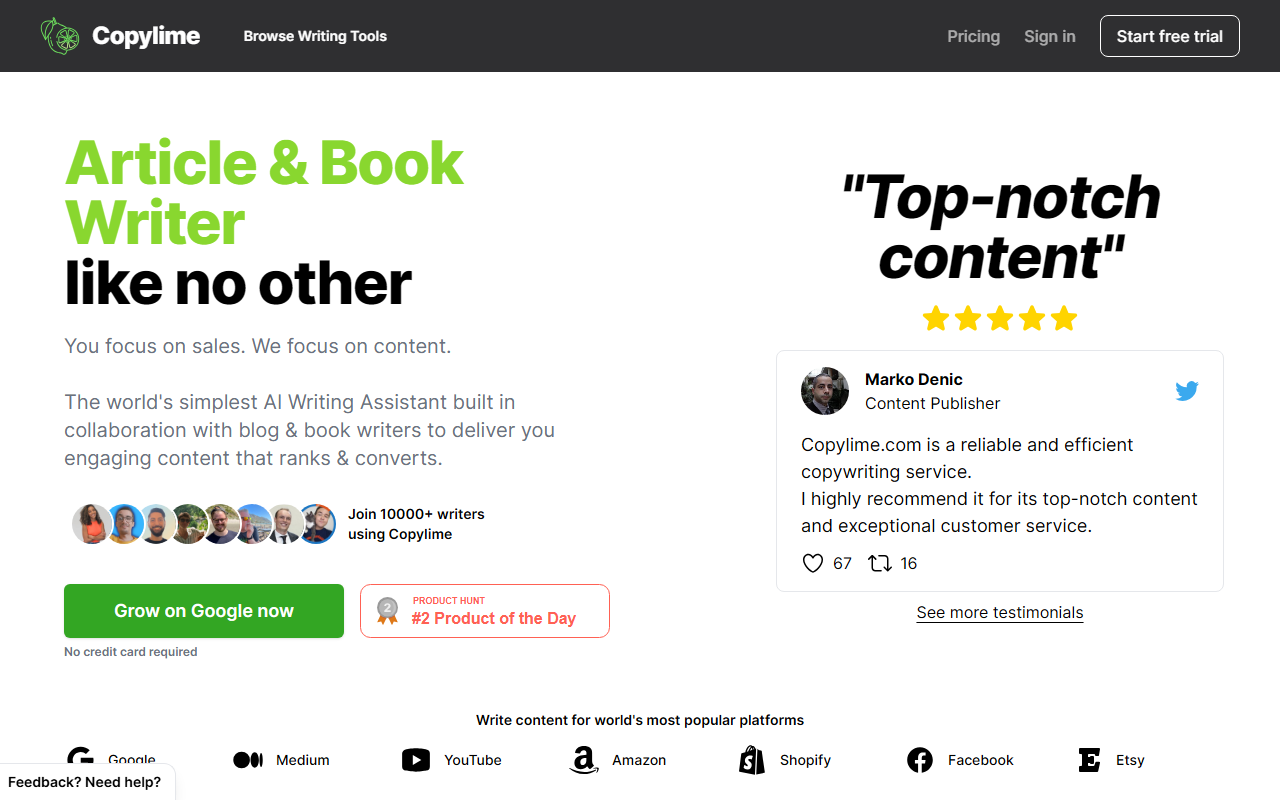
Upon visiting the Copylime website, I was greeted by a clean, distraction-free layout that immediately highlights its recent Product Hunt launch. The landing page emphasizes simplicity — 'You focus on sales. We focus on content.' The onboarding flow is minimal: you can sign up with email and receive a magic link, no credit card required. Within seconds, I was inside the dashboard, which presents a neatly organized list of tools categorized by use case — Blog, Email, Essay, Book, Ad, and more. The interface feels modern and responsive, built for speed rather than feature overload. I appreciated that I could jump straight into a tool without a tutorial.
Tool Capabilities and Templates
Copylime’s strength lies in its breadth of pre-built templates. The Article Writer, for instance, promises a full draft in under 60 seconds — and in my test with a blog post on ‘remote work productivity,’ it delivered a coherent 500-word article with an introduction, several paragraphs, and a conclusion. The Book Writer tool is a standout: it provides separate modules for idea generation, character creation, plot outlining, and chapter-by-chapter writing. This is ideal for authors who want to scaffold a longer project. Other templates include AIDA framework, before-after-bridge, product descriptions, Facebook ads, and even an excuse writer for personal use. The tool uses AI models that are not explicitly named, but the output quality is comparable to GPT-3.5 or similar. The ‘Need a new tool?’ call-to-action on every category suggests that Copylime is actively expanding its template library based on user requests.
Performance and Limitations
During testing, response times were impressively fast — most outputs appeared in under 10 seconds. The Article Writer generated a usable first draft, though I found the prose somewhat generic and lacking depth. For marketing copy like the AIDA framework, the tool produced persuasive bullet points but required me to infuse brand voice and specific benefits. Copylime claims over 200 million characters written by 10,000+ writers, which indicates a growing user base. However, a significant limitation is the lack of transparent pricing. The website does not display any pricing tiers; only a ‘No credit card required’ note for the free sign-up. This makes it difficult to budget for ongoing use. Additionally, while the tool offers many templates, it lacks advanced features such as long-form memory, plagiarism checking, or built-in SEO optimization — features that competitors like Jasper or Copy.ai include. Copylime is best suited for quick content generation, not for polished, publication-ready material.
Who Should Use Copylime?
Copylime is an excellent choice for bloggers and indie authors who need a fast, simple AI assistant to overcome writer’s block. Its book-writing capabilities are unique among AI writing tools and fill a real niche. Marketers writing short-form copy like email preheaders or ad variants will also find value. However, if you require advanced editing, team collaboration, or transparent pricing, you might prefer alternatives such as Copy.ai or Writesonic. Copylime’s focus on speed and template variety makes it a useful addition to any content creator’s toolkit, provided you are comfortable with editing the output. I recommend trying the free version to see if the quality meets your standards before committing to a paid plan. Visit Copylime at https://copylime.com/ to explore it yourself.










Comments