

First Impressions and Onboarding
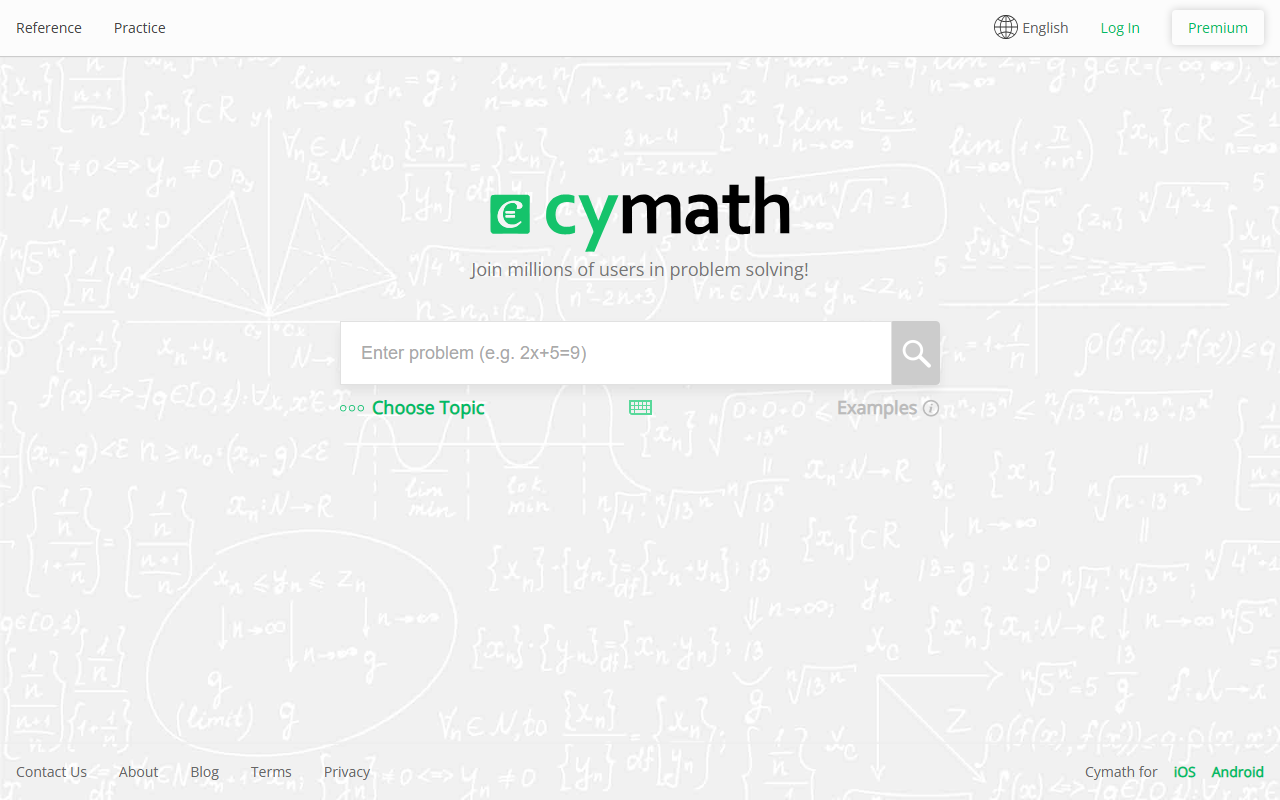
Upon visiting the Cymath website at cymath.com, I was greeted by a minimal, focused interface. The dashboard shows a single input field above a virtual keyboard packed with math symbols: plus, minus, parentheses, log, square root, and even integral notation. There is no clutter—just a search bar with a cursor and a "Choose Topic" dropdown that hints at examples like "(x+1)/2+4=7" or "integrate cos(x)^3". I entered "factor x^2+5x+6" and pressed Enter. Within moments, Cymath returned a clear step-by-step breakdown: factor into (x+2)(x+3), with each intermediate step explained. The free tier works well for basic problems, though I noticed a "Premium" login option in the top-right corner, suggesting advanced features are behind a paywall. The onboarding is essentially zero friction—no sign-up required to try a few problems—which lowers the barrier for students who just need quick help.
Features and Technical Depth
Cymath is essentially a symbolic math processing engine presented as a web app and mobile application (iOS and Android). It covers typical high school and early college math: algebra, equation solving, factoring, differentiation, integration, and even some trigonometric identities. The tool solves the problem and then displays each logical step, often with a brief justification in plain English (or other supported languages). The underlying technology is not explicitly stated, but based on the speed and accuracy, it likely uses a rule-based solver rather than a large language model. There is no API listed, and the website gives no hint of external integrations. The multilingual support—English, Spanish, Japanese, and both Simplified and Traditional Chinese—is a thoughtful addition for non-English-speaking users. However, I found a major limitation: Cymath lacks a camera or image input feature. Unlike Photomath, which lets you snap a photo of a handwritten problem, Cymath requires manual typing via the virtual keyboard. This makes it slower for scanning worksheets or textbook problems. The premium offering (pricing is not publicly listed on the website) may unlock additional features like detailed explanations, practice problems, or ad-free use, but I could not verify without logging into a paid account.
Market Position and Target Audience
Cymath competes directly with Photomath, Symbolab, and Microsoft Math Solver. Unlike Photomath, which focuses on camera-based input, Cymath prioritizes a keyboard-driven input experience. This makes it better suited for users who are comfortable typing math expressions and want a distraction-free solver. However, it feels less versatile than Symbolab, which offers a broader range of topics (including advanced statistics and physics) and a freemium model with clear pricing tiers. Cymath advertises "millions of users", indicating a strong user base, but the lack of transparent pricing is a red flag for power users. The tool is best suited for middle school, high school, and early college students who need quick step-by-step help on typical math homework. It is less appropriate for professional mathematicians or engineers who require advanced symbolic manipulation (e.g., Laplace transforms, differential equations beyond the basics) or those who prefer visual problem input.
Strengths and Limitations
The main strengths of Cymath are its clean, fast interface and its accurate step-by-step explanations. It works reliably for a wide range of common math problems, and the multilingual support is a genuine plus. On the other hand, the lack of camera input is a clear limitation that many users will find frustrating. Furthermore, the absence of publicly listed pricing for the premium tier forces users to guess what they will pay—this erodes trust. I also noticed that the tool does not support graphs or visualizations, which some problems (like inequalities in two dimensions) would benefit from. In summary, Cymath is a good free backup for specific scenarios, but it lacks the polish and transparency of its main competitors. I recommend students try it for basic algebra and calculus but keep Photomath or Symbolab handy for more complex or handwritten problems. Visit Cymath at https://cymath.com/ to explore it yourself.










Comments