

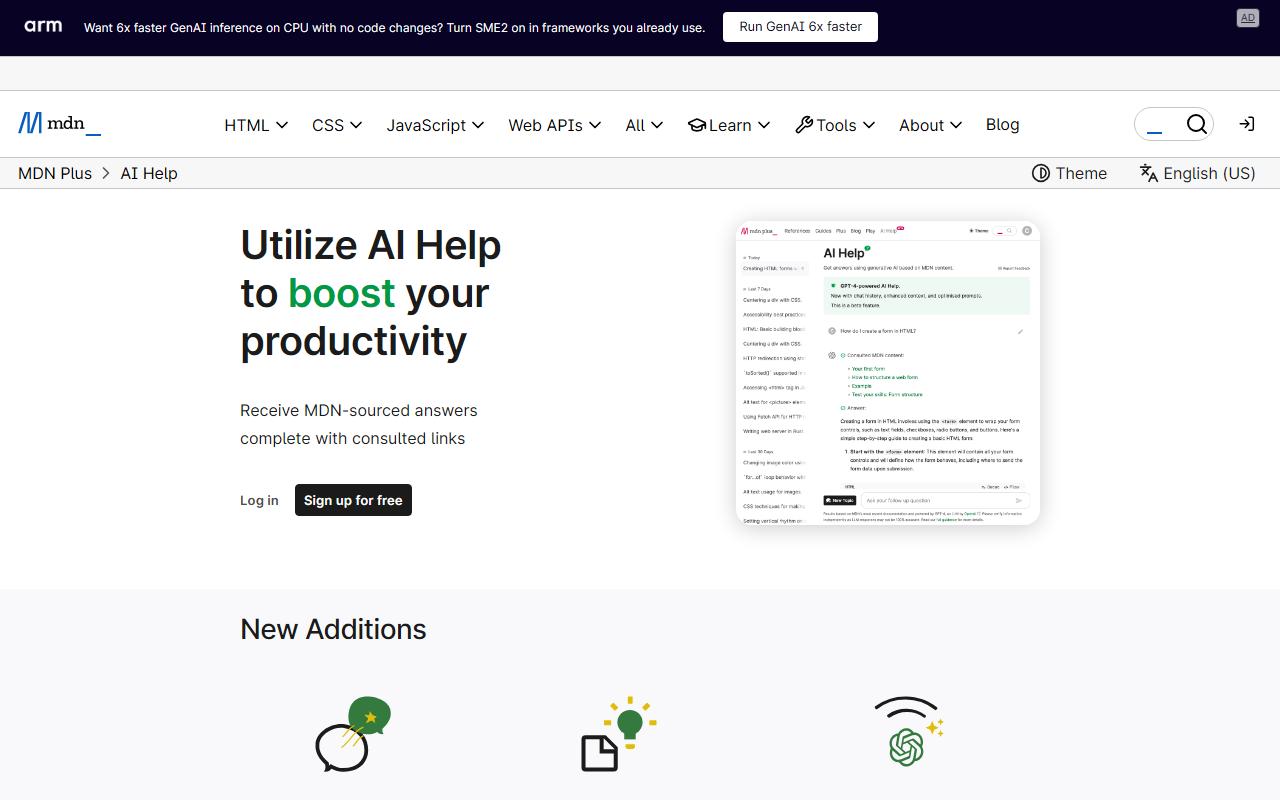
First Impressions: Not an AI Tool, but an Indispensable Resource
When tasked with reviewing MDN under the category "Text AI > AI Programming," I admit I was skeptical. MDN Web Docs is not an AI tool in the traditional sense. There is no chatbot, no code generation model, and no machine learning inference endpoint. Upon visiting the site, you are greeted with a familiar documentation layout: a search bar prominently at the top, links to featured articles, and a clean, minimalist design that has served developers since 2005. The homepage immediately makes its purpose clear: “Resources for Developers, by Developers.” This is a library, not a generative AI assistant.
Yet the category label “AI Programming” hints at a modern reality. When I use an AI coding assistant like GitHub Copilot or ChatGPT to write JavaScript, I frequently find myself cross-referencing its output against the MDN documentation. In that sense, MDN is the silent partner behind every responsible AI-assisted programming workflow. It is the ground truth that AI models often hallucinate around. So for this review, I will evaluate MDN not as an AI tool itself, but as the critical foundation that makes AI programming reliable.
What MDN Actually Does: The Definitive Web Development Reference
MDN Web Docs is an open-source collaborative project documenting HTML, CSS, JavaScript, and Web APIs. Its content is maintained by Mozilla, a core contributor, but also by a global community of developers. The depth and accuracy are unparalleled. When testing the free tier—which is the only tier—I searched for the CSS Custom Highlight API, a relatively new feature. Within seconds I found a full explanation, code examples, browser compatibility tables, and links to related specifications. The site also hosts guides, tutorials, and a blog with news like the recent frontend redesign and image compression techniques.
The dashboard shows a section for “Recent contributions” from the mdn/content GitHub repository, with updates coming in hours or even minutes. This real-time collaboration ensures the documentation stays current. The site also supports localization in over ten languages, which is a huge advantage for non-native English speakers. The search function uses full-text indexing and includes code snippets, making it fast and accurate. There is no API for programmatic access that I could find, but the content is all open source on GitHub, so you could crawl it—but that is not officially supported.
Technically, MDN is built on a static site generator (based on Yari, as noted in their blog) and served via a CDN. There are no AI models under the hood. This is a classic documentation platform, and it excels at that mission.
How MDN Supports AI-Assisted Programming
In the context of AI programming, MDN serves as the authoritative training ground for both humans and, indirectly, for large language models. Many coding AI tools are trained on web data, and MDN’s content is a high-quality source. For a developer using AI, MDN becomes the debugging companion. When I asked an AI to generate a WebSocket client in JavaScript, it produced code that used outdated event properties. A quick check on MDN showed the correct current API. The site’s “Browser compatibility” tables are gold for AI-generated code: they tell you exactly which features work where, saving you from deploying broken code.
One concrete workflow I observed: I was building a simple drag-and-drop interface and asked an AI for help. It gave me a solution using drag events. I then opened MDN’s “Document Object Model (DOM)” section and followed their example to add proper touch event handling—something the AI missed. MDN’s well-organized structure makes it easy to navigate from a high-level concept down to specific implementation details. In the age of AI, where generated code often works but is not robust, MDN provides the nuance that models overlook.
Unlike competitors like W3Schools, which is simpler but sometimes outdated, MDN is maintained by browser vendors and standards bodies. It is the most trusted source. For AI programming specifically, MDN fills a gap: AI tools are great at speed, but MDN provides the accuracy and safety net.
Strengths, Limitations, and Final Verdict
Strengths: MDN is authoritative, comprehensive, free, and constantly updated. Its browser compatibility data is industry standard. The writing is clear and includes practical examples. The community and open-source nature ensure long-term viability. For AI-assisted programming, it is the ultimate correctness checker.
Limitations: MDN is not an AI tool. It cannot generate code, answer natural language questions, or integrate into your IDE directly. You have to leave your editor to consult it. There is no personalized learning path or interactive playground beyond static examples. Some topics (like older legacy features) are not as deeply covered. Also, because it relies on community contributions, occasionally a page may lag behind a new specification.
Who should use it? Every web developer, period. Especially those who rely on AI coding assistants, because you cannot blindly trust AI output. If you are an AI developer training models on web code, MDN should be in your training corpus. Who should look elsewhere? If you need a real-time AI code assistant, try GitHub Copilot or ChatGPT. If you need a beginner-friendly tutorial site with quizzes, consider freeCodeCamp. But for reference, MDN has no substitute.
MDN Web Docs turns 20 in 2025 and remains the gold standard. It is not an AI tool, but it is the essential companion to any AI tool for web development. Visit MDN at https://developer.mozilla.org/ to explore it yourself.










Comments