

First Impressions and Onboarding
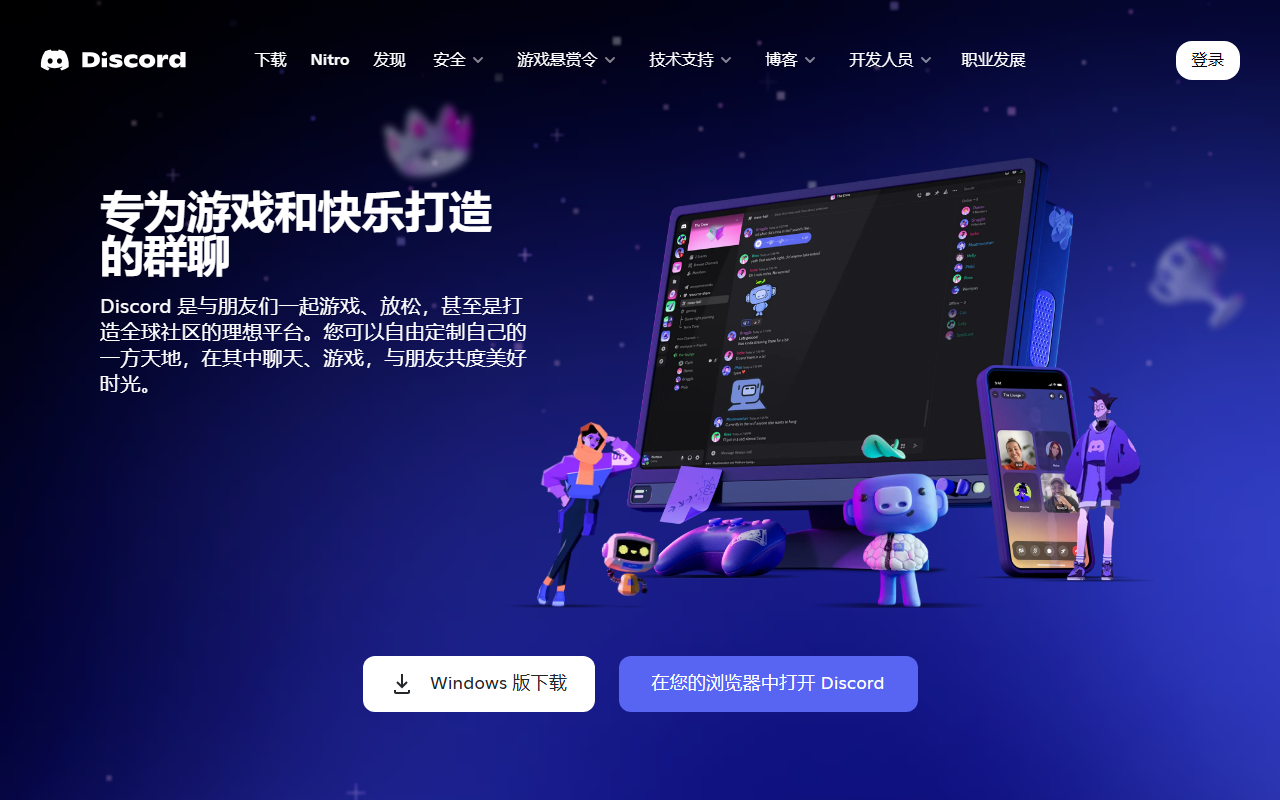
Upon visiting the Discord website, the vibrant branding immediately signals its gaming roots. The dashboard after login presents a clean left sidebar with server icons, a central channel list, and a main chat area. Onboarding is swift: you create or join a server, and within minutes you can start texting or hopping into voice channels. I tested the free tier by creating a small server; the experience was smooth, with intuitive controls for adding bots or customizing roles. The interface feels modern but can be overwhelming for new users due to the sheer number of features like threads, stages, and forums.
AI Features and Capabilities
Discord is not marketed as an AI tool, but it does incorporate AI under the hood. The most notable is Krisp-powered noise suppression during voice calls, which actively filters out background noise—a boon for remote meetings. Additionally, Discord’s AutoMod uses machine learning to scan messages for harmful content and flag or delete them automatically. I observed that while typing, the system quickly flagged a test message with a banned word. There is no native AI content generation or summarization, but third-party bots (like ChatGPT) can be added. These integrations make Discord a flexible platform for AI-powered workflows. However, the core product remains a social chat app, not an AI office suite. Its real-time voice and video quality is excellent, with low latency streaming ideal for collaborative watching or gaming.
Pricing, Integrations, and Market Position
Discord offers a generous free tier with unlimited messaging, voice, and video (up to 50 users). For power users, Nitro costs $9.99/month or $99.99/year, adding higher upload limits, custom emoji, animated avatars, and improved streaming quality. Nitro Basic is $2.99/month for essential boosts. Pricing is competitive compared to Slack’s $7.25/month per user or Microsoft Teams’ free tier with limits. Discord integrates with over 2000 apps via webhooks and bots, including Trello, GitHub, and YouTube. Its user base exceeds 150 million monthly active users. Unlike Slack, which targets enterprises, Discord focuses on communities and gamers. For office use, it lacks advanced admin controls and compliance features, but it excels in informal, low-friction collaboration.
Strengths, Limitations, and Final Verdict
Strengths: Free, cross-platform, excellent voice/video quality, and robust bot ecosystem. The AI noise suppression is genuinely useful for remote teams. Limitations: Not designed for business; lacks native document collaboration, integrated calendars, and advanced search. Privacy concerns arise from data logging and potential for harassment in public servers. Who should try Discord? Small teams or creative groups that value spontaneity and gaming-adjacent culture. Who should look elsewhere? Formal enterprises requiring compliance, audit trails, or tight Microsoft/Google ecosystem integration. My verdict: Discord is a powerful communication tool with AI augmentations, but it’s not a true AI office solution—use it for informal chats and game nights, not for serious project management.
Visit Discord at https://discordapp.com/ to explore it yourself.










Comments