

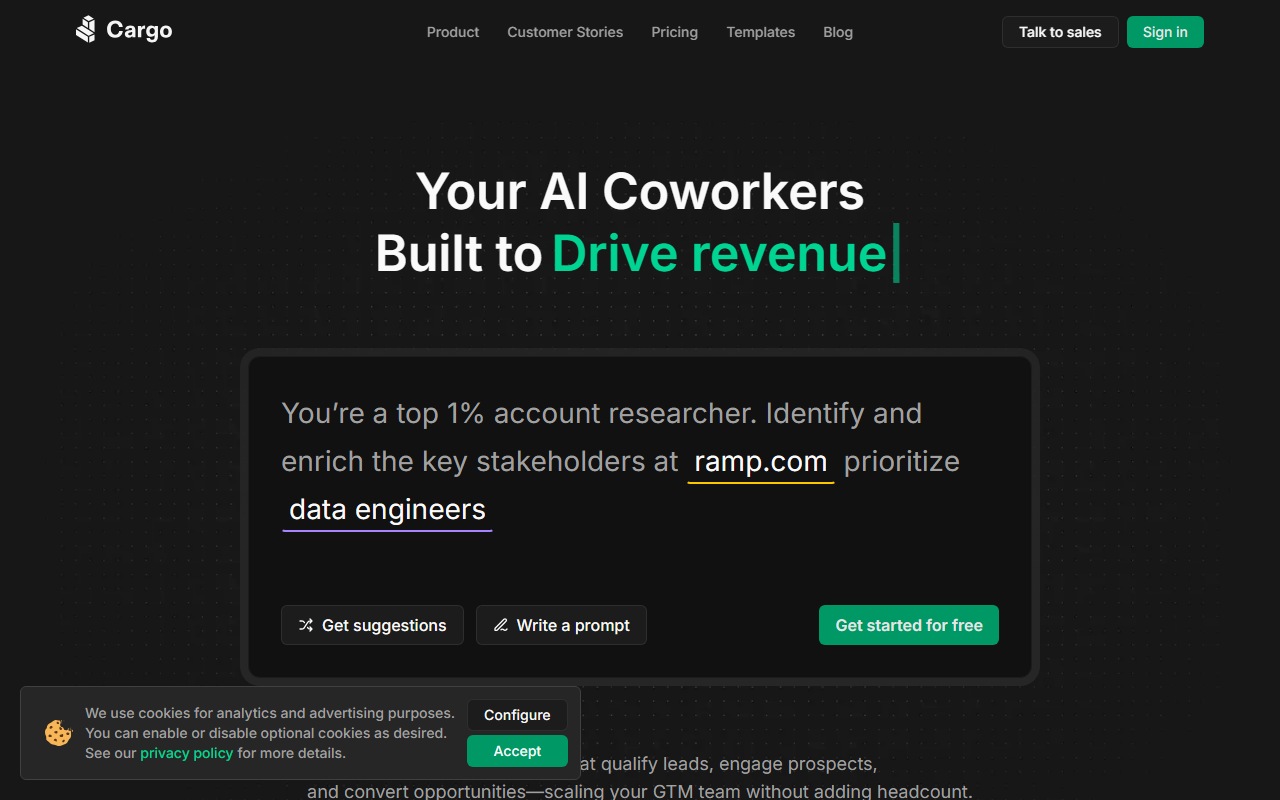
First Impressions and Interface
Upon visiting getcargo.ai, the site greets you with a clean, developer-focused homepage that immediately draws a parallel between Cargo and AWS—positioning it as an infrastructure layer for go-to-market operations rather than yet another point solution. The top navigation offers a clear choice: talk to sales or start building for free, and there is even a shortcut to install directly in Claude Code. This tells me the product is built with both technical and non-technical users in mind, but leans heavily into the developer experience.
The dashboard, after signing up for a free tier, presents a workspace where you can design what Cargo calls “plays” and deploy agents. The UI is modular: a visual builder for drag-and-drop workflow design, alongside code tabs for TypeScript and CLI. For someone like me who prefers visual logic, the builder felt intuitive; for engineers, the inline code editor with sample snippets (including imports from @cargo-ai/api) makes it trivial to start scripting. I tested the free tier by creating a simple play that watches for new leads and sends an enrichment request—it took under five minutes to wire up, and the version history and rollback features were reassuring.
Core Capabilities and Architecture
Cargo is not a CRM or a sales engagement platform. It is a programmable infrastructure layer that sits between your data sources (CRM, product analytics, enrichment providers) and your actions (routing, scoring, alerts). The platform is built on four primitives: Agents (autonomous workers that research and act), Plays (event-triggered workflows), Tools (reusable GTM functions callable from anywhere), and Data Models (a unified schema across your stack). This architecture means you can compose complex automation without resorting to brittle Zapier-style chains.
Under the hood, Cargo runs on a runtime that provides run-level observability—you can trace every step, decision, and failure across workflows. This is a genuine differentiator. Competitors like Clay offer enrichment and AI-based research but lack the infrastructure-as-code approach with versioning, controlled rollouts, and retries. Cargo also integrates natively with Claude Code, allowing you to operate your entire GTM stack from a terminal. The platform supports TypeScript, CLI, and MCP protocols, and it boasts over 100 pre-built integrations with common tools like Salesforce, HubSpot, and LinkedIn.
Use cases range from account list building and CRM enrichment to deal risk detection. For example, Descript used Cargo to automate lead enrichment, surfacing 5x more qualified prospects. Oneflow achieved 80% CRM data coverage by combining 30+ enrichment providers through a single play. These metrics, while provided by the vendor, align with what the platform’s architecture should deliver.
Pricing and Positioning
Pricing is not publicly listed on the website. The page only offers a free tier to start building and a clear call to talk to sales. This suggests an enterprise or usage-based pricing model, likely with custom quotes based on workflow volume and data usage. Given the infrastructure focus, I expect plans to scale from a few thousand monthly workflows to millions, with added costs for data residency, SSO, and premium support.
The company is trusted by over 10,000 GTM engineers and is SOC 2 Type II certified. It also offers data residency, SAML SSO, and version history—hallmarks of a platform targeting serious B2B teams. Competitors like Clay and Apollo provide overlapping enrichment and scoring features, but they are less programmable and less focused on infrastructure. Cargo’s strength lies in treating GTM automation as code, which appeals to teams with engineering resources who want to avoid vendor lock-in.
Who Should Use Cargo?
Cargo is best suited for revenue operations teams and GTM engineers who write scripts and want to automate complex, multi-step workflows without building internal tooling. If your team already uses Claude Code or similar AI coding assistants, the integration makes Cargo a natural extension. On the other hand, if you are a small business looking for a simple lead scoring tool with a fixed price, Cargo’s lack of transparent pricing and its developer-fluent interface may be overkill. The platform does require some technical comfort—even the visual builder expects you to understand triggers, conditions, and data models.
Genuine strengths include observability at the run level, versioned workflows, and the ability to switch between UI and code without losing fidelity. A real limitation is the missing self-serve price list, which makes initial budgeting tricky. Additionally, while the free tier lets you start, production usage almost certainly requires a paid plan, so evaluate carefully based on your scale.
I recommend Cargo for mid-market to enterprise revenue teams that already operate with a data-driven GTM motion and are willing to invest in infrastructure over point solutions. Start with the free tier to test a single play, then engage sales for a custom quote.
Visit Cargo at https://getcargo.ai/ to explore it yourself.










Comments