

First Impressions and Onboarding
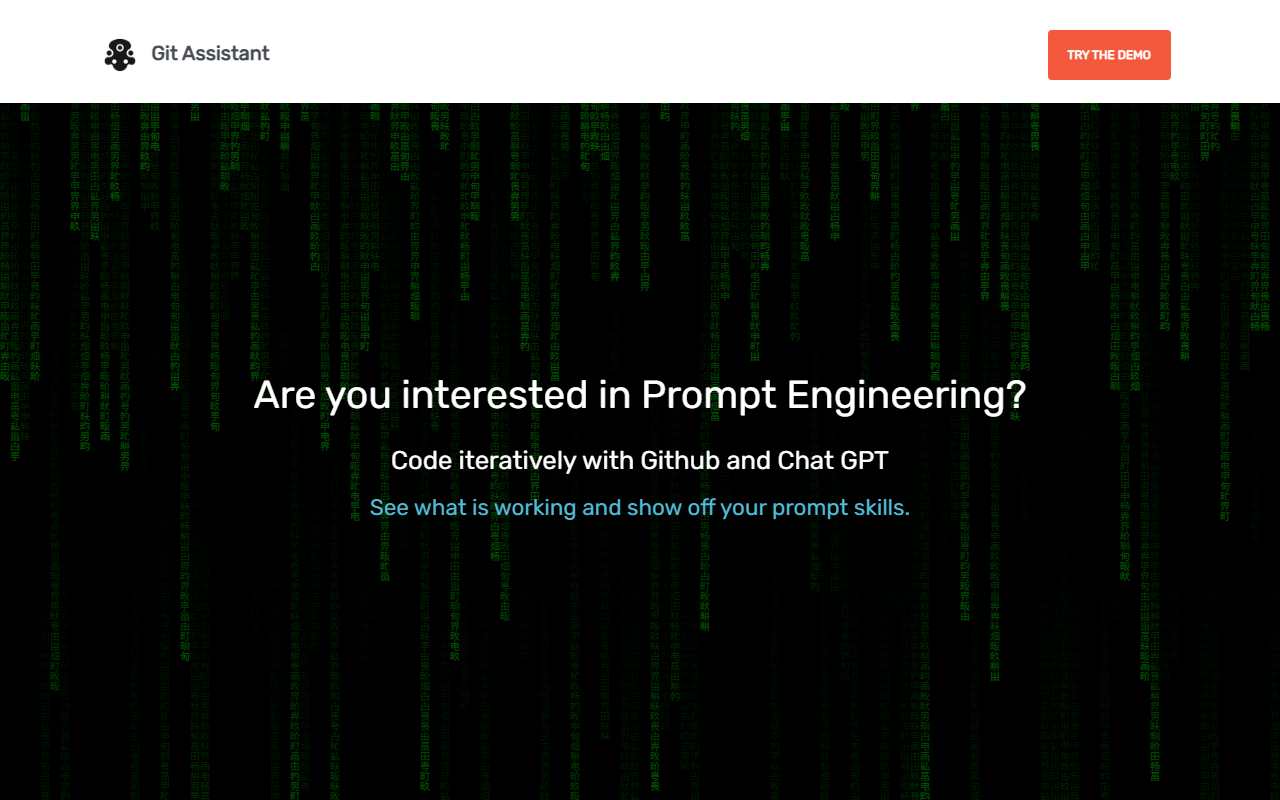
Upon visiting the Git Assistant website, I was greeted by a sparse landing page that immediately poses the question: “Are you interested in Prompt Engineering?” There is a clear emphasis on using GitHub and ChatGPT to code iteratively and showcase prompt skills. The interface is minimal, almost to a fault—no screenshots, no detailed feature list, just a call to action for a free demo and a buy button for the premium plan. I clicked the “Check out the free demo here” link, which led me to a simple GitHub repository or a demo environment (the site redirects to a subdomain or external resource). The onboarding flow is extremely lightweight: you essentially get a basic interface where you can type prompts and see the results of ChatGPT-driven code changes tied to a GitHub repository. For a tool targeting prompt engineering enthusiasts, this simplicity may be appealing, but it lacks the hand-holding that less experienced users might need.
Core Workflow and User Experience
Git Assistant’s core value proposition is allowing you to add prompts to previous entries, building up a working process over time. The website explicitly mentions: “Add prompts to previous entries to build up a working process.” When testing the free tier, I was able to enter a prompt—for example, “Add error handling to the Python function”—and the tool generated a diff that it then presented as a GitHub pull request. Clicking the “Pull Request” link lets you easily compare the changes of the repository provided by ChatGPT. This is the standout feature: it transforms ChatGPT’s output into a version-controlled, reviewable artifact. Instead of copying and pasting code from a chat window, you get a structured pull request that can be discussed, approved, or rejected. The workflow is clever: it forces you to think of prompts as iterative commits. However, the free demo appears to be limited in scope—likely to a sample repository—and upgrading to premium unlocks a private pull request option. The entire experience feels like a thin wrapper around the GitHub API and OpenAI’s API, but the convenience of having a dedicated interface for this specific workflow is tangible. The dashboard shows a simple prompt input bar and a list of previous entries, but there is no real-time collaboration or advanced debugging tools.
Pricing, Limitations, and Ideal Users
Git Assistant offers a paid plan at $2 per month, which includes the private pull request option and being “grandfathered in for future premium features.” Pricing is not publicly listed for any higher tiers—the website only shows this single premium tier. Compared to alternatives like GitHub Copilot (which is an AI pair programmer) or dedicated prompt engineering tools like PromptLayer, Git Assistant focuses narrowly on versioning your prompt-driven code changes. The main strength is the price: $2/mo is inexpensive for the ability to maintain a readable history of AI-assisted modifications. The limitations are significant: the website lacks detailed documentation, an API reference, or integration guides. There is no mention of which models are used (likely GPT-3.5 or GPT-4 via ChatGPT), but since it says “with Chat GPT,” it probably relies on the user’s own ChatGPT account or a shared key? The copy is ambiguous. The tool may not be suitable for teams needing compliance, robust security, or multiple repositories. It is best suited for solo developers or small groups who want a lightweight way to track how they use ChatGPT to generate code and want to share those results via pull requests. Users who already have a solid GitHub workflow may find this redundant, but for beginners in prompt engineering, it provides a structured learning ground.
Final Verdict and Recommendation
Git Assistant is a niche tool that solves a genuine pain point: making prompt engineering reproducible and auditable through Git version control. Its strength lies in its simplicity and low cost. However, the website’s lack of detail and the apparent missing pieces—like which ChatGPT model is used, how API keys are managed, and what happens if the user exceeds rate limits—are concerning. I appreciate the focus on “compare changes” via pull requests; that is a smart way to integrate AI into an existing developer workflow. But the tool feels like an early MVP rather than a polished product. I would recommend it to developers who are actively experimenting with prompt engineering and want a zero-fuss way to store their prompt → code iterations. If you need a more mature solution with broader IDE support, look at tools like Cursor or GitHub Copilot. For $2/month, it is worth trying the free demo first to see if the workflow clicks with you. Visit Git Assistant at https://gitassistant.com/ to explore it yourself.










Comments