

First Impressions and Onboarding
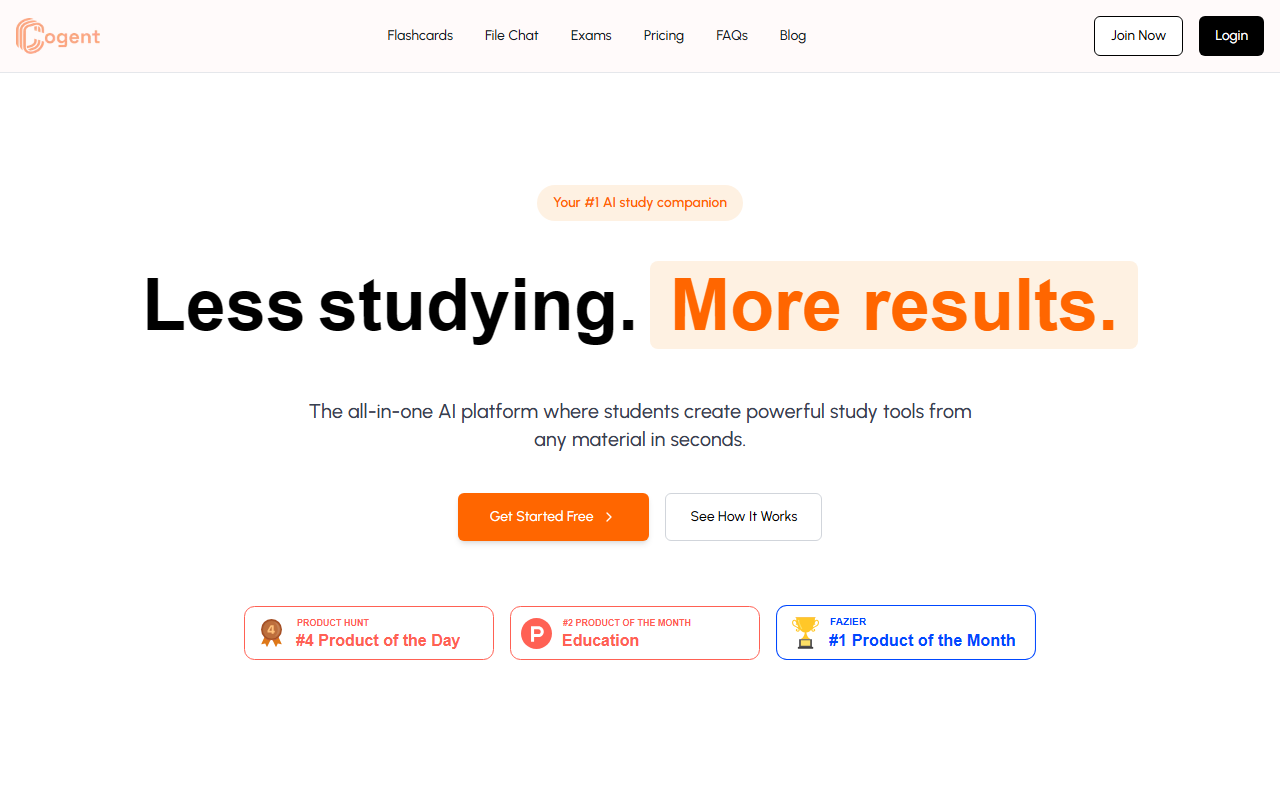
Upon visiting the joinco gent.com website, I was greeted with a clean, modern interface that immediately emphasizes the core promise: “Less studying. More results.” The homepage clearly outlines three main tools—Flashcards, File Chat, and Exams—with short demo videos and snippet descriptions. Getting started was straightforward: I clicked “Get Started Free” and was prompted to sign up with an email or Google account. The onboarding flow guided me to upload a sample file or paste notes. Within seconds, I saw the dashboard, which organizes all my study sets and files. The design feels student-focused, with bold colors and intuitive navigation. However, I noticed that the free tier is extremely restricted—only 3 AI flashcard generations per month and 5 file chats. That felt like a very limited taste, especially for anyone hoping to evaluate the tool thoroughly before committing.
Key Features and How They Work
Cogent’s three main features are all built around transforming uploaded material into interactive study aids. I tested the free tier by uploading a short PDF of textbook chapter notes.
Flashcards But With AI: The system processes the document and generates a deck of flashcards within seconds. The cards appear with the term on one side and a concise definition on the other, culled from the document. I could customize the text and add images (the latter is reserved for Elite users). Unlike traditional flashcard tools like Quizlet or Anki, Cogent’s AI does the creation for you—a huge timesaver. However, the free limit of 3 generations per month means you can only truly test this once or twice.
File Chat: This feature allows you to ask questions about your notes and receive answers with relevant quotes from the file. For example, I asked “What are the three main causes of the French Revolution?” and the AI extracted precise sentences from the PDF, highlighting where it found the information. This interactive Q&A is powerful for deep learning and exam prep. The “unlimited” variant is only on the Elite plan.
AI Simulated Exams: Cogent generates a realistic set of exam questions from your notes. After you answer them, the AI checks your responses against the source material and provides feedback on errors. In my test, the questions were relevant and the grading seemed accurate, though I could see nuanced or subjective subjects leading to incorrect assessments. The free tier allows only 2 exams and 3 checks per month.
Pricing and Value
Cogent offers two plans: a Free tier and an Elite tier at $5.99 per month (billed annually or monthly at the same price). The Elite plan removes all limits: unlimited flashcards, exams, file chats, folders, collaborative access, and image generation. There is also a “File To Study” feature coming soon. Compared to alternatives like Quizlet Plus ($3-$4/month with ads) or Anki (free but manual creation), Cogent’s pricing is competitive for the automation and AI features it provides. However, the free tier is too sparse for any serious studying—it’s really just a demo. Students who rely heavily on quick content generation will find the $5.99 price reasonable. One limitation: the website does not mention any API access, and there is no mobile app yet (only a browser version), which may hinder students who study on the go.
Final Verdict: Strengths, Limitations, and Recommendations
Cogent excels at saving time by automating the creation of study materials. Its file chat feature with direct quotes is genuinely useful for understanding complex texts. The exam simulation adds an extra layer of practice that is rare in simple flashcard apps. However, the tool has clear limitations: the free tier is too restrictive for thorough testing, the AI may occasionally misinterpret nuanced content (common with LLMs), and the lack of a mobile app limits its portability. For students who prefer to study on phones or tablets, tools like Quizlet or Knowt (free mobile version) might be more accessible. Cogent is best suited for high school or college students who study primarily on a laptop and want an all-in-one assistant that generates flashcards, quizzes, and chat responses from their own materials. If you are willing to pay $5.99/month for serious productivity gains, it is worth trying—but sign up for the free tier first to see if the AI output meets your standards.
Visit Cogent at https://joincogent.com/ to explore it yourself.










Comments