

First Impressions and Onboarding
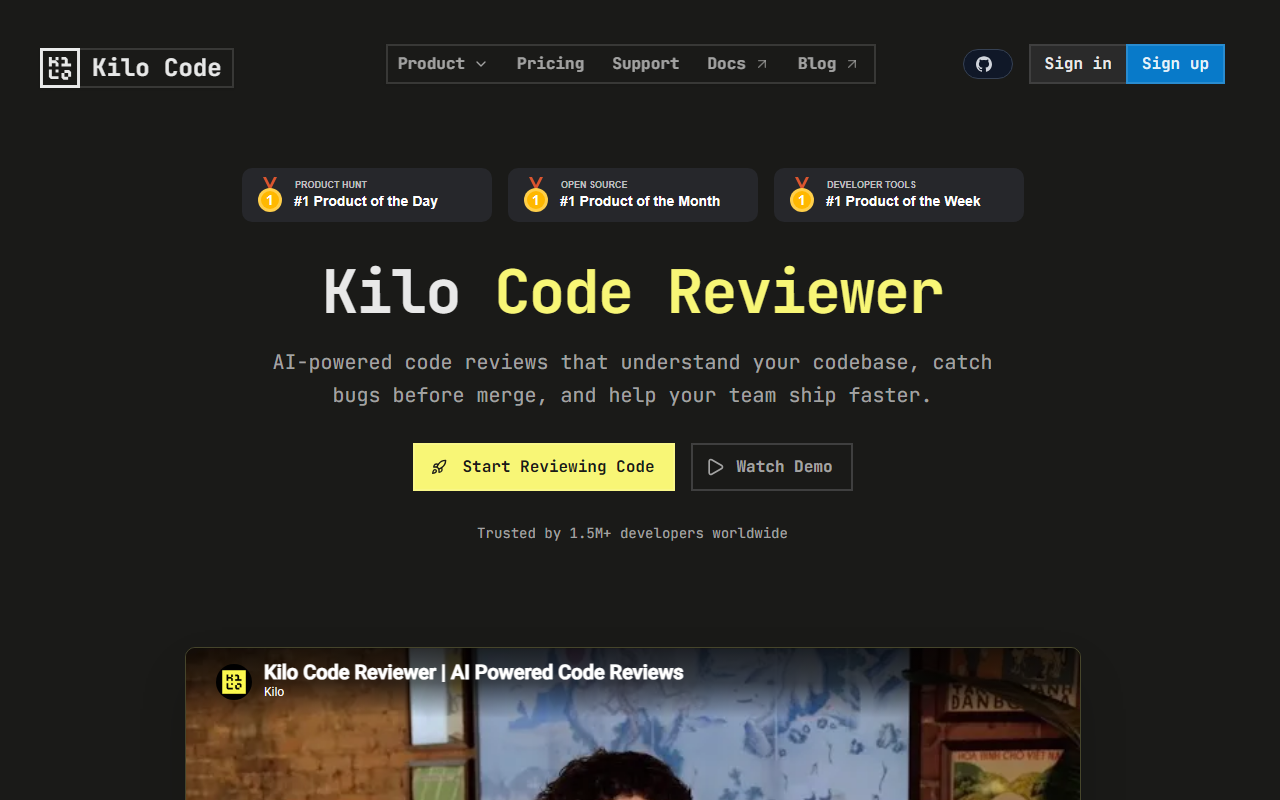
Upon visiting the Kilo website, I was struck by the clean, developer-centric layout. The hero section immediately pitches an "always on AI for everyone," but the real focus is on their two products: Kilo Code (the open source coding agent) and KiloClaw (a hosted OpenClaw agent). Sign-up is straightforward — a simple email or GitHub login gets you started with Kilo Auto, which the site claims requires no credit card. The onboarding flow for the VS Code extension is smooth: after installing from the marketplace, you can pick from 500+ models (including OpenAI, Anthropic, and open source options) via the Kilo Gateway. I tested the free tier and was able to run a code refactor within minutes. The dashboard shows recent conversations, agent mode switches, and a token usage counter — reminiscent of Cursor but with a cleaner focus on agentic workflows.
Core Features and Agent Modes
Kilo’s standout feature is its multi-mode architecture. The Code mode lets you write, refactor, and ship production code while the agent understands your entire codebase. I switched to Architect mode to plan a complex feature, and the agent gave structured, step-by-step guidance before I wrote a line. Debug mode reads error traces and suggests fixes — a huge time saver. The Ask mode serves as a general Q&A, while a Custom mode lets you define your own instructions. These modes are available across VS Code, JetBrains (IntelliJ, PyCharm, WebStorm), and the CLI. Additionally, KiloClaw (hosted OpenClaw) deploys in under 60 seconds with no SSH, Docker, or yaml, and connects to Telegram, Discord, or Slack for automated tasks and cron jobs. The platform claims 2.3 million Kilo Coders and 25 trillion tokens processed, which signals strong adoption among developers at companies like Meta, Amazon, and Airbnb.
Pricing, Privacy, and Market Position
Pricing is not publicly listed on the website. The only mention is "Start free with Kilo Auto — no credit card required," suggesting a freemium model with likely usage-based pricing for higher tiers. Competitors like Cursor and GitHub Copilot offer similar IDE-level assistance, but Kilo differentiates itself by being fully open source (Apache 2.0 license) and providing a hosted agent for background automation. Privacy is handled via a security whitepaper-backed infrastructure, and since the code is open source, enterprises can audit it. One limitation: the documentation for custom model configurations could be more detailed, and the JetBrains plugin, while functional, feels slightly less polished than the VS Code version. Also, the hosted KiloClaw agent is still in early access, so some features may change.
Verdict: Who Should Use Kilo?
I recommend Kilo for developers who want an open source, multi-IDE coding agent with flexible model support and the ability to run automated tasks via a hosted agent. It’s especially suited for teams that value code privacy and the freedom to self-host. If you prefer a more polished, closed-source experience with deeper IDE integration, Cursor or Copilot might be a better fit. Kilo’s strength lies in its modular agent modes and the promise of 24/7 automation via KiloClaw — but be prepared for some rough edges in non-VS Code editors. Ultimately, it’s a powerful tool for agentic engineering that’s worth trying, especially since the free tier has no barrier to entry. Visit Kilo at https://kilo.ai/ to explore it yourself.










Comments