

First Impressions and Core Functionality
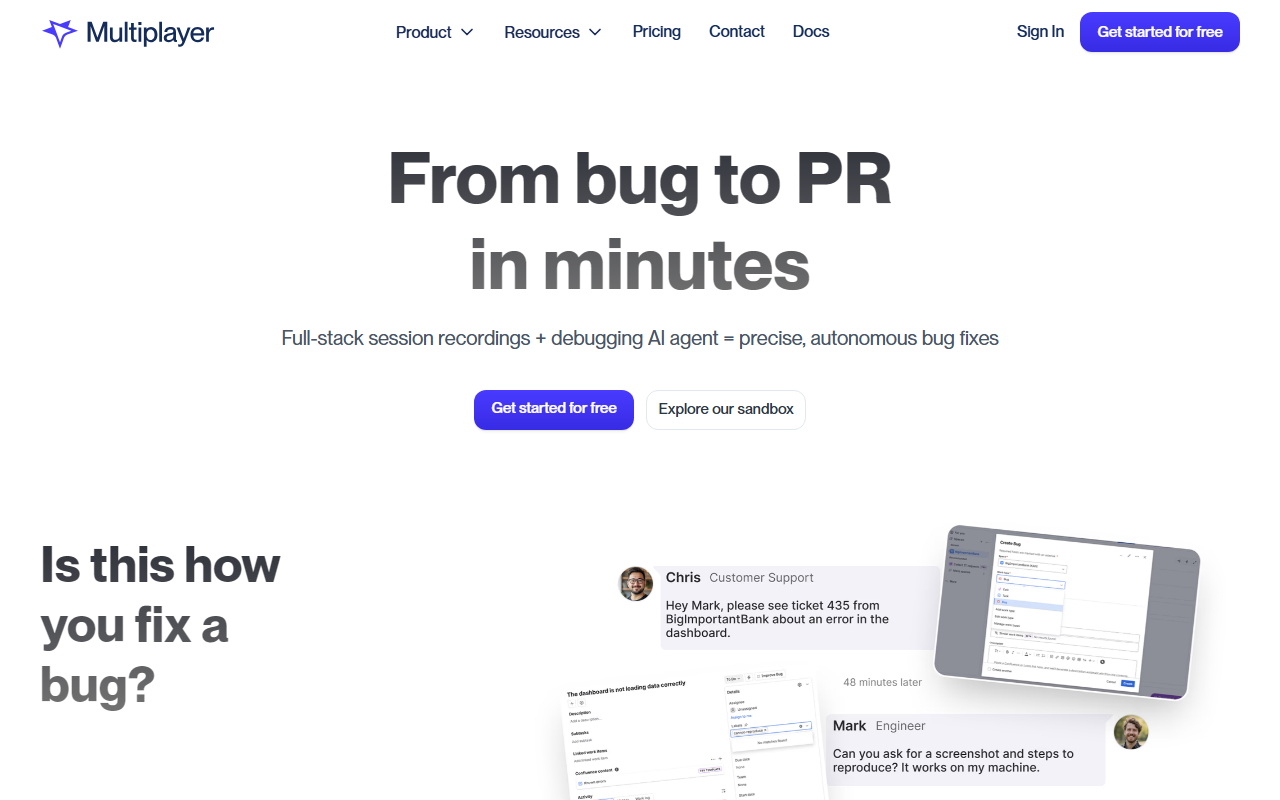
Upon visiting the Multiplayer website, the messaging is immediate and aggressive: “From bug to PR in minutes.” The hero section contrasts the old way—1 bug, 10 days, 5 departments—with Multiplayer’s claim of resolution in 5 minutes by one person (or one AI agent). I signed up for the free sandbox to explore the interface. The dashboard presents three recording modes: on-demand (via browser extension, widget, or SDK), continuous (background recording for all sessions), and conditional (triggers automatically when anomalies occur). Each mode addresses a different pain point in debugging workflows.
The tool captures full-stack session data: complete frontend interactions, deep backend traces, logs, and full request/response content and headers for internal services and external APIs. Importantly, all data is auto-correlated—no scattered logs across five tools, no sampled traces that miss edge cases. When I tested the free tier by installing the Chrome extension and recording a simple web app interaction, the replay showed every network request, console log, and user action in a timeline that felt as fluid as a video. I could click on any trace to inspect payloads and headers. The interface is clean, with a left-hand sidebar for sessions and a main replay window that supports annotations.
How Multiplayer Addresses Modern Debugging
The standout feature is the AI integration. Multiplayer can feed complete runtime context to existing AI coding tools (like GitHub Copilot) or use its own autonomous AI debugging agent to generate ready-to-approve pull requests. This is especially relevant in an era of “vibe coded slop”—as the site puts it—where AI-generated code introduces new bugs. By giving AI the actual session data, full payloads, and correlated traces, the tool reduces hallucinations and guesswork. I found the MCP (Model Context Protocol) readiness notable: the tool exports system context, user actions, traces, logs, and team annotations directly to AI IDEs, minimizing prompting effort.
Multiplayer also excels at capturing hard-to-reproduce bugs: intermittent failures, race conditions, and cascading microservice errors. The conditional recording mode silently captures user sessions even when the user doesn’t report an issue, giving teams complete visibility. For engineering workflows beyond bug fixing, the tool supports building new features, debugging failing tests, and sharing complete bug reports effortlessly. The integration list is robust: OpenTelemetry, DataDog, New Relic, Honeycomb, SigNoz, GitHub, GitLab, BitBucket, and SDKs for JavaScript, Node.js, Python, Java, .NET, Go, Ruby, PHP, Rust, Swift, and React.
Pricing and Competitive Landscape
Pricing is not publicly listed on the website. The call-to-action emphasizes “Get started for free” and a sandbox for exploration, suggesting a freemium or usage-based model typical of observability tools. Unlike competitors such as Sentry (focused on error tracking with limited session replay) or Datadog (full observability but costly and complex), Multiplayer differentiates by combining full-stack session recording with an autonomous AI fix agent. Another competitor, Replay.io, also offers session replay for distributed systems but lacks the same level of AI-driven PR generation. Multiplayer positions itself as a one-stop tool for the entire “bug to fix” cycle, targeting engineering teams from startups to enterprises that deal with complex, multi-service bugs.
Strengths, Limitations, and Final Verdict
Strengths: The tool’s ability to capture 100% of data without sampling is a massive advantage for diagnosing tricky distributed system issues. The AI agent that generates pull requests with full context is genuinely innovative and saves hours of manual investigation. The annotation and collaboration features (sketching on screenshots, adding requirements) turn session replays into actionable development plans. Onboarding is quick—the browser extension and npm package let developers start recording in minutes.
Limitations: Because pricing is opaque, it’s hard to assess cost for larger teams. The tool’s heavy reliance on browser-based recording may not cover every environment (e.g., mobile native apps or embedded systems). Also, while the AI agent is promising, the real-world accuracy of generated fixes depends on the complexity of the bug and the quality of runtime data; early adopters might still need to verify and tweak outputs. Some users may find the “full-stack” promise overwhelming if they only need simple frontend replay.
Final Recommendation: Multiplayer is best suited for engineering teams that frequently debug distributed systems, microservices, or hard-to-reproduce issues. If you are tired of jumping between five tools and want a single source of truth coupled with an AI assistant that actually produces pull requests, try the sandbox. For teams with simple monolithic apps or strict budgets, explore alternatives like Sentry or LogRocket first. Visit Multiplayer at https://multiplayer.app/ to explore it yourself.










Comments