

First Impressions and Onboarding
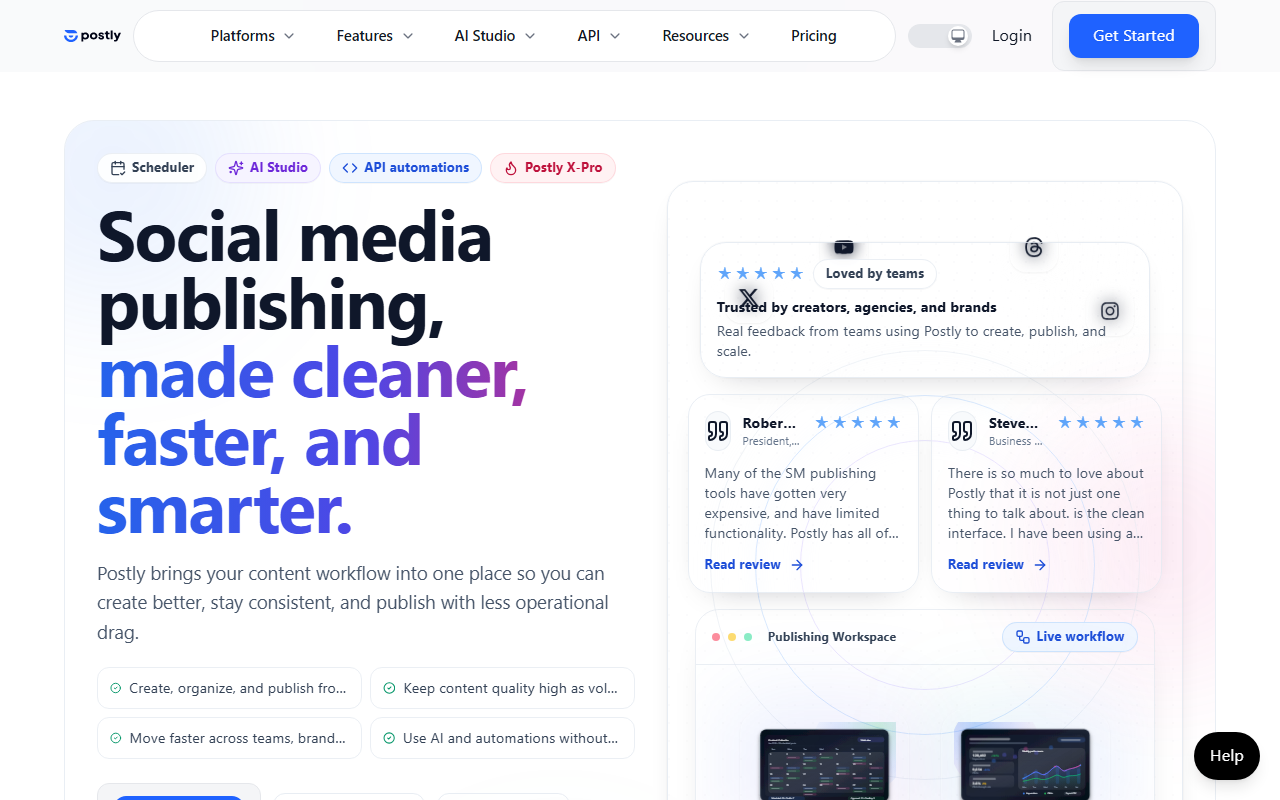
Upon visiting Postly.ai, the landing page immediately communicates its value proposition: “Create once. Publish everywhere. Automatically.” The design is clean and professional, with clear calls-to-action for a login or “Get Started.” I signed up for the free tier to test the workflow. The onboarding flow guides you through connecting your social accounts—12 channels are supported, including Telegram, Instagram, LinkedIn, YouTube, TikTok, and newer platforms like Bluesky and Threads. Email integration is also available for five providers: Mailchimp, Kit, Beehiiv, Brevo, and ActiveCampaign. The process was straightforward: you authorize each account, and Postly immediately recognizes the connection. I appreciated that you can connect multiple accounts on the same platform, which is a huge plus for managing personal and brand profiles from one dashboard.
Core Features and Workflow
Postly’s strength lies in its unified campaign flow: create, distribute, automate. When testing the free tier, I generated a campaign using the AI content assistant. I wrote a short topic about “social media tips,” and Postly produced three variations of copy with suggested visuals. The AI is not particularly advanced compared to tools like Jasper or Copy.ai, but it gets the job done for short-form posts. The distribution step lets you customize each platform’s post individually—adding “link in bio” for Instagram, setting a first comment for YouTube, or adjusting formatting for Telegram. This level of per-platform control is rare among all-in-one schedulers. Then, you can set up automation: recurring posts, bulk publishing, and approval workflows for teams. The dashboard shows a calendar view of scheduled content across all connected channels.
Technical details: Postly uses its own AI models for content generation and image creation (likely integrated with DALL·E or similar). There is no public API listed on the site, but the platform offers advanced features like X-Pro for Twitter analytics and automation. The interface is responsive and fast; I didn’t encounter lag during normal use. Email campaign support works through existing integrations, meaning you don’t get a built-in email builder, but you can trigger emails via your connected email service provider. This is a practical trade-off for users who already have established email systems.
Target Audience and Use Cases
Postly is designed for solo brands, creators, startups, businesses, and agencies. The website explicitly lists each persona with links to tailored sections. After testing, I’d say the tool is best suited for operators who need to maintain consistent visibility across many channels without spending hours on manual posting. For example, a freelance creator can schedule TikToks, Instagram Reels, and LinkedIn posts in one go, then set up a recurring weekly post for a blog update. For agencies, the approval workflow and multi-account management are essential. However, there are limitations: the AI is not as advanced for long-form content or SEO-focused writing. Compared to Buffer, Postly offers deeper platform-specific customizations (like Telegram inline buttons or YouTube Shorts settings), but Buffer has a more mature analytics suite. Hootsuite is a direct competitor with broader third-party integrations, but Postly’s unified campaign approach is simpler for those focused solely on social + email.
Strengths, Limitations, and Final Verdict
Strengths: The per-platform customization is exceptional. I could set a different image, caption, and link for each destination within the same campaign. The automation features (recurring posts, bulk scheduling) save significant time. The support team is responsive, as highlighted by user testimonials on the site. Also, the inclusion of upcoming platforms like Bluesky and Threads shows forward-thinking development.
Limitations: Pricing is not publicly listed on the website—you must click “View pricing” and likely see tiers after login. For transparency, many competitors display costs upfront. The AI content generation is functional but not best-in-class. There is no built-in asset library or advanced analytics beyond basic posting history. Additionally, email integration is limited to specific providers; users on other platforms (e.g., ConvertKit or Constant Contact) are out of luck.
Despite these gaps, Postly excels at solving the multi-channel distribution headache for regular content publishers. If you manage multiple social accounts and need to schedule posts with platform-specific tweaks, it’s a solid choice. I recommend trying the free tier to see if the workflow matches your style. Visit Postly at https://postly.ai/ to explore it yourself.













Comments