

First Impressions and Onboarding
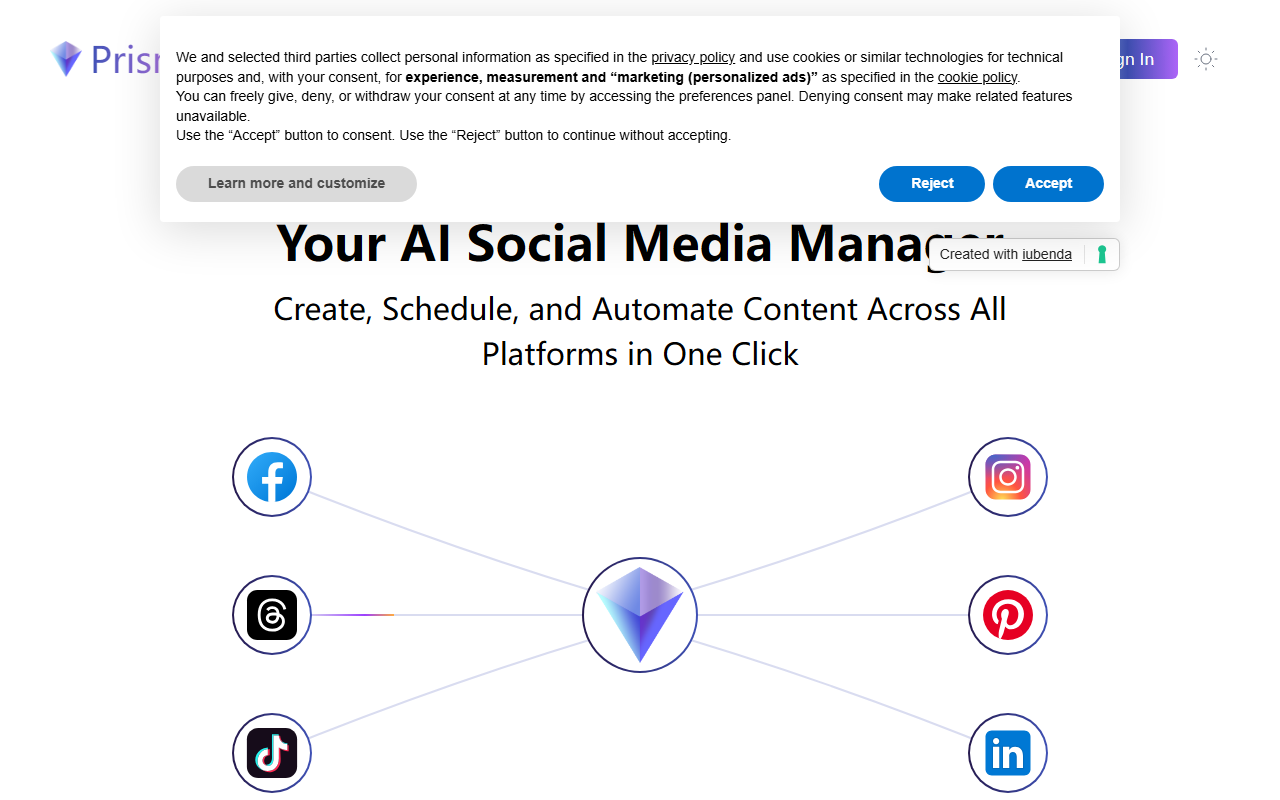
Upon visiting the Prismix website, I was greeted with a clean, modern interface that emphasizes speed and simplicity. The primary call-to-action invites you to “Try 7 days free” with no credit card required — a low-risk entry point. I clicked the “See Demo” button, which launched a brief product walkthrough highlighting the core value proposition: generate 30 days of content in one click.
The onboarding flow appears streamlined. You connect your social media accounts, define your brand voice, and set content preferences. The AI then creates a full content calendar, optimized for each platform’s unique format — from Twitter threads to Instagram carousels. During my demo experience, the process took less than two minutes to output a monthly plan. The interface feels intuitive, though some advanced settings are hidden behind tooltips.
Feature Deep Dive: Content Calendar and Analytics
Prismix’s headline feature is the AI-powered content calendar generation. Instead of hours of planning, you provide a few prompts or keywords, and the tool drafts a complete month’s worth of posts. It claims to maintain brand voice consistency, though I noticed the outputs required occasional tuning to match my specific tone. The “Perfect Posts for Every Platform” feature automatically adjusts character limits, hashtag density, and visual formats — a genuine time-saver for multi-channel managers.
The Advanced Analytics Dashboard is another strong suit. It offers engagement metrics, growth tracking, and competitive analysis. I particularly appreciated the smart suggestions for optimal posting times based on audience activity. However, the depth of competitor analysis is not fully detailed on the website; I would expect integration with tools like Brandwatch or native tracking of competitor social pages for actionable intelligence. The “Smart Content Hub” also stores top-performing posts for reuse, which helps in maintaining content consistency over time.
Pricing and Market Positioning
Significantly, Prismix does not publicly list its pricing tiers beyond the 7-day free trial. The FAQ acknowledges a pricing model but does not specify amounts. This lack of transparency could be a barrier for budget-conscious buyers. Compared to established tools like Buffer or Hootsuite, Prismix emphasizes AI automation over manual scheduling. Unlike Later, which focuses heavily on visual planning, Prismix prioritizes content generation speed.
The tool seems best suited for small to medium businesses and solo content creators who need to maintain a consistent posting schedule without a dedicated social media team. Enterprises requiring advanced approval workflows, custom analytics, or extensive integration may find Prismix too limited. The brand template feature is a plus for maintaining visual consistency, but I would like to see more platform-specific customization options for stories and live videos.
Final Verdict: Who Should Try Prismix?
Prismix excels at reducing the time spent on content calendar creation and scheduling. Its AI generates platform-optimized posts that adhere to your brand voice, and the analytics dashboard provides clear performance insights. The 7-day free trial allows risk-free testing. However, the lack of transparent pricing and potential limits on advanced analytics and integrations are drawbacks.
I recommend Prismix for busy marketers and small business owners who want to automate their social media content production. If you need deep competitive analysis, custom reporting, or enterprise-level collaboration, consider alternatives like HubSpot or Sprout Social. Try Prismix if you value speed and simplicity over granular control.
Visit Prismix at https://prismix.us/ to explore it yourself.













Comments