

First Impressions and Core Capabilities
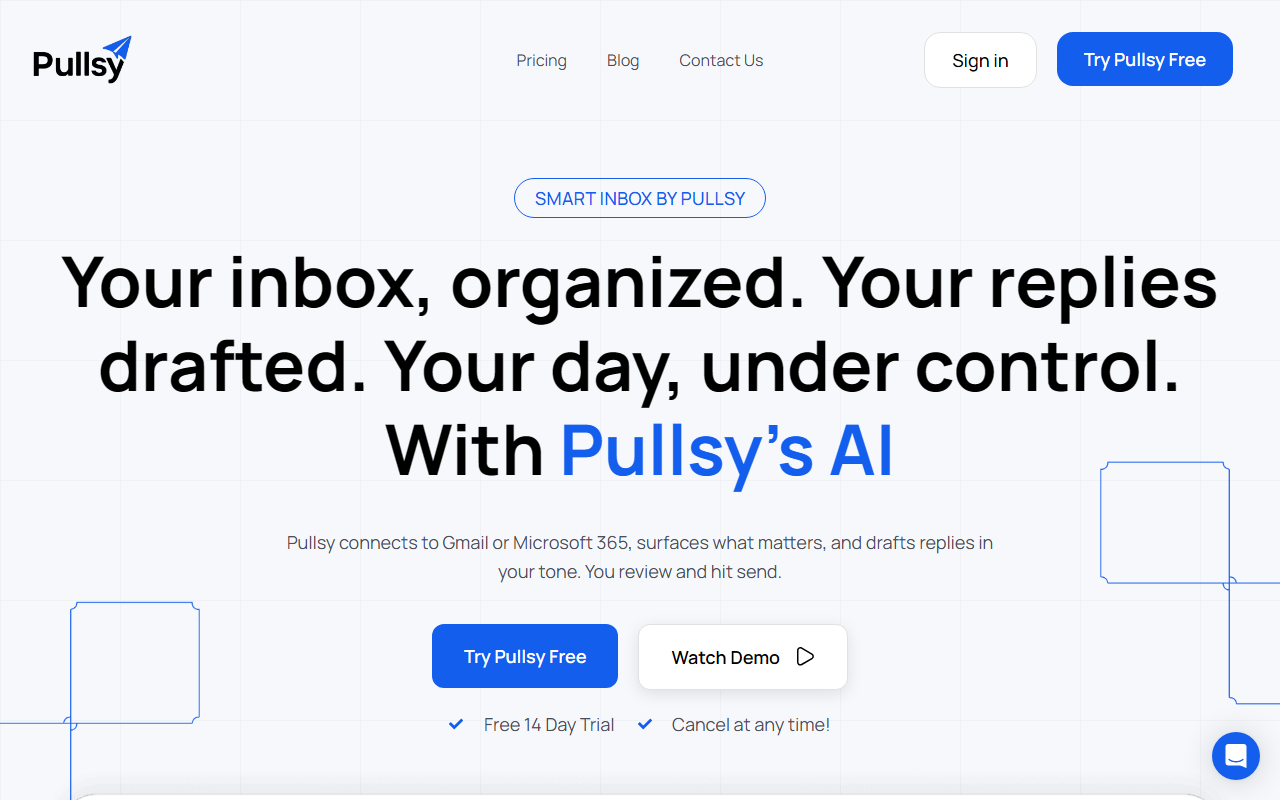
Upon visiting the Pullsy website, the landing page immediately pitches a solution to the universal email overload problem. The dashboard is clean and focused—after a quick sign-up (no credit card required for the 14-day free trial), I connected my Gmail account via OAuth. The authentication flow was smooth, and Pullsy immediately began scanning my inbox. Within seconds, it surfaced what it deemed important messages, highlighted action items, and showed a daily summary of top tasks and upcoming meetings. The layout is reminiscent of a smart inbox overlay, not a full email client replacement. Pullsy runs on top of your existing Gmail or Microsoft 365 account, pulling data through official APIs. It doesn't host your emails—it organizes and helps you draft responses directly from its interface. The core features include AI drafting with tone selection, inbox prioritization, and a chat-based query system called 'Ask Pullsy' that lets you ask natural-language questions about your inbox.
The Smart Drafting Experience
What sets Pullsy apart from generic auto-reply tools is its context-aware suggestion engine. When I tested the AI draft feature on a thread where a colleague asked for a document upload deadline, Pullsy not only identified the question but also offered reply options that included confirming, proposing an alternative time, or attaching a file. It detected that an action was required. You can select a tone—Professional, Friendly, or Quick—and the draft mirrors your typical writing style after it learns your patterns over several emails. I noticed the interface shows the AI-generated response inline, with a simple 'Send' button. Editing before sending is straightforward. Pullsy also offers a 'Quick Day Overview' that compiles new messages, top tasks, and upcoming meetings into one dashboard. During my trial, the system accurately flagged two emails that required immediate responses and correctly ignored a newsletter. The 'Ask Pullsy' feature works well: I typed 'What did I miss from the team today?' and received a concise summary of three important threads with links to reply. However, the free version seems feature-complete for the trial period; there is no indication of capacity limits or throttling during testing.
Security, Limitations, and Who It's For
Pullsy places a strong emphasis on security: it is Google OAuth Verified, CASA completed, and GDPR compliant, with SOC 2 Type II in progress. End-to-end encryption is mentioned for data in transit and at rest. This is reassuring for professionals handling sensitive email content. That said, there are notable limitations. Pricing is not publicly listed on the website—the only option visible is the 14-day free trial, and no paid tiers are disclosed. For a tool that aims to become a daily driver, this lack of pricing transparency might cause hesitation. Additionally, Pullsy currently only integrates with Gmail and Microsoft 365; Slack and other platforms are listed as 'coming soon' but are absent at launch. Compared to competitors like SaneBox (which focuses on smart filtering) or Superhuman (which offers a premium full-client experience), Pullsy sits in a middle ground: it enhances your existing email client without replacing it. It is best suited for busy professionals who want to reduce email busywork—especially those who manage high-volume inboxes and need quick, tone-matched drafts. Less ideal for users who require deep customization or who rely on non-Google/Office 365 email providers. Pullsy shows genuine promise for streamlining email workflows, but the next step is clarity on pricing and broader platform support. Visit Pullsy at https://pullsy.com/ to explore it yourself.










Comments