

First Impressions and Onboarding
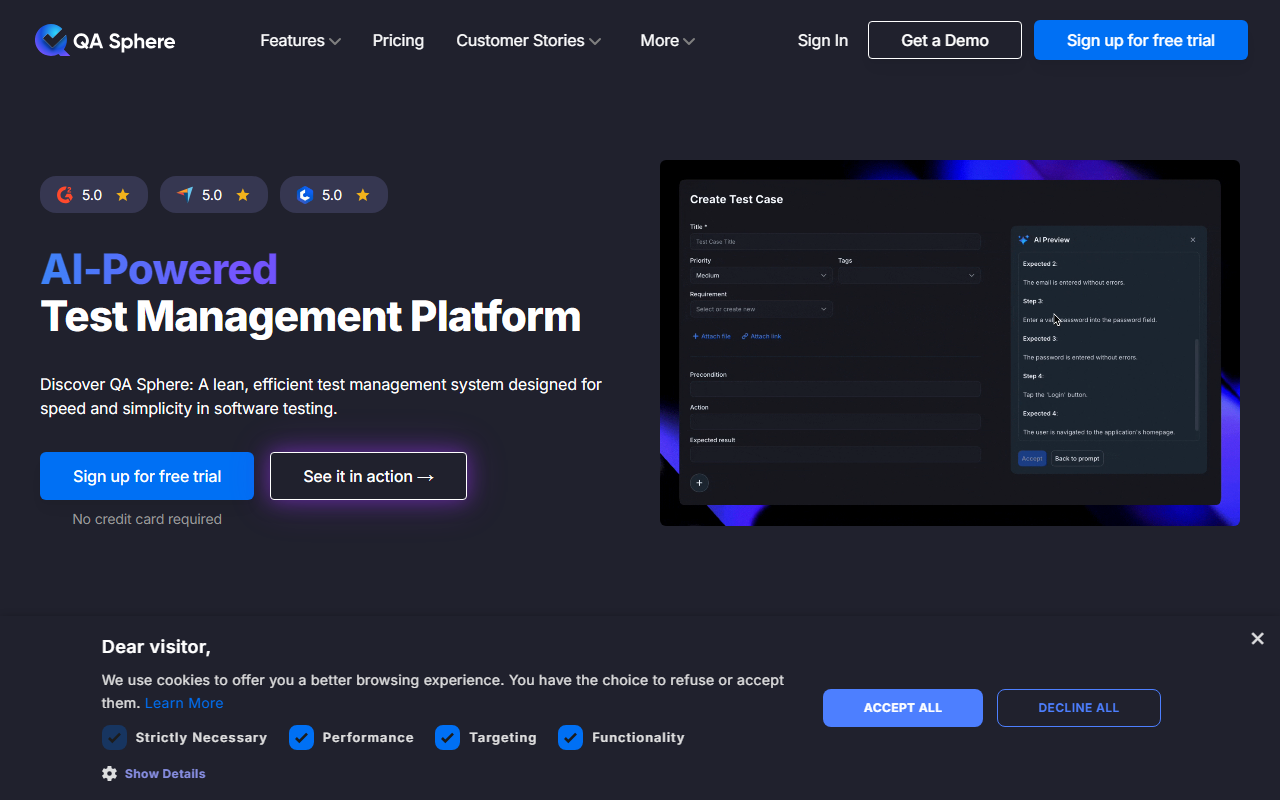
Upon visiting the QA Sphere website, I was greeted by a clean, modern design with clear calls to action. The free trial sign-up requires no credit card, which immediately lowers the entry barrier. After registering, the dashboard presents a minimalistic interface—no clutter, just a logical layout of projects, test cases, and test runs. The onboarding process is intuitive; I was able to create my first test case within minutes. The platform’s focus on speed and simplicity is evident from the start.
Core Features and AI Capabilities
QA Sphere’s standout feature is its AI test case generation. During my testing, I imported a set of requirements from a document, and the AI automatically generated relevant test cases, saving me hours of manual work. The test case management system allows you to organize cases into folders, apply tags, and set priorities. The advanced test run builder lets you filter by custom queries, making it easy to target specific app areas. The error reporting is also AI-powered—when a test fails, the tool drafts a bug report automatically, capturing environment details. This streamlines the QA workflow significantly.
The platform tracks execution status, test coverage, and team performance in real-time dashboards. I found the reporting module particularly useful for identifying bottlenecks. While the tool doesn’t explicitly mention the underlying AI model, the generation quality was impressively context-aware, suggesting it likely uses a fine-tuned language model.
Integrations, Migration, and Pricing
QA Sphere offers seamless integrations with popular tools like Jira, GitHub, Asana, Azure DevOps, and Monday.com. I linked it to a test Jira project, and bi-directional sync worked smoothly. The migration support is a major plus: the QA Sphere team handles data transfer from legacy systems like TestRail or Zephyr, preserving folder structures and attachments. They even have a proven track record of migrating over 100,000 test cases for one client.
However, pricing is not publicly listed on the website. The only option shown is a free trial with no credit card required. This lack of transparency may be a concern for budget-conscious teams. Compared to TestRail or Zephyr, which have clear per-user pricing, QA Sphere’s approach feels less upfront. I recommend contacting their sales team for detailed pricing if you’re evaluating it for larger deployments.
Who Should Use QA Sphere?
QA Sphere is best suited for small to medium-sized development teams that need a lean, easy-to-adopt test management solution with AI-powered automation. It’s ideal for teams migrating from spreadsheets or simpler tools. The platform’s strengths lie in its speed, intuitive design, and responsive support. However, if your organization requires extensive customization, enterprise-grade permission controls, or advanced reporting like multi-project comparative analytics, you may find QA Sphere too lightweight. Alternatives like TestRail offer more mature features for large enterprises. Overall, QA Sphere excels at what it does—simplifying test management—and its AI features are a genuine productivity booster. I recommend all QA teams give the free trial a spin.
Visit QA Sphere at https://qasphere.com/ to explore it yourself.










Comments