

First Impressions and Onboarding
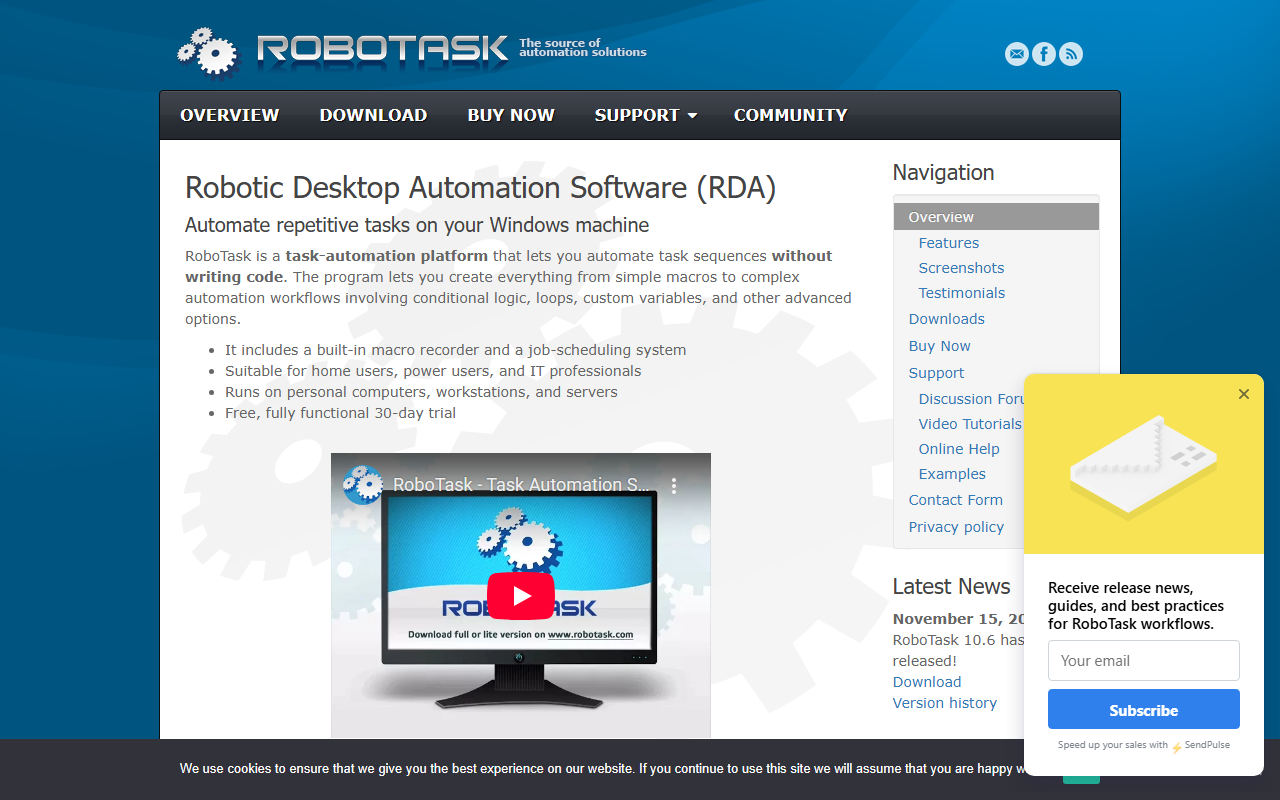
Upon visiting the RoboTask website, you immediately see a no-nonsense landing page focused on desktop automation for Windows. The call to action is a free 30-day trial—no credit card required. I downloaded the trial and installed it on a Windows 11 machine. The setup was quick, and after launch, I was greeted by a clean but dense interface. The main window lists jobs (automation sequences) with a tree-view on the left and a task editor on the right. It resembles a development environment more than a simple macro tool, but the UI is well-organized with tooltips and a logical menu structure. The built-in macro recorder is prominently placed, and a wizard helps you step through the creation of a simple automation. Beginners can start by recording mouse clicks and keystrokes, then later add conditions and loops via visual triggers and actions.
Core Capabilities and Technology
RoboTask is fundamentally a robotic desktop automation (RDA) tool for Windows, not an AI office suite per se, but it fits the "text AI > AI office" category by automating repetitive office tasks across files, emails, databases, and web forms. It ships with over 300 actions spread across categories like file operations, FTP transfers, email (POP3/IMAP/SMTP), SQL databases, Excel automation, web automation, image manipulation, clipboard, registry, and scripting. What sets it apart from simpler schedulers is its event-driven trigger system: you can start a job based on a hotkey, file changes, window events, device connection, CPU load, clipboard content, or even HTTP/WebSocket requests via its built-in server. This makes RoboTask a capable replacement for Windows Task Scheduler, but far more flexible. Under the hood, RoboTask supports Python, JavaScript, and PowerShell natively, meaning you can extend automations without installing extra runtimes. It also runs as a Windows service, so tasks execute even when no user is logged in. Networking features allow multiple instances across different computers to communicate, enabling distributed automation across a local network or the internet.
Strengths and Limitations
One genuine strength is its maturity—RoboTask has been under development for over twenty years. The company claims stability with uptimes of months on servers, and the extensive action library covers almost any Windows automation scenario you can imagine. The free trial is fully functional for 30 days, allowing deep testing. Another plus is the tight integration with scripting languages, which bridges the gap between no-code macros and custom code. However, there are real limitations. First, pricing is not publicly listed on the website; you must click "Buy Now" to see options, which is a transparency issue. Second, the tool is Windows-only—no macOS or cloud version. Third, despite the website's claim that the interface keeps things simple, the sheer number of options can overwhelm newcomers. The learning curve is moderate to steep, especially for users unfamiliar with automation concepts like variables, loops, and conditional logic. Competitors like AutoHotkey (free, scripting-based) or UiPath (enterprise RPA) offer different approaches; RoboTask sits in between as a paid, no-code-first tool with scripting extensibility.
Who Should Use RoboTask?
RoboTask is best suited for Windows power users, IT professionals, and businesses that need to automate server-side or workstation tasks without writing code from scratch. It excels at file processing, scheduled data transfers, email handling, and system monitoring. If you're comfortable tinkering with triggers and actions, you'll find it powerful. However, if you need cross-platform support, a web-based interface, or true AI-driven automation, you should look elsewhere—tools like Zapier or Microsoft Power Automate (with AI Builder) may be better fits. Similarly, if you just want a free, lightweight macro recorder, AutoHotkey or Pulover’s Macro Creator might suffice. For anyone in a Windows-centric environment who values reliability, customizability, and offline operation, the free trial of RoboTask is well worth the download. Visit RoboTask at https://robotask.com/ to explore it yourself.













Comments