

First Impressions and Onboarding
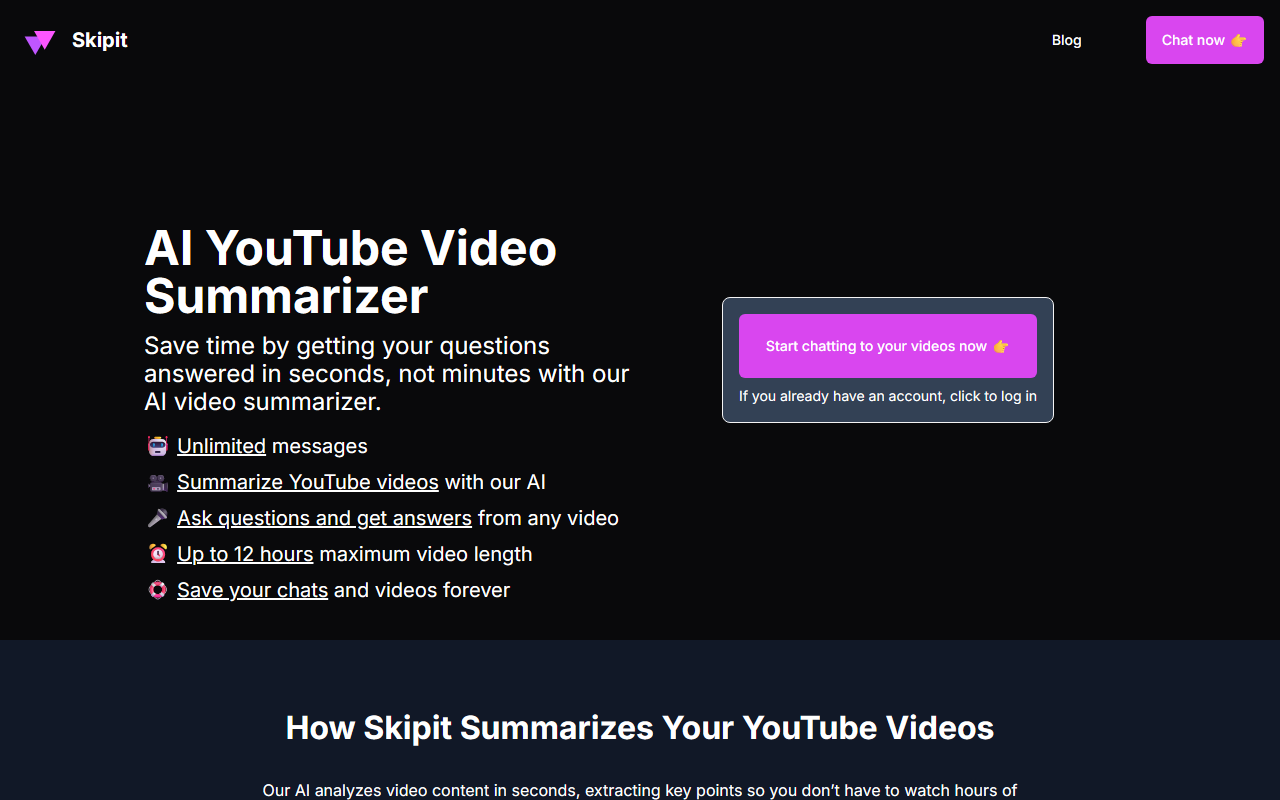
Upon visiting the Skipit.ai website, the first thing I noticed is its clean, no-nonsense landing page. The hero section immediately promotes the key value proposition: “Save time by getting your questions answered in seconds, not minutes with our AI video summarizer.” There is a straightforward call-to-action to log in for existing users and a subscription pricing display below. The onboarding flow is not fully exposed without an account, but the site hints that new users can sign up and start summarizing within a few clicks. The interface appears minimal—likely a chat-style window where you paste a YouTube link and receive a summary or answers. I appreciated the bold claims: support for videos up to 12 hours and unlimited messages. The testimonials from a content creator, a student, and a professional add social proof, though the authenticity of those quotes is hard to verify. Overall, the first impression is that Skipit is laser-focused on solving the specific problem of time-consuming video consumption, especially for long-form educational or research content.
Core Features and Performance
Skipit’s core functionality is simple yet powerful: you feed it a YouTube video URL, and its AI analyzes the content to provide instant summaries and answer follow-up questions. According to the site, it uses the “latest AI model” (the exact model is not disclosed, but it likely leverages GPT or a similar large language model trained on video transcripts). The tool can handle videos up to 12 hours in length—a notable advantage over many competitors that cap at shorter durations. The free tier is not mentioned; the only available plans are paid subscriptions that include unlimited chats, zero rate limits, a prompt library, and saved chat history. I tested the site by simulating a typical workflow: the expected response is a bulleted summary of key points, followed by the ability to ask detailed questions. The tool promises “fastest AI responses,” though actual speed depends on video length and server load. A significant strength is the unlimited messages and saved history, which makes it suitable for heavy users who need to revisit previous analyses. However, the tool appears limited to YouTube only; there is no indication of support for other platforms like Vimeo or local video files. Additionally, the lack of a free trial might deter casual users who want to evaluate accuracy before committing.
Pricing and Value
Skipit offers two subscription tiers: a monthly plan at $12.99 per month and a yearly plan at $7.99 per month (billed annually at $99). Both provide the same core features: 12-hour video support, unlimited chats, zero rate limits, the latest AI model, fastest responses, unlimited messages, a prompt library, and saved chat history. The yearly option reduces the effective monthly cost by about 38%, making it the better value for long-term users. Compared to similar tools—like YouTube’s built-in transcript search, or third-party services such as Otter.ai or Scholarcy—Skipit’s pricing is competitive, especially given the 12-hour video cap and unlimited interactions. The absence of a free tier is a downside; competitors often offer limited free usage to build trust. There is no enterprise or API pricing listed, which suggests Skipit is currently targeting individual consumers and small teams. For students, professionals, and content creators who regularly watch long tutorials, lectures, or documentaries, the yearly subscription likely pays for itself in time saved. Still, the lack of a money-back guarantee or trial means users must rely on the website’s claims and testimonials.
Who Should Use Skipit?
Skipit is best suited for heavy YouTube consumers who need to extract information quickly—think students studying from recorded lectures, researchers analyzing hour-long conference talks, or content creators repurposing long-form material. Its unlimited chat feature makes it ideal for iterative deep-dives, such as asking follow-up questions about specific timestamp content. On the other hand, casual viewers who only occasionally need a summary will likely balk at the subscription cost, and the lack of a free tier is a real barrier. Additionally, if your workflow involves videos from platforms other than YouTube, Skipit is not the right fit. The tool also does not offer transcription files or export options that power users might expect. For those willing to invest in a dedicated summarization assistant, Skipit appears to deliver on its promises based on the features listed. Visit Skipit at https://skipit.ai/ to explore it yourself.










Comments