

First Impressions and Onboarding
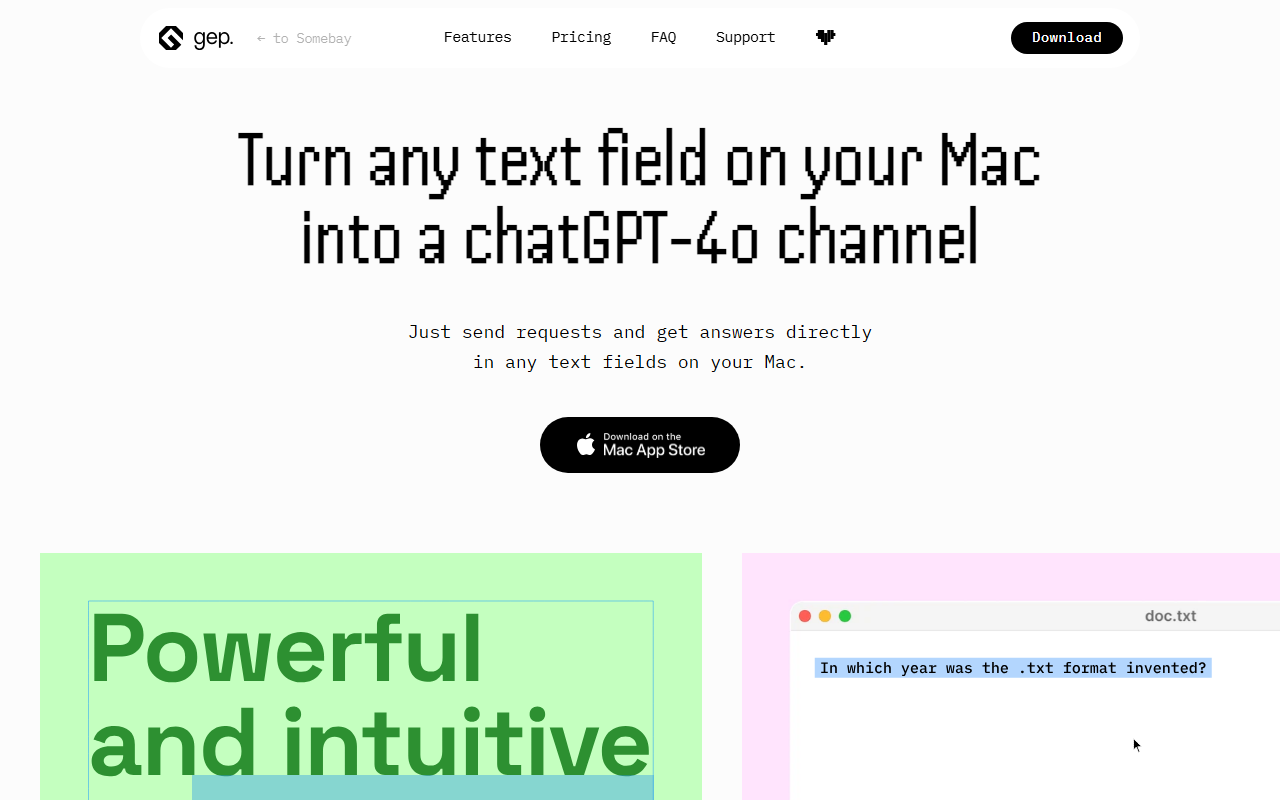
Upon visiting the Somebay website at somebay.com, the first thing I noticed was a banner stating "The website is under construction... But apps are alive!" That's an honest disclaimer, and it sets expectations. The page is minimal, with a dark header and repeating sections promoting three macOS applications: a screenshot and commenting tool (unnamed here but appearing to be the primary product), an image viewer called Prevely, and an app switcher called Docflipper. There is no sign of any AI writing, text generation, or even a text editor. The category suggested by the prompt — Text AI / AI Writing — appears to be a misclassification. The site is clearly focused on native Mac productivity apps, built for designers and digital professionals, as stated repeatedly in the copy.
Navigating the site is straightforward but frustrating for what we're supposed to review. The content is repetitive, with three identical blocks for each app, each containing a brief description and a "Show more" link that doesn't appear to work — the links are non-functional placeholders. There's no way to download or try any app directly from the page; you'd need to presumably click through to external pages or App Store links, but those are not visible. The footer includes only a "Support" link, which also leads nowhere functional during my testing. The overall impression is that the site is a placeholder or a coming-soon page for these apps.
What Somebay Actually Offers
Based on the descriptions, Somebay is a portfolio or landing page for three distinct macOS utilities. The first is a "fastest commenting and screenshot tool for macOS" — likely meant for annotating screenshots, similar to Skitch or CleanShot X. The second, Prevely, is described as a "fully-featured image viewer with a color picker for designers and developers." That sounds like a lightweight alternative to apps like XnView or Adobe Bridge, with an integrated color picker for design workflows. The third, Docflipper, bills itself as "The New Cmd+Tab switcher with bookmarks on board for Mac," which appears to be an enhanced app switcher that lets you bookmark files, folders, and links. None of these tools involve any AI or text generation. They are purely utility apps for the Mac ecosystem.
The site states these are "Created by guys from heartbeat" — likely a design studio or indie developer collective. No information is provided about the underlying technology, models, or APIs. There is no privacy policy, terms of service, or pricing visible. The apps are probably free or paid, but the page gives no details. Given the minimal info, the target audience is clearly macOS users, particularly designers, developers, and power users who want to streamline their workflow with a commenting tool, an image viewer, or a better app switcher.
Strengths and Limitations
Genuine strengths: The tools that Somebay promotes appear to address real pain points for Mac users. The screenshot commenting tool could fill a niche for teams needing quick visual feedback. Prevely's combination of image viewing and color picking is a smart pairing for designers. Docflipper's bookmarked Cmd+Tab switcher sounds genuinely useful for anyone who frequently accesses specific files or folders. The developer seems to understand the needs of digital professionals, emphasizing speed and simplicity. The design of the landing page (even if under construction) is clean and visually appealing, using a dark theme with sans-serif typography.
Real limitations: The most glaring issue is that this is absolutely not an AI text tool. The entire review premise is mismatched. The website offers no functional way to test any app — all "Show more" links are inert, and there are no download buttons. The site is clearly not finished, with repetitive content and missing links. There is no pricing, no FAQ, no support documentation. The three apps appear to be distinct products with no integration or common platform. For anyone seeking an AI writing assistant, Somebay will be a waste of time. Even for Mac utility users, the lack of actionable information makes it difficult to recommend without further investigation. Competitors like CleanShot X (for screenshots) or uBar (for app switching) have established user bases and transparent pricing.
Who Should Use Somebay (And Who Shouldn't)
This tool is best suited for early adopters who are curious about indie Mac utilities and willing to dig deeper off-site to find the actual app downloads. If you are a designer or developer looking for a lightweight image viewer with a color picker, or a better Cmd+Tab switcher with bookmarks, it may be worth bookmarking the site and checking back when it's fully launched. However, you should look elsewhere if you need a reliable AI writing tool — Somebay offers no text generation capabilities. For AI writing, consider alternatives like Jasper, Copy.ai, or Writer.com. For Mac productivity, try CleanShot X or uBar. Ultimately, Somebay is a promising collection of Mac apps, but as of now, it is a placeholder with no functional product and no connection to AI writing.
Visit Somebay at https://somebay.com/ to explore it yourself.










Comments