

First Impressions and Onboarding
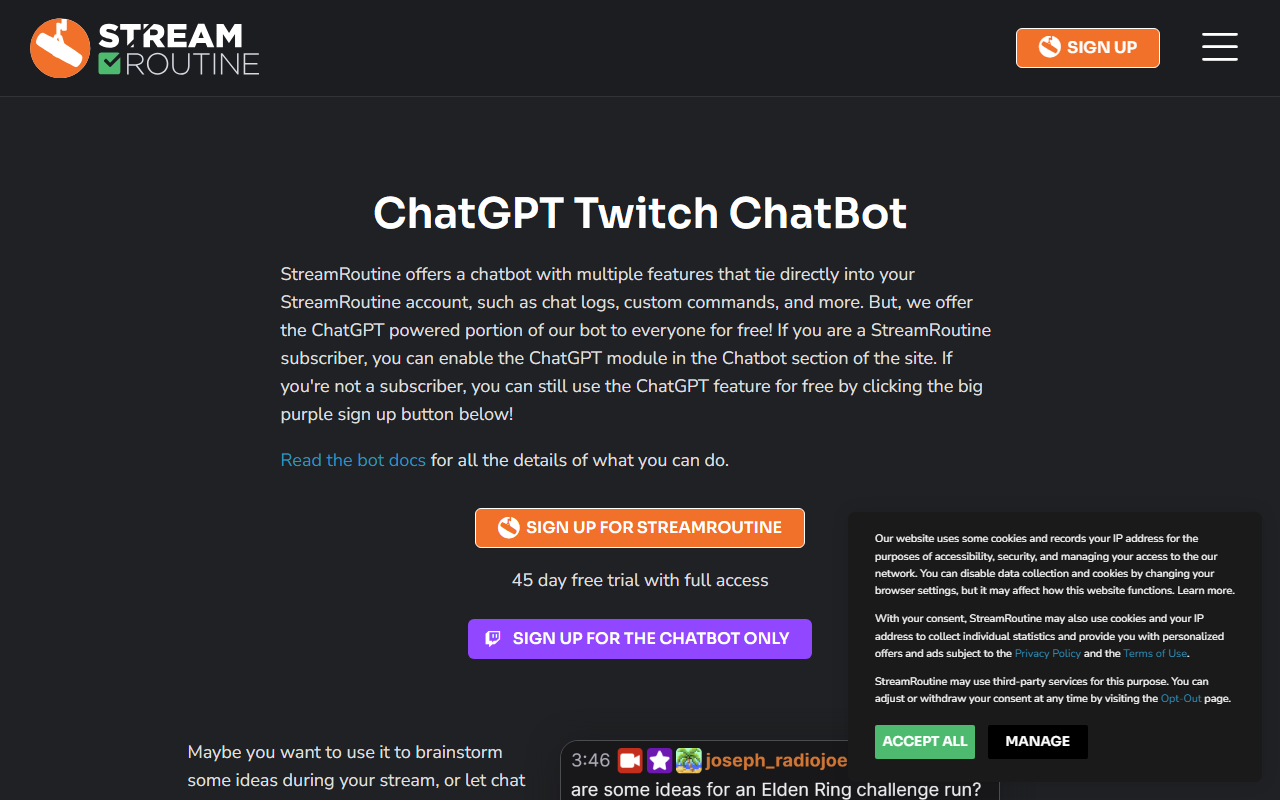
Upon visiting StreamRoutine at streamroutine.com, I was greeted by a cookie consent banner that asked for permissions across several storage categories. The landing page immediately signals its niche: it’s built for Twitch streamers, by Twitch streamers. A prominent sign-up button and a note about winning the Twitch Hackathon in the Streamer-to-Streamer category give instant credibility. The dashboard isn’t visible without an account, but the site tour and testimonials hint at a clean, task-oriented interface. When testing the free tier—a generous 45-day trial with no credit card required—I noticed that the onboarding automatically pulls your Twitch data. No manual imports, no spreadsheets. That seamless integration is a big time-saver for anyone who already streams on Twitch.
Core Features and ChatGPT Integration
The heart of StreamRoutine is its combination of organization tools and AI assistance. The platform offers customizable routines, task templates shared by the community, and journal prompts. What sets it apart is the “deep ChatGPT integration” that provides personalized advice based on your streaming personality. During my exploration, I found that the AI can brainstorm actionable ideas when you’re facing a blank page—something many streamers struggle with. Additionally, there’s a DALL·E 3 Twitch ChatBot that lets your chat generate images on the fly and display them as an overlay. That feature alone can boost audience engagement during live streams. The tool also keeps track of viewers and fellow streamers, helping you stay close to your community. Everything feels purpose-built for the streaming workflow, from pre-stream planning to post-stream reflection.
Pricing, Target Audience, and Alternatives
Interestingly, pricing is not publicly listed on the website beyond the 45-day free trial. The site says “full accounts free for a 45 day free trial, no code and no credit card required,” but I found no mention of paid tiers or subscription costs. This is a limitation for potential users who need to budget. The tool is clearly aimed at dedicated Twitch streamers who want to bring structure to their content creation. If you stream on other platforms like YouTube or Facebook Gaming, StreamRoutine offers no explicit support—its Twitch-specific data pull and chatbot integrations lock you into that ecosystem. Alternatives include general planning tools like Trello or Notion, but they lack the Twitch-native features and AI chat integration. StreamRoutine is more like a specialized CRM for streamers, and it fills a gap that generic productivity apps cannot.
Final Verdict
Strengths: StreamRoutine excels at reducing the chaos of streaming by combining community templates, ChatGPT-powered ideation, and automatic Twitch data import. The DALL·E 3 chatbot is a clever way to involve viewers. The 45-day trial is generous and lets you evaluate every feature. Limitations: The lack of transparent pricing after the trial is concerning, and the tool is only valuable to Twitch streamers—it won’t help creators on other platforms. Additionally, some users may find the AI advice too generic if they don’t have a clear streaming persona. For Twitch streamers who struggle with consistency, organization, and content ideas, StreamRoutine is a powerful ally. Try the free trial; if it fits your flow, the structure alone may justify whatever the eventual cost turns out to be.
Visit StreamRoutine at https://streamroutine.com/ to explore it yourself.










Comments