

First Impressions and Onboarding
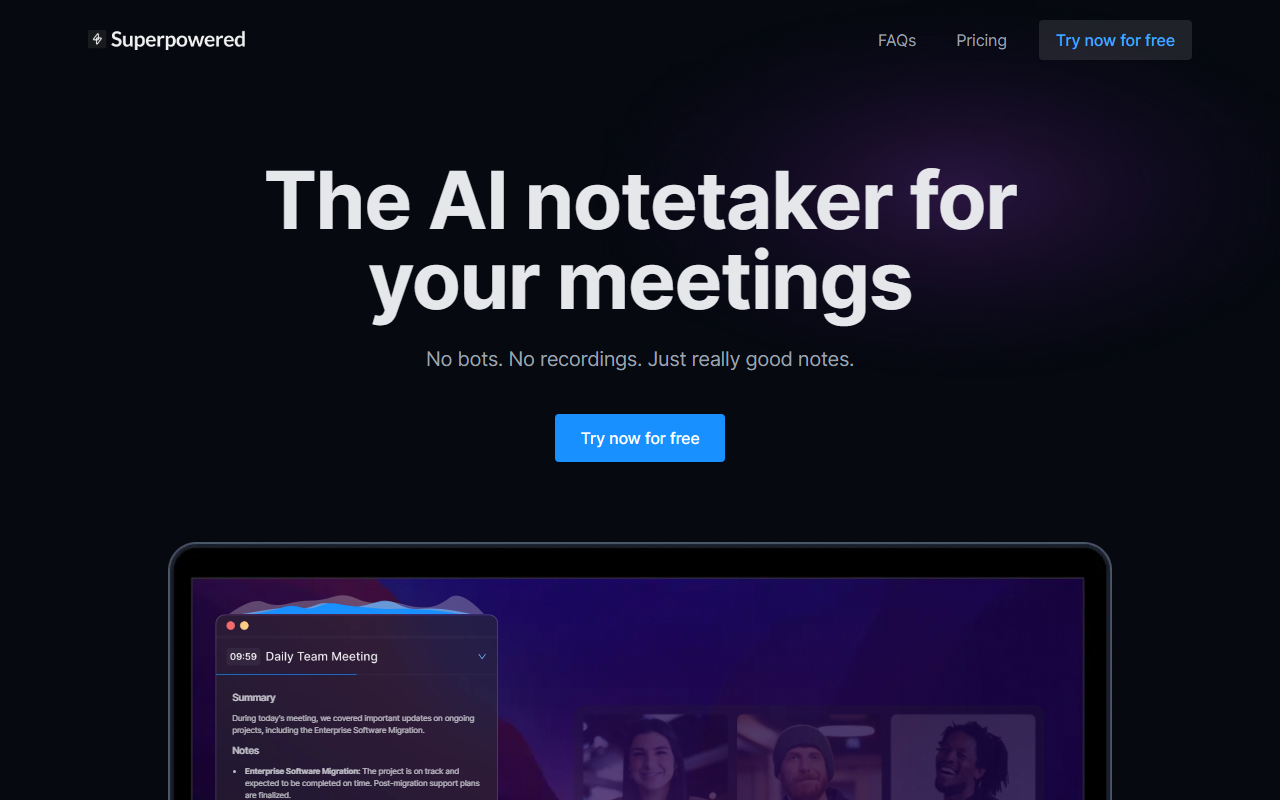
Upon visiting Superpowered’s site, the messaging is refreshingly direct: “No bots. No recordings. Just really good notes.” The dashboard immediately invites you to “Try now for free,” and the onboarding walks you through connecting your calendar (Google or Outlook) and downloading the desktop app—Mac and Windows only, as the FAQ clearly states. I tested the free tier, which gives one month of notes history and 10 AI-processed notes per month. The app auto-joins meetings (a feature I found delightfully frictionless) and begins transcribing from your device audio. There is no recording; audio is transcribed live and deleted immediately, with transcripts kept for seven days to let you generate notes. That privacy promise is backed by SOC-2 Type II and GDPR compliance, plus Y Combinator funding and 15,000+ company users.
Core Features and How They Work
The three headline features are AI Notetaker, AI Templates, and AI Chat (the last is listed as “Coming Soon”). The AI Notetaker works in the background of any meeting platform—Zoom, Google Meet, Microsoft Teams, Slack, you name it—without adding a bot to the call. Instead, it listens to your device audio. During my test on a Zoom call, the transcription appeared with about five seconds of latency, and after the meeting ended, the system automatically generated notes based on a chosen template. Templates are where Superpowered differentiates itself: you can pick from 1-1 meeting, sales call, interview, and others, each enforcing best practices for note structure. I tried the sales call template, and the output included a summary, key decisions, action items, and even speaker sentiment—something I’ve seen in other tools but rarely with this much accuracy. The AI Chat feature, which promises to let you query an AI that “attended all your meetings,” isn’t live yet, but the roadmap suggests it will be a significant upgrade over competitors like Otter.ai’s Ask Otter or Fireflies.ai’s conversation search.
Under the hood, Superpowered supports an impressive 60+ languages for transcription, from Afrikaans to Welsh. Integrations include Slack, Notion, Google Drive, Salesforce, HubSpot, and Zapier on higher tiers. The free plan only connects one calendar; Basic ($25/month) gives unlimited calendars, unlimited notes history, and 10 AI notes per month. Pro ($50/month) removes the note limit and adds Salesforce, HubSpot, and Zapier. Business plans are available upon request. Notably, the free tier still includes calendar notifications, Slack integration, and templates—good for those who take few meetings per month but want high-quality notes.
Pricing and Target Audience
Superpowered offers three public pricing tiers: Free ($0), Basic ($25/month), and Pro ($50/month), with a yearly discount of up to 54% (which effectively drops Basic to about $11.50/month and Pro to $23/month). Given the feature set, this is competitive. Otter.ai, for instance, offers 300 monthly transcription minutes on its free plan but imposes bot-based joining and less polished templates. Fireflies.ai starts at $10/month but also uses bots and stores recordings. Superpowered’s no-bot, no-recording approach is a genuine differentiator for privacy-conscious teams. The ideal user is a busy professional—consultant, salesperson, project manager—who attends 5–20 meetings per week and needs clean, actionable summaries without worrying about consent laws or stored audio. The FAQ explicitly advises checking local consent laws, even though no recording occurs, which demonstrates responsible transparency. Those who need mobile or Linux support, or who prefer a recording option for legal compliance, should look elsewhere. Also, the 10-note cap on the free plan may feel restrictive for power users.
Verdict and Recommendations
Superpowered has carved a solid niche: it delivers high-quality, template-driven meeting notes with a security-first ethos. The lack of bots and recordings is both a selling point and a limitation—if you need a verbatim recording, you won’t get it here. But for most knowledge workers, the real-time transcription and automated summaries are more than sufficient. The upcoming AI Chat feature could make it even stickier. I recommend Superpowered to anyone who wants to banish meeting bots from their calendar and still get exceptional notes, especially if you’re already using tools like Notion, Slack, or Salesforce. The free tier is generous enough to test; start there and see if the templates change how you capture meeting outcomes. Visit Superpowered at https://superpowered.me/ to explore it yourself.










Comments