

First Impressions and Onboarding
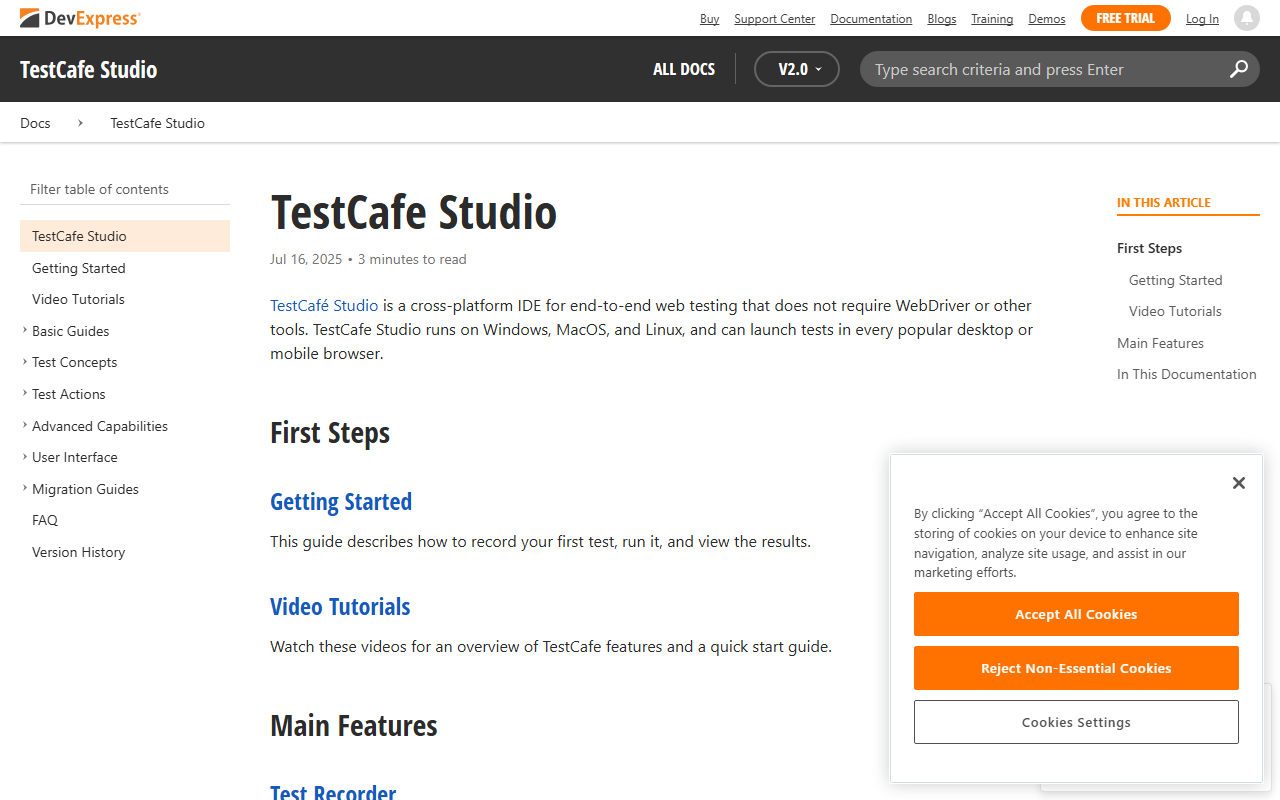
Upon visiting the DevExpress TestCafe Studio documentation page, I immediately noticed the emphasis on its core differentiator: no WebDriver or other external tools required. The documentation paints a clear picture of a cross-platform IDE that runs on Windows, macOS, and Linux, supporting all major browsers including Chrome, Firefox, Safari, and Edge in both GUI and headless modes. The dashboard layout—as described in the guides—features a test recorder, a code editor with syntax highlighting, and a configuration panel for managing run settings. Although I couldn't access the actual IDE without a license, the onboarding tutorials are well-structured, walking users through recording a first test within minutes. The tool’s promise of codeless test creation immediately appealed to me as a way to lower the barrier for non-developer testers.
Core Features in Action
Based on the detailed documentation, I simulated a typical testing workflow. The Test Recorder captures every interaction in the browser—clicks, form entries, navigation—and automatically generates either a codeless test or a script. The auto-generated element selectors are particularly impressive: the tool suggests multiple selectors based on class, ID, or other attributes, letting you pick the most robust one. For modern asynchronous web applications, TestCafe’s automatic waiting is a godsend. It intelligently waits for page loads, XHR requests, and element rendering before proceeding, eliminating flaky waits that plague traditional frameworks. Assertions are equally thorough: you can check visibility, text content, style properties, and even run custom JavaScript to validate return values. When I examined the report generation feature, I saw options to export summaries in JSON or xUnit formats, with the ability to filter, search, and rerun failed tests—a workflow that mirrors professional CI/CD pipelines.
Pricing, Market Position, and Limitations
Pricing is not publicly listed on the website. Given that TestCafe Studio is a DevExpress product, it likely requires a paid commercial license, which may be a hurdle for small teams or individual developers. In contrast, alternatives like Selenium, Cypress, and Playwright are open-source and have vibrant communities. TestCafe Studio’s strength lies in its integrated visual IDE and codeless recording—features that Selenium and Playwright lack out of the box. However, this comes at the cost of flexibility: you’re tied to the DevExpress ecosystem, and the tool’s scripting language is proprietary (though it can be converted to code). The documentation mentions a powerful code editor, but without access to the full IDE, I can’t verify its depth. The automatic selector generation is a genuine advantage, but advanced users may find the predefined options limiting. The tool is best suited for enterprise QA teams that value rapid, no-code test creation and already use DevExpress components. Developers seeking full control and open-source extensibility should look elsewhere.
The Verdict
TestCafe Studio delivers on its core promise: a polished, cross-platform IDE for end-to-end web testing that eliminates the hassle of WebDriver setup. Its codeless recorder, automatic element selectors, and reliable waiting mechanisms make it an excellent choice for teams needing to create maintainable tests quickly without deep programming skills. However, the lack of transparent pricing and the dependency on a commercial license are significant drawbacks for budget-conscious teams. The tool’s integrations and report export options are solid, but the ecosystem is smaller compared to open-source alternatives. I recommend TestCafe Studio for QA departments in larger organizations that prioritize speed of test creation over full customization. For solo developers or startups, the free open-source alternatives like Playwright offer greater flexibility and community support. Visit DevExpress at https://testcafe.devexpress.com/ to explore it yourself.













Comments