

First Impressions and Onboarding
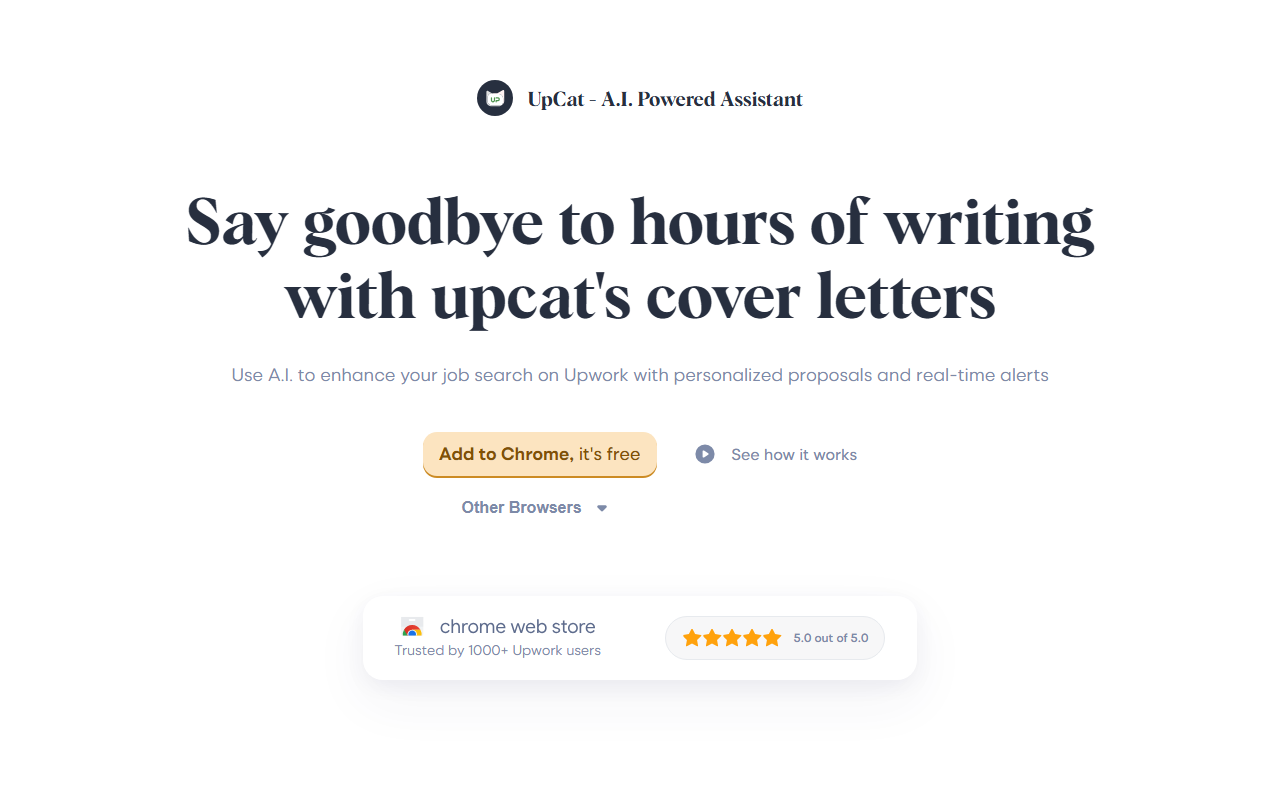
Upon visiting the UpCat website, I was struck by the clear, focused messaging. The landing page immediately explains what the tool does: help Upwork freelancers write personalized cover letters faster and get real-time job alerts. The call to action is a single 'Add to Chrome' button. I installed the extension in under a minute. The dashboard is minimal — it lives inside the browser toolbar and activates when you visit an Upwork job post. No account creation is required beyond installing the extension from the Chrome Web Store. It currently supports Chrome, Brave, Edge, and Opera, and boasts 6,000+ users with a 4.8 average rating across 21 reviews. The entire experience is designed for frictionless entry: no pricing tiers, no sign-up forms, just add and use.
Core Features: AI Cover Letter Generator and Job Alerts
UpCat serves two primary functions, both tailored for Upwork. First, the AI proposal writer reads the job description you’re viewing on Upwork and drafts a cover letter in seconds. When testing the free tier, I opened a typical web development post. The extension generated a first draft that directly referenced the client’s project requirements, avoided generic fluff, and suggested relevant experience. I could then edit the opening, body, and call to action before copying it into Upwork’s proposal form. This is not an auto-submit tool — you remain in full control.
Second, the real-time job alert feature lets you set up filters by category, skill, and keyword. The extension then pushes notifications when new matching gigs appear. This addresses a key pain point: on Upwork, early applicants often have an edge, and manually refreshing saved searches is tedious. I configured alerts for 'React developer' and 'remote' and received a notification within an hour. The integration feels native because the alert links directly to the job post, where the AI proposal is ready to edit.
Under the hood, UpCat processes job post text using AI to generate a context-aware draft. The company states it 'does not use your Upwork login credentials' and processes data only for generating proposals and alerts. For privacy-conscious freelancers, the extension does not submit proposals or access your Upwork account directly.
Pricing and Comparison
UpCat is completely free. There is no mention of paid tiers or premium plans on the website. This is a significant advantage over competitors. Tools like Pouncer AI or Proposal Genie often have subscription models (e.g., $10–30/month) or limit free usage. UpCat’s zero-cost approach lowers the barrier for freelancers testing the waters. However, this also raises questions about long-term sustainability — the extension is an independent product not affiliated with Upwork Inc.
Compared to general AI writing tools like ChatGPT, UpCat is laser-focused: it reads the job post and tailors the draft accordingly, saving you from copy-pasting and prompting. The downside is that the AI’s quality depends on the job description’s clarity. Vague or short posts result in weaker drafts. Additionally, the editing interface is basic — there is no rich text or formatting support. You edit in a plain text box and then copy to Upwork. And since it only works on Upwork, freelancers using other platforms must look elsewhere.
Who Should Use UpCat?
UpCat is ideal for Upwork freelancers who apply to multiple jobs per week and want to save time without sacrificing personalization. It's also great for newcomers who struggle with writing compelling cover letters from scratch. The real-time alerts alone are a strong reason to install it, especially in competitive niches.
However, if you rarely use Upwork, need multi-platform support, or require advanced customization like templates or A/B testing, this tool will feel too narrow. Also, freelancers who prefer writing entirely unique proposals may find the AI drafts too generic without heavy editing. That said, for a free tool, UpCat delivers solid value.
Visit UpCat at https://upcat.app/ to explore it yourself.













Comments