

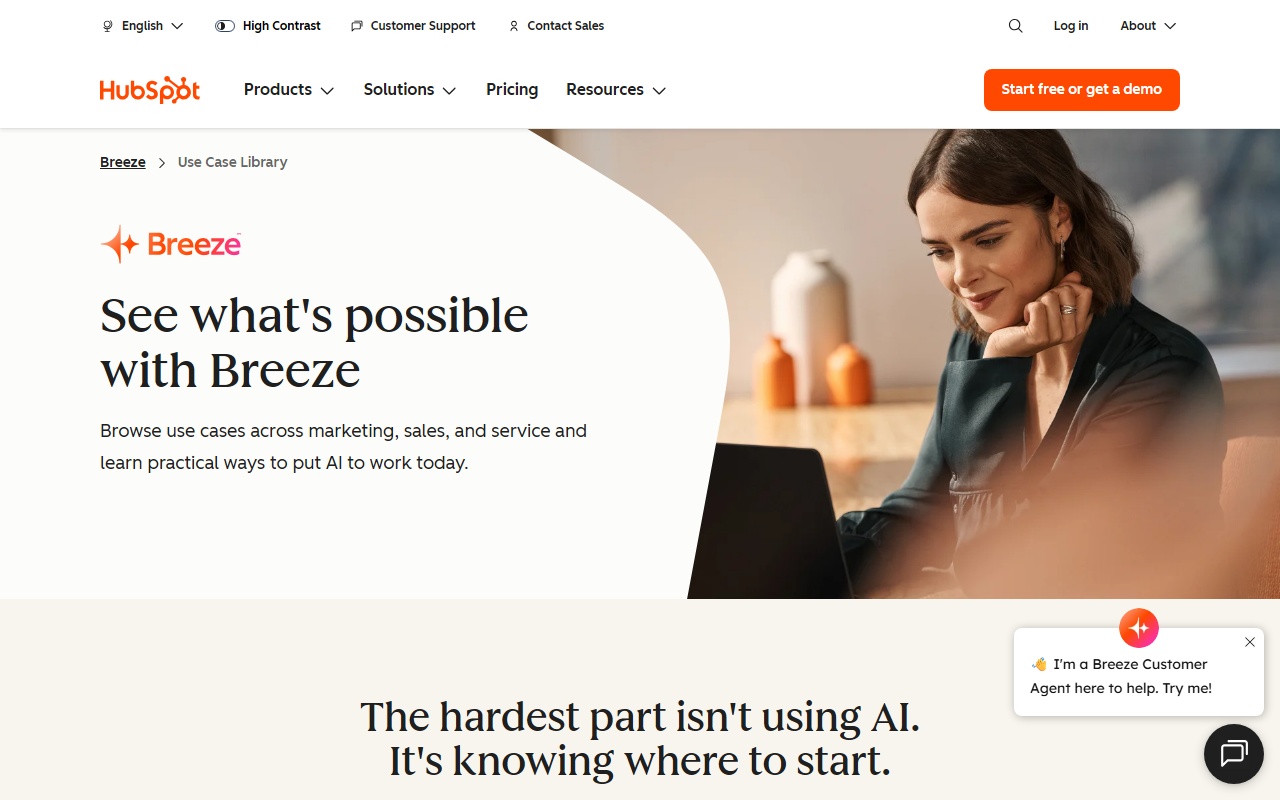
What Is Breeze and Who Is It For?
Breeze is HubSpot’s native AI layer designed to automate repetitive tasks across marketing, sales, and service teams. Unlike standalone AI office tools, Breeze embeds directly into the HubSpot CRM, turning daily workflows—lead qualification, content repurposing, ticket routing—into intelligent, automated processes. The tool targets teams already invested in HubSpot who want to reduce manual work without jumping between platforms. If you’re not a HubSpot user, Breeze offers no standalone value; it’s a CRM-specific accelerator, not a general-purpose AI assistant like ChatGPT or Jasper.
The core problem Breeze solves is the gap between knowing you should use AI and actually integrating it into daily operations. HubSpot’s messaging emphasizes “the hardest part isn’t using AI, it’s knowing where to start.” Breeze provides ready-made use cases—filterable by team and maturity—so teams can pick a starting point matched to their most painful bottleneck. This approach lowers the barrier to adoption for small and midsize businesses that lack dedicated AI expertise.
First Impressions and Onboarding
Upon visiting the site, I landed on a use case library rather than a traditional product demo. The dashboard shows a grid of cards filtered by persona (Sales, Marketing, Service) and readiness (Established or Emerging). Each card briefly describes a specific scenario: for example, “See which companies are actively researching solutions like yours. Breeze tracks website visitors and monitors for buying signals, so reps focus on warm accounts instead of cold outreach.” Clicking a card leads to a dedicated page with more detail, but no live sandbox is available. The experience feels more like a feature catalog than an interactive trial.
For onboarding, users are expected to activate Breeze within their existing HubSpot account. There’s no standalone signup or free tier; the tool requires a HubSpot subscription. Once inside, setting up a workflow involves selecting a template from the library and connecting it to your CRM data. The process seems straightforward for HubSpot veterans but may confuse users new to CRM automation. The lack of a way to test features outside of the HubSpot environment is a notable friction point for prospective buyers who don’t already have an account.
When testing the free tier—if one exists—it’s not advertised. The website focuses entirely on use cases and outcomes, with no pricing or plan details visible. This suggests Breeze is included in HubSpot’s existing paid plans (likely Marketing Hub, Sales Hub, or Service Hub), but the exact cost per feature is opaque. I would need to contact sales or log into a HubSpot account to see actual pricing.
Key Features and Use Cases
Breeze covers three major areas: sales prospecting, marketing content generation, and service ticket management. For sales, it can enrich CRM records automatically, track visitor buying signals, and craft personalized outreach emails based on account activity. For marketing, it repurposes a single asset into emails, social posts, and landing pages, each tailored to its channel. For service, it classifies tickets by intent and sentiment, routes urgent issues, and drafts responses using knowledge base articles.
Technically, the tool leverages HubSpot’s proprietary AI models, likely fine-tuned on CRM data patterns. There is no public API mentioned, but integration is deep—Breeze reads and writes directly to HubSpot objects (contacts, deals, tickets). This tight coupling is both a strength and a limitation: workflows are seamless inside HubSpot but non-existent outside it. Compared to alternatives like Salesforce Einstein or Zendesk AI, Breeze is less flexible but more immediately relevant for HubSpot-only shops.
I appreciate the “Established” vs. “Emerging” labels on each use case, which help users gauge implementation maturity. For instance, “Scale personalized outreach” is listed as Established—meaning it’s battle-tested—while “Convert website visitors into qualified meetings” is Emerging. This transparency reduces the risk of chasing a half-baked feature. However, the website lacks real-world metrics or case studies, so the claims remain unvalidated.
Pricing, Limitations, and Final Verdict
Pricing is not publicly listed on the website. Based on the HubSpot alignment, Breeze is likely available only to customers on certain paid tiers (e.g., Professional or Enterprise). This restricts accessibility for small teams on free or Starter plans. The biggest limitation is vendor lock-in: Breeze offers zero value outside the HubSpot ecosystem. Additionally, the tool’s effectiveness depends heavily on data quality inside your CRM—garbage in, garbage out.
Strengths include a no-code interface, pre-built templates, and tight CRM integration. The use case library provides a clear starting point, which is rare in enterprise AI tools. On the downside, you cannot test it without a HubSpot account, and advanced customization may require developer support. Breeze is best suited for HubSpot-centric marketing, sales, and service teams who want AI but lack the resources to build custom solutions. If you’re on a different CRM or prefer an agnostic AI tool, look elsewhere.
My recommendation: If you already use HubSpot and have a clear bottleneck (e.g., lead response times, content creation volume), Breeze can deliver measurable efficiency gains. If you’re evaluating CRMs or want a multi-platform AI, skip it. Visit Breeze at https://breeze.ai/ to explore it yourself.




Comments