

First Impressions and Onboarding
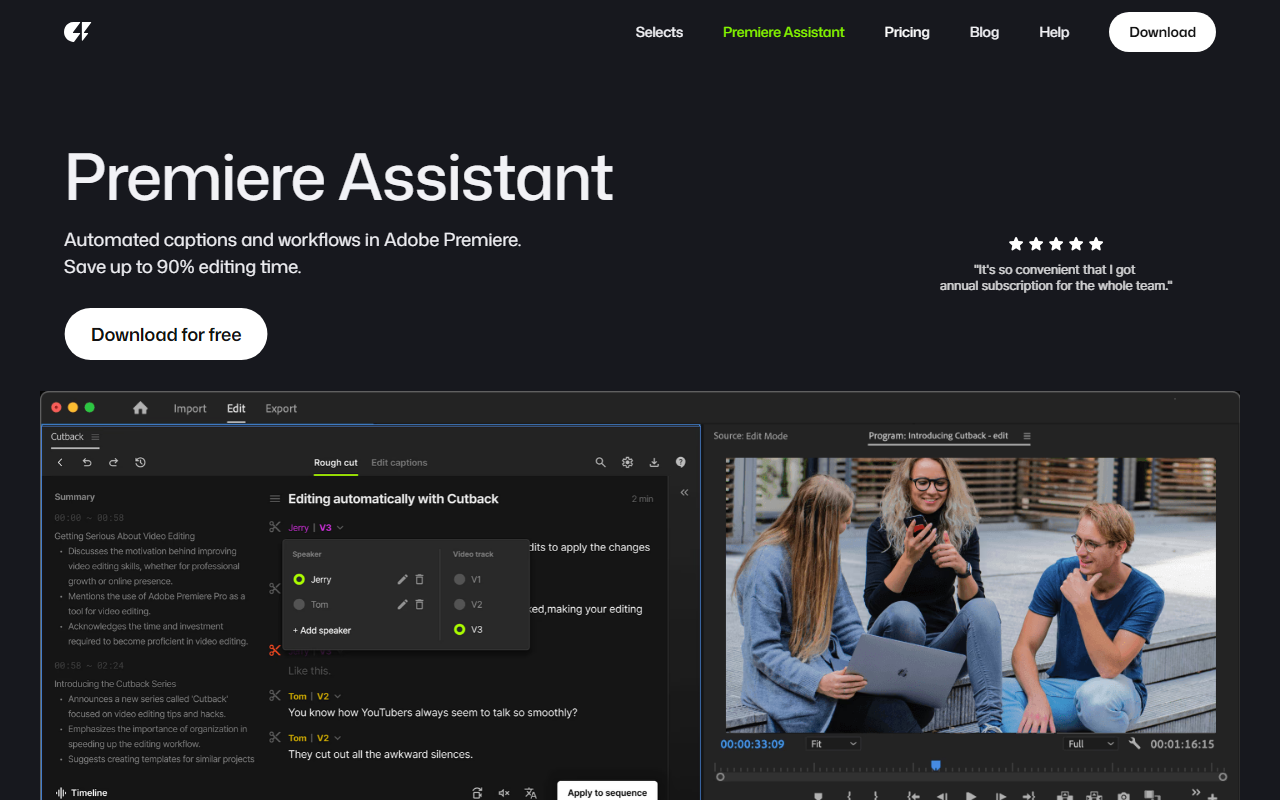
Upon visiting Cutback's website, I was greeted by a clean, modern interface that immediately pitched itself as a solution for video editors overwhelmed by tedious prep work. The homepage emphasizes automated footage preparation and a dedicated Premiere Assistant. I downloaded the free version to test the onboarding flow. The process was straightforward: after creating an account, the tool prompted me to connect my Adobe Premiere Pro account. The integration as an official Adobe Video Partner gave me confidence in its stability. The dashboard is minimal—just a few buttons for Selects, Premiere Assistant, and settings. It felt refreshingly uncluttered compared to other AI tools that try to do too much at once.
Key Features and Performance
Cutback’s core offering is “Selects,” an AI rough cut generator. I fed it a 20-minute interview clip, and within a few minutes, it returned a trimmed version that removed dead air, repeated words, and long pauses. The accuracy impressed me; only a couple of awkward cuts needed manual adjustment. The tool also offers automated caption generation and workflow presets for Premiere. The Premiere Assistant acts as a panel inside the editor, allowing you to trigger these actions without leaving the timeline. I tested the caption workflow, and it placed time-coded captions directly onto my timeline—faster than any plugin I’ve used. The AI seems optimized for dialogue-heavy content like interviews, vlogs, and podcasts. One limitation: it struggles with fast-paced montage clips, where the rough cut sometimes misses the intended rhythm.
Pricing and Integration
Cutback offers a free download, which gives you limited credits per month for basic Selects and captions. To unlock more features and higher usage limits, you need to subscribe. However, pricing is not publicly listed on the website; you have to contact sales or check within the app. This lack of transparency is a drawback for budget-conscious users. The tool integrates seamlessly with Adobe Premiere Pro (2024 and later) via an extension. It does not support Final Cut Pro or DaVinci Resolve natively, which narrows its audience. Unlike competitor AutoPod, which focuses on multi-camera editing, Cutback excels at single-camera automated prep. It also offers a help center and blog with tutorials, and the company seems responsive to user feedback based on community posts.
Who Should Use Cutback?
After several days of testing, I believe Cutback is best suited for solo video editors, small studios, and content creators who rely heavily on Adobe Premiere for interview-based or talking-head videos. If you dread spending hours cutting silence and filler words, this tool will genuinely save you days. However, if you work with highly stylized edits, fast-paced montages, or use a different NLE, look elsewhere. The lack of public pricing and the Premiere-only dependency are real limitations. But for its intended audience, Cutback delivers on its promise—it's a reliable assistant that handles the grunt work so you can focus on storytelling. Visit Cutback at https://cutback.video/ to explore it yourself.


Comments