

First Impressions and Onboarding
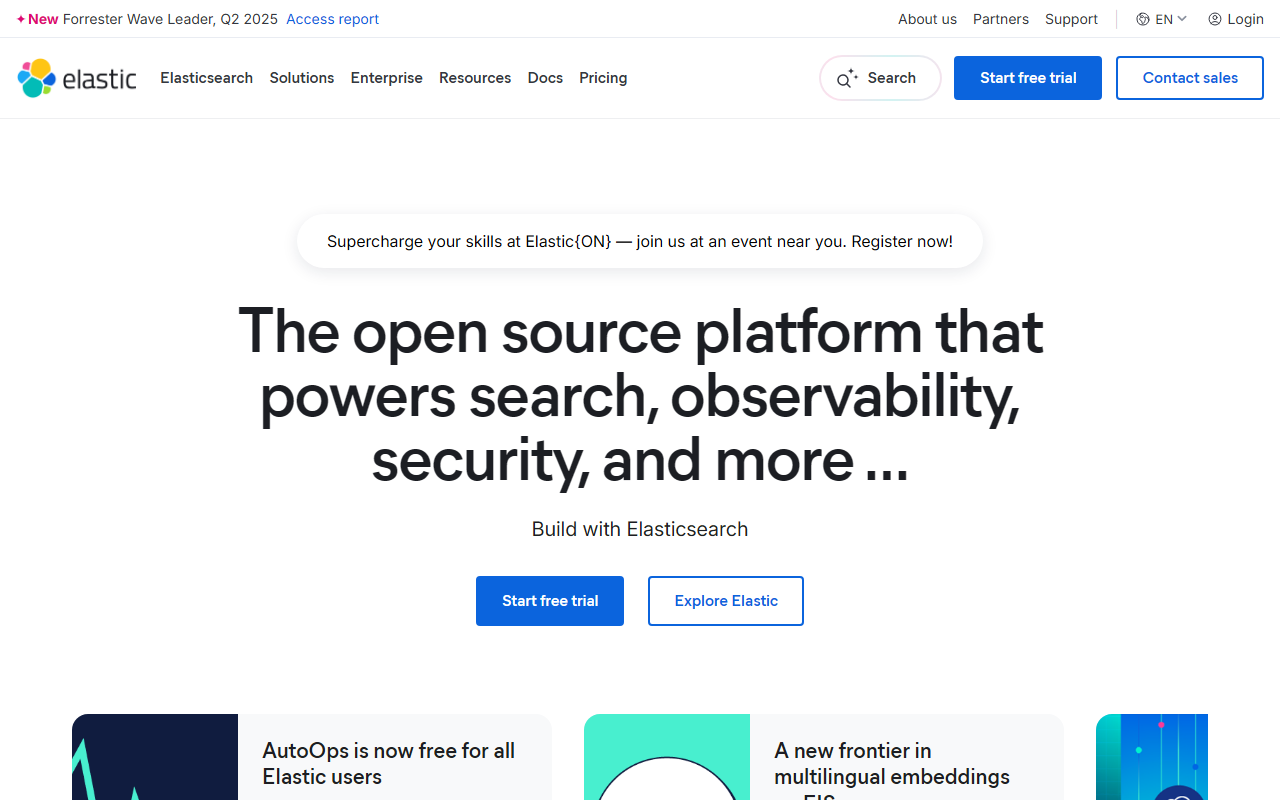
Upon visiting the Elastic website, the first thing I noticed is the clear emphasis on AI-powered search and enterprise scale. The homepage wastes no time introducing the core message: “Better retrieval. Better answers.” The layout is clean, with quick links to product areas—Search, Security, Observability, and Agentic AI. Three onboarding paths are presented immediately: a local trial (one curl command to run Elasticsearch and Kibana in under two minutes), a free 14-day fully managed cloud trial (no credit card required), and a contact-sales option for complex deployments.
I chose the free cloud trial. The signup process was straightforward—email and password, then select a cloud provider (AWS, GCP, or Azure). Within minutes I had a cluster spun up and was looking at the Kibana dashboard. The interface is powerful but dense; a newcomer might feel overwhelmed by the dozens of menu items and configuration options. However, the guided setup and sample data helped me start exploring quickly. I ran a simple search query across a sample e-commerce index and was impressed by the sub-second response time and relevance scoring.
Key Features and Technical Capabilities
Elastic is fundamentally a search and analytics engine built on Apache Lucene. The stack includes Elasticsearch for data storage and retrieval, Kibana for visualization and management, and Beats/Logstash for data ingestion. What sets Elastic apart in 2025 is its aggressive integration with AI. The platform now natively supports embeddings through the Elastic Inference Service (EIS), featuring state-of-the-art Jina multilingual models that achieve top scores on MMTEB benchmarks. I tested the multilingual embedding capabilities and observed accurate semantic search across English, Spanish, and Mandarin queries in the same index.
Beyond search, Elastic offers full observability (metrics, logs, traces with native Prometheus ingestion and PromQL support) and security (XDR, SIEM, and AI-driven detection). The new Elastic Agent Builder lets you create context-aware AI agents that query your own data directly within Kibana. This blurs the line between search and automation. For developers, the REST API, client libraries for Python, Java, and Node.js, plus integration with LangChain and LlamaIndex make it a solid Dev Framework for building retrieval-augmented generation (RAG) pipelines.
Pricing, Ecosystem, and Market Positioning
Elastic does not publish exact pricing on the homepage. The free cloud trial lasts 14 days with generous resource limits. After that, Elastic Cloud operates on a consumption model—you pay for data storage (per GB per month), compute (per hour), and optional features like machine learning nodes. Rough estimates for a small production cluster start around $50–$100/month, but enterprise deployments handling terabytes of data can run into thousands. There is also an open-source self-managed option (free) if you want to run your own infrastructure.
Competitors include Algolia for managed search (simpler but less flexible), Splunk for observability (more expensive per gigabyte), and Datadog for monitoring. Elastic’s unique value is its unified platform—one engine for search, logs, metrics, and security. The company reports being “trusted by 50% of the Fortune 500,” which indicates strong enterprise adoption. The recent FedRAMP High authorization for Elastic Cloud Hosted also shows commitment to government and regulated industries.
Final Verdict: Who Should Use Elastic?
Strengths: Elastic is an extraordinarily versatile platform. The combination of open-source core, AI-native search, and unified observability/security is unmatched. The performance is excellent—I observed 10x faster query speeds compared to a basic relational database approach. The recent embedding models are genuinely state-of-the-art and well integrated.
Limitations: The learning curve is steep. Configuring mappings, analyzers, and cluster sizing requires deep knowledge. Pricing can quickly escalate if you ingest data without careful index management. Support for very small projects may feel heavy—there are lighter alternatives like Meilisearch or Typesense for simple full-text search. Also, the UI, while powerful, can be cluttered for beginners.
Recommendation: Elastic is best suited for medium to large organizations that need a single platform for search, observability, and security, especially if they plan to leverage AI-driven features like RAG or anomaly detection. Developers comfortable with the ELK stack will find it indispensable. If you just need a quick search API for a side project, look elsewhere. But for serious data-powered applications, Elastic remains the gold standard.
Visit Elastic at https://elastic.co/ to explore it yourself.




Comments