

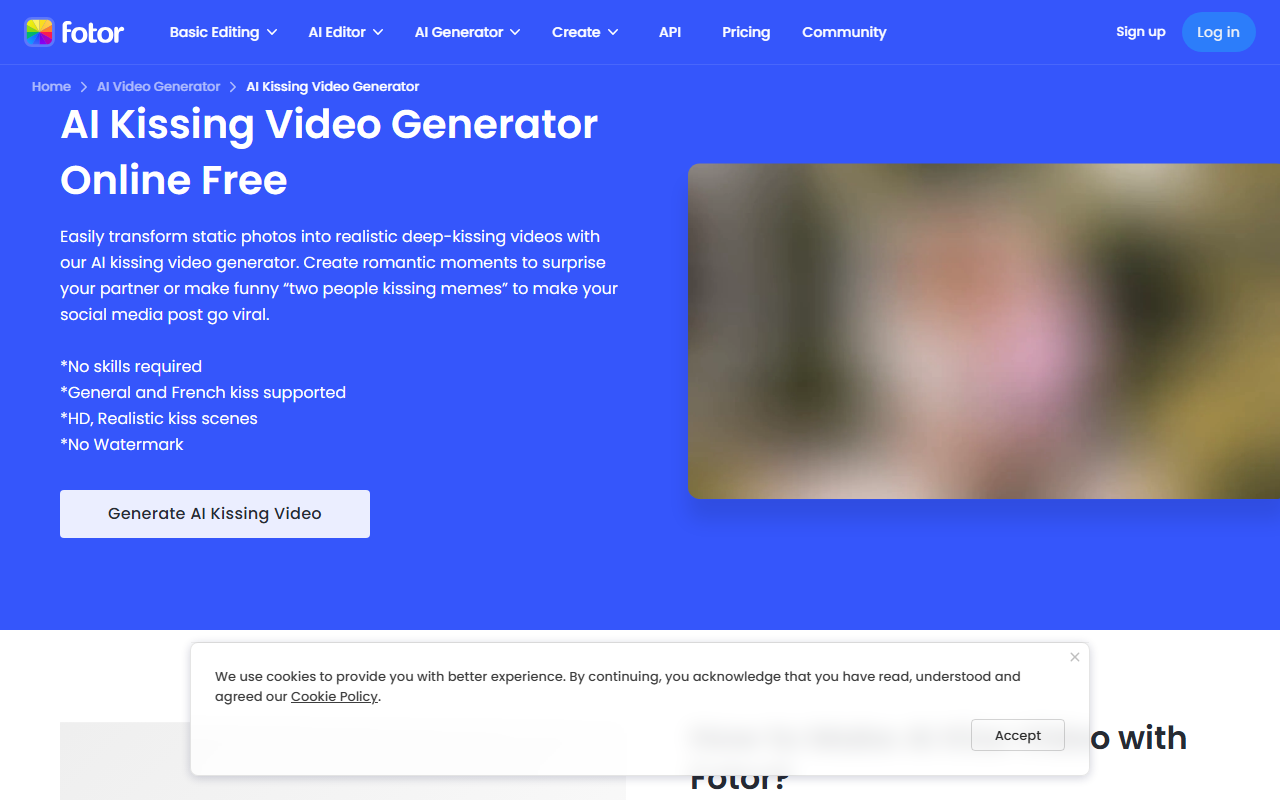
First Impressions and Onboarding
Upon visiting Fotor, the interface immediately presents a clean, organized layout with a left sidebar categorizing hundreds of tools. The free tier allows immediate use of basic editing and AI features like background removal and image enhancement. Within seconds, I uploaded a test photo and applied the AI Enhancer — the result was noticeable sharpness improvement, though the free version added a small watermark onto the download. The onboarding is frictionless; no account required to start editing. The dashboard clearly separates photo editing, AI tools, video editing, and design templates, making navigation straightforward despite the sheer volume of options.
Core AI Features and Performance
Fotor's AI capabilities are its main draw. The AI Background Remover works in about three seconds and produces clean edges even on complex hair. The AI Object Remover similarly performs well, wiping out photobombers or text without leaving obvious artifacts. For generative AI, the Text to Image tool delivers varied results but requires clear prompts; it can generate realistic portraits or anime styles. Additional features like AI Clothes Changer and AI Baby Face Generator show creative potential, though output quality varies. The AI Video Upscaler and Video Enhancer are available, but as a cross-border AI tool, video capabilities are less robust than dedicated editors. Overall, performance is reliable for quick edits, but batch processing and high-resolution exports require a paid plan.
Pricing and Market Positioning
Pricing is not explicitly listed on the main website, but a Pro plan typically costs around $3.99 monthly for unlimited high-res exports, no watermarks, and priority support. A free tier exists with limited features and watermark. Fotor positions itself between free tools like Canva and professional software like Adobe Photoshop. Unlike Canva's focus on design templates, Fotor excels in AI-powered photo restoration and enhancement, making it a strong choice for e-commerce product images or social media content. The API is available for integration, which benefits cross-border business workflows. Competitors include Pixlr and Adobe Express, but Fotor's extensive AI toolset for images gives it a unique edge in this space.
Verdict: Who Should Use Fotor?
Fotor is ideal for solopreneurs, social media managers, and small business owners needing quick, AI-driven photo edits without learning professional software. The strength lies in its all-in-one suite: background removal, image enhancement, generative AI, and batch editing. Limitations include the overwhelming number of tools that can confuse new users, and the heavy reliance on a paywall for full-resolution exports and advanced AI features. If you require deep video editing or vector design, look elsewhere. Overall, Fotor delivers solid value for its target audience, especially for cross-border e-commerce teams needing fast image processing.
Visit Fotor at https://fotor.com/ to explore it yourself.


Comments