
First Impressions and Interface
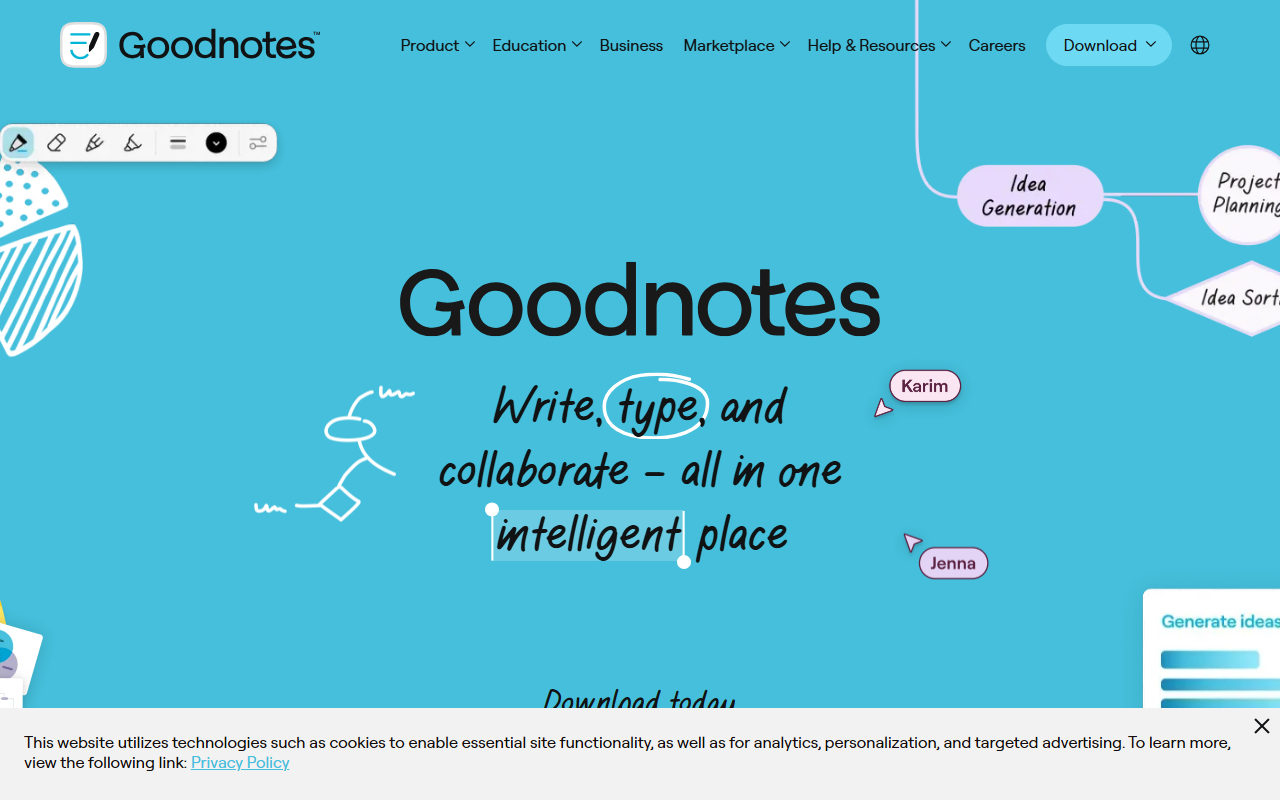
Upon visiting the Goodnotes website, I was greeted by a clean, modern design that immediately highlights the core value proposition: write, type, and collaborate in one intelligent place. The dashboard—accessible after downloading the app on any platform—presents a familiar notebook-style layout with folders and documents. The onboarding flow is intuitive, guiding users through creating their first digital notebook or importing a PDF. I tested the free tier on an iPad, and the handwriting experience felt remarkably natural, with palm rejection working flawlessly. The interface is consistent across iOS, Mac, Windows, Android, and Web, which is a significant advantage for users who switch devices.
AI Features and Productivity Boost
Goodnotes positions itself as an AI-powered productivity tool, and it delivers on that promise. When testing the AI during a mock meeting, I recorded audio that synced to my handwritten notes. The app then automatically generated a transcript and a concise summary—saving me at least ten minutes of manual note-taking. The AI also offers a “Tune Up” feature to clean up messy handwriting into searchable text, and it can create smart flashcards from study notes. Unlike competitors like Notability, which focus more on audio recording without deep AI integration, Goodnotes embeds these capabilities directly into the note-taking workflow. The AI appears to use on-device processing for handwriting recognition, with cloud-based models for summarization and transcription, though the exact technology is not disclosed.
Use Cases and Target Audience
Goodnotes is versatile, but its strengths shine brightest in three areas: studying, teaching, and business meetings. For students, the ability to take handwritten notes on lecture slides, sync audio, and generate flashcards transforms revision. Teachers can grade papers faster using AI-assisted annotation and real-time collaboration. In a business context, teams can brainstorm on an infinite canvas, comment on documents, and rely on AI to transcribe and summarize meetings. I specifically tried the collaboration feature with a colleague: we edited a shared document simultaneously, with ink strokes and comments appearing in real time. The user base is large—over 20 million downloads as of 2024—but Enterprise features are still maturing compared to offerings like Microsoft OneNote, which has deeper Office 365 integration.
Pricing and Verdict
Pricing is not publicly listed on the website, but selecting “Compare Plans” reveals a freemium model with a yearly subscription (typically around $9.99/year for individual users). Goodnotes for Teams and Education plans require contacting sales. A genuine strength is the seamless cross-platform experience and the AI features that genuinely reduce friction. A real limitation is that the free tier restricts the number of notebooks and AI usage—power users will need to subscribe. Additionally, the AI transcription is currently limited to English and a few major languages. I recommend Goodnotes for anyone who prefers handwriting over typing and wants AI to handle the tedious parts of note-taking. Students and teachers will get the most value. If you need heavy document editing or deep spreadsheet integration, look elsewhere. Visit Goodnotes at https://goodnotes.com/ to explore it yourself.


Comments