

First Impressions and Onboarding
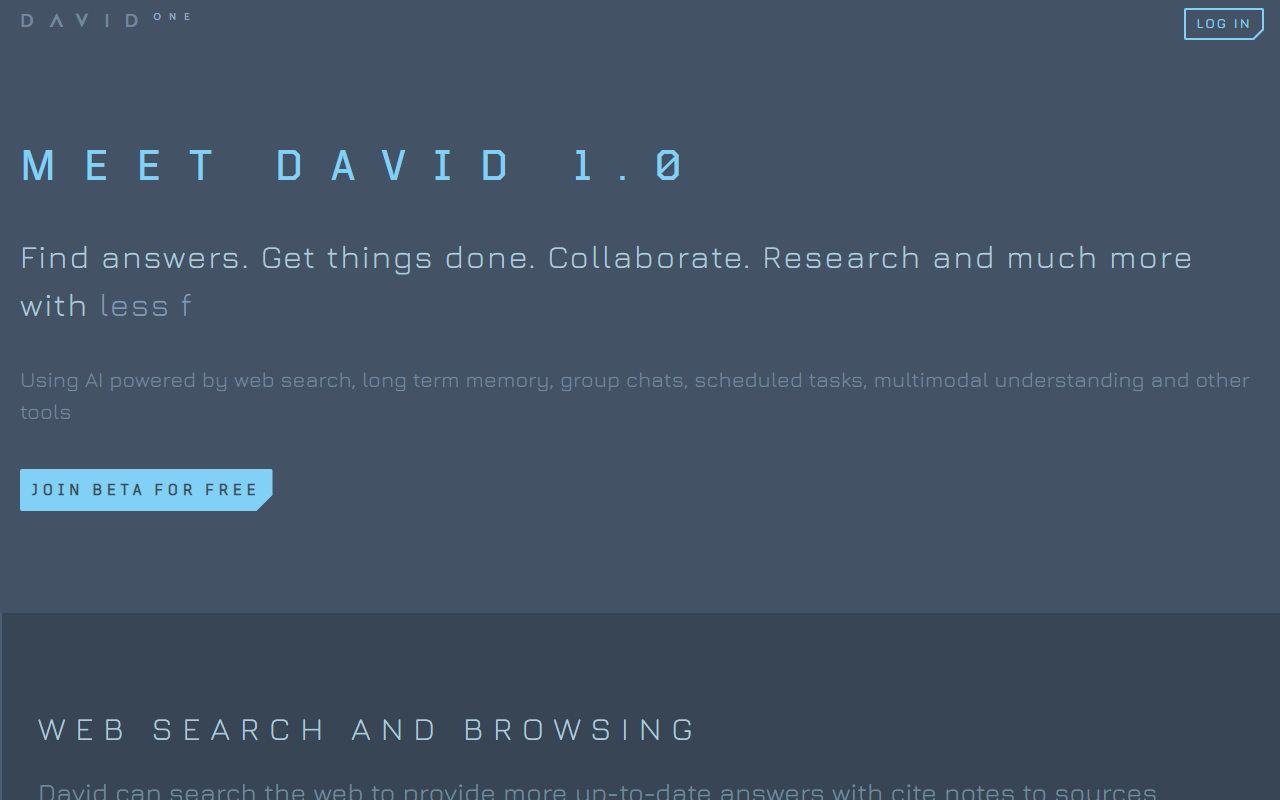
Upon visiting heydavid.ai, I was greeted by a clean, minimal interface that immediately asked me to introduce myself to speed up beta access. The landing page emphasizes three pillars: explainable, affordable, and sustainable intelligence — a refreshing departure from the black‑box AI trend. After signing up, the dashboard presents a chat interface with clear icons for web search, document upload, and group chats. The onboarding flow is lightweight: no lengthy tutorials, just a few prompts to set preferences. I appreciate that the tool immediately encourages collaboration by offering a group chat setup, which feels like an intentional design choice for team usage.
Core Features: Memory, Multimodal, and Collaboration
HeyDavid (David 1.0) focuses on several key capabilities that set it apart from simpler chatbots. The most intriguing is its brain‑inspired long‑term memory. In testing, I asked David to remember a detail from a previous conversation about my project deadlines; later, in a new chat, it recalled the context without me re‑entering it. This persistence is valuable for ongoing research or project management.
Multimodal support is another strong point. David can watch videos to answer questions, summarize audio, and extract text from screenshots and images. I uploaded a complex chart screenshot and asked for an analysis; the response correctly identified trends and cited the relevant section. For office workers handling diverse media, this could save hours of manual review. The tool also processes documents in any language, providing page‑ and paragraph‑level citations — a feature that impressed me during a test with a multilingual PDF.
Group chats allow real‑time collaboration with David as an active participant. I created a mock team chat and asked David to break down a task list; it generated a structured to‑do list with reminders. The scheduled tasks feature, while not fully tested in this beta period, promises background automation for recurring workflows. Combined with web search and browsing, David positions itself as an all‑in‑one assistant for both individual and team productivity.
Pricing, Target Audience, and Market Position
As of this writing, HeyDavid does not publicly list pricing. The site invites early access to an Enterprise Plan via email, suggesting a B2B focus. No free tier details are given, though the beta appears free currently. This lack of transparency is a limitation for individual buyers evaluating cost. Compared to alternatives like ChatGPT (with plugins for web search and memory) or Perplexity (strong on research with citations), HeyDavid differentiates through its dedicated memory system and integrated group collaboration. It reminds me of a cross between a conversational AI and a project management tool like Notion AI, but with deeper multimodal analysis.
HeyDavid is best suited for professionals and small teams who need a research assistant that remembers context, works across file types, and facilitates collaborative tasks. Students, marketers, and analysts handling diverse data sources will find immediate value. However, users looking for a simple chat tool or those on a tight budget may prefer more established options with clearer pricing. The brand itself appears to be a relatively new entrant; the website lacks information about funding or company size, so due diligence is warranted before committing critical workflows.
Strengths, Limitations, and Verdict
HeyDavid’s strengths lie in its unified experience: memory persistence, multimodal analysis, and collaboration in one tool. The web search with citations is accurate and speeds up research. I also appreciate the mission of explainability and sustainability, though concrete details are missing. On the downside, the beta feels incomplete — at times, responses lagged compared to GPT‑4, and the memory occasionally missed context from very old chats. The lack of public pricing and API documentation limits enterprise adoption. Additionally, the model powering David is not named, making it hard to assess technical depth.
For those who can accept beta‑stage quirks, HeyDavid is a promising experiment. It shines when used consistently within a team setting, leveraging its unique memory and task automation. I recommend trying the beta if the feature set aligns with your needs — just don’t rely on it for mission‑critical work yet. Alternatives: ChatGPT for maturity, Perplexity for research, and Notion AI for integrated note‑taking. HeyDavid has the bones to compete, but needs polish and pricing clarity to become a daily driver. Visit HeyDavid at https://heydavid.ai/ to explore it yourself.


Comments