

First Impressions and Onboarding
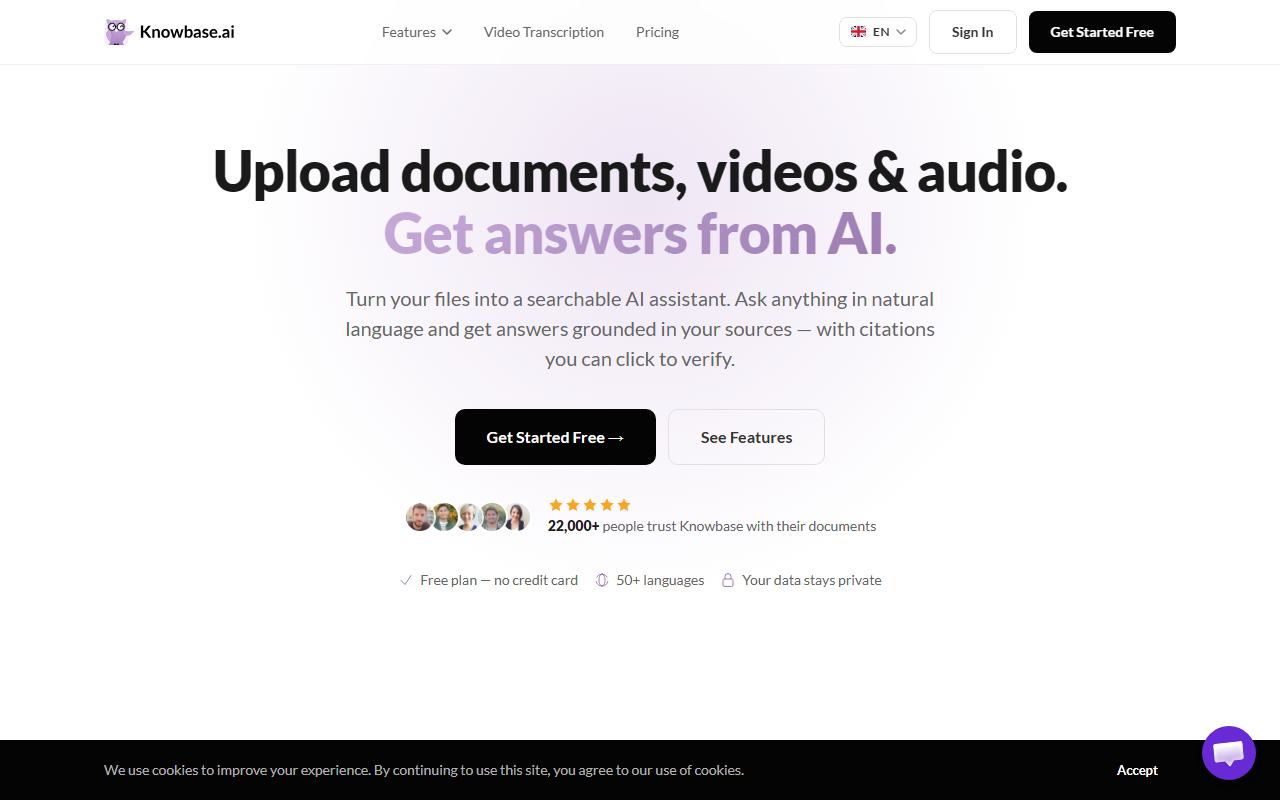
Upon visiting the Knowbase.ai website, I was greeted with a clean, modern interface that immediately highlights its core value proposition: “Turn your files into a searchable AI assistant.” The homepage showcases a demo of Chat-All, where a user asks a question across multiple documents and receives a precise answer with clickable citations. I signed up for the free tier (no credit card required) and was guided through a straightforward onboarding flow. After uploading a sample PDF contract, I noticed the processing was quick—about 10 seconds for a 20-page document. The dashboard shows your uploaded files, a search bar, and a side panel for recent conversations. I particularly liked the Smart Library view, which lets you organise files into collections called "Nests." This structure feels intuitive, especially for users with many documents.
Core Features and Technology
Knowbase.ai is more than a simple document Q&A tool. It combines file storage with an AI chat interface that supports PDFs, Word docs, PowerPoints, TXT, MD, and media files like MP4, MP3, and YouTube links. The standout feature is Chat-All, which allows you to query your entire library—including connected Google Drive, Notion, Dropbox, and web sources—in a single conversation. I tested this by uploading a research paper and a notebook and then asking a question spanning both. The AI pulled relevant snippets from each file, with numbered citations that linked directly to the exact page. The transcription feature for audio and video is also impressive: I uploaded a 10-minute podcast MP3 and received a speaker-diarised transcript with timestamps, which I could then chat with. Behind the scenes, Knowbase appears to use a combination of embedding models (likely OpenAI text-embedding-3-small) and a generative model for answers, though the exact stack isn’t disclosed. The platform supports 50+ languages and offers shareable links and embeddable chatbots for websites.
Pricing, Privacy, and Use Cases
Knowbase.ai offers a free plan with 100 MB storage and 25 queries per month—perfect for testing. Pricing for paid tiers is not publicly listed on the website, but given the feature set, I expect competitive plans similar to alternatives like ChatPDF or Mem. The privacy policy is a strong selling point: user documents are never used for AI training, and files remain private unless explicitly shared. Every answer includes source citations, which builds trust. The tool addresses multiple user personas: students can upload lecture notes, professionals can manage contracts, and creators can transcribe content. For teams, the ability to embed an AI chatbot on a website with lead capture is a differentiator. However, a limitation is the free tier’s query cap—heavy users will need a paid plan. Additionally, the lack of an API (I didn’t see one mentioned) may deter developers wanting to integrate custom workflows.
Verdict and Recommendation
Knowbase.ai excels at turning scattered documents into a single, searchable knowledge base with citation-backed answers. Its strengths lie in privacy, multi-format support, and the Chat-All feature that searches across connected sources. The main limitations are the opaque paid pricing and the free tier’s restrictive query limit. Compared to competitors like Notion AI (which requires a workspace subscription) or ChatPDF (single-document focus), Knowbase offers a more unified experience. I recommend Knowbase.ai for anyone who regularly works with multiple documents—especially researchers, executives, and small teams—who want to ask questions across their files without switching tools. The free tier is generous enough to test its value. If you need API access or enterprise-grade analytics, you might look elsewhere, but for a turnkey knowledge assistant, Knowbase.ai delivers. Visit Knowbase.ai at https://knowbase.ai/ to explore it yourself.




Comments