
First Impressions and Core Value Proposition
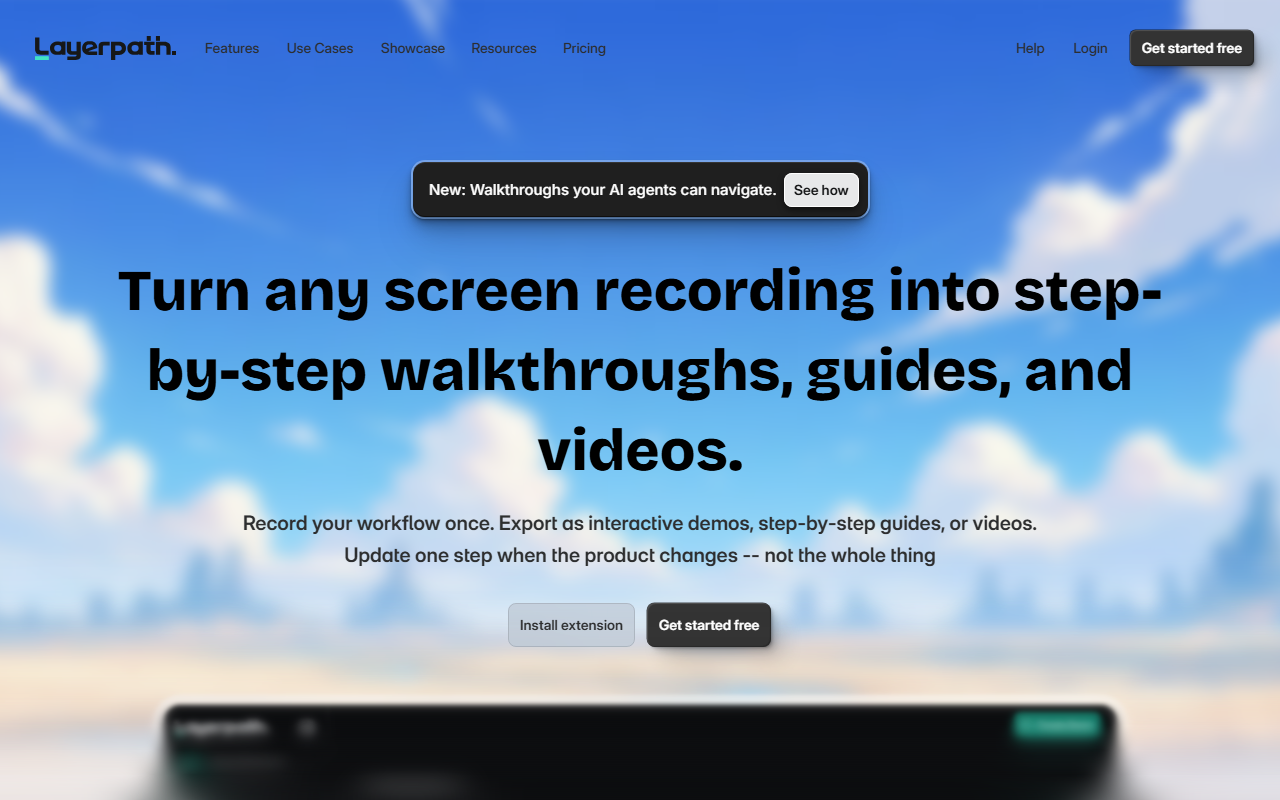
Upon visiting Layerpath, I was struck by the clarity of its pitch: record your workflow once, then export it as an interactive demo, a how-to guide, or a video. The landing page immediately demonstrates the three-output workflow with a clean dashboard mockup. The promise of updating one step without re-recording the whole thing is a major time-saver for teams that frequently update their UI. Unlike traditional screen recording tools that force you to edit video frame by frame, Layerpath captures clicks and context automatically, letting you trim, highlight, and refine later. This approach positions it squarely in the interactive demo and training video space, competing with tools like WalkMe and UserGuiding but with a stronger emphasis on producing multiple formats from a single capture.
Exploring Key Features: Recording, Editing, and Outputs
When testing the free tier, I installed the browser extension and recorded a simple workflow. The capture process felt smooth; it automatically detected clicks and pauses, creating a sequence of steps. The editing interface let me adjust copy, reorder steps, and apply highlights without any design skill. The three output types work as promised: interactive demos allow click-through exploration, step-by-step guides provide static walkthroughs perfect for help docs, and short videos are generated automatically from the same recording. I particularly liked the playlist feature, which bundles multiple tours so viewers can learn in sequence. The ability to share via link, embed HTML, or MDX makes it developer-friendly. Layerpath also includes a brand kit to apply your colors and fonts, ensuring all outputs look consistent.
Analytics, AI Voiceovers, and Branding
Layerpath includes advanced analytics that track drop-offs, completions, and confusion points. The dashboard I saw displayed real-time metrics like watch rate, engagement rate, and conversion data from embedded forms. This is invaluable for product teams trying to optimize onboarding flows. For voiceovers, the AI narration feature offers multiple voices and accents—I tested the Indian female voice “Nila” and found the quality decent, though not quite human-level. You can also keep demonstrations silent. The brand kit applies automatically to all outputs, so every walkthrough looks polished. One limitation: the free plan likely restricts the number of projects and analytics depth, and the pricing page shows Pro starts at $99/month, which may be steep for small teams. However, for a team shipping external demos or onboarding content regularly, the investment pays off in reduced rework.
Pricing and Final Verdict
Layerpath offers a free tier for starters, then Pro at $99/month (exact details not fully listed on the website, but that figure is mentioned). Enterprise options likely include custom branding and priority support. The tool is best suited for product managers, customer success teams, and training developers who need to create and update walkthroughs frequently without relying on video editors. It's less ideal for users who only need simple screen recordings without interactivity—there are cheaper alternatives like Loom for quick videos. Genuine strengths: the record-once, update-anytime model is a game changer for fast-changing products. Limitation: the AI voiceover can sound robotic, and the free tier may lack advanced analytics. Overall, Layerpath delivers on its promise. I recommend trying the free tier if your team creates regular product tours or training content—it will save you hours of re-recording. Visit Layerpath at https://layerpath.com/ to explore it yourself.


Comments