

First Impressions and Onboarding
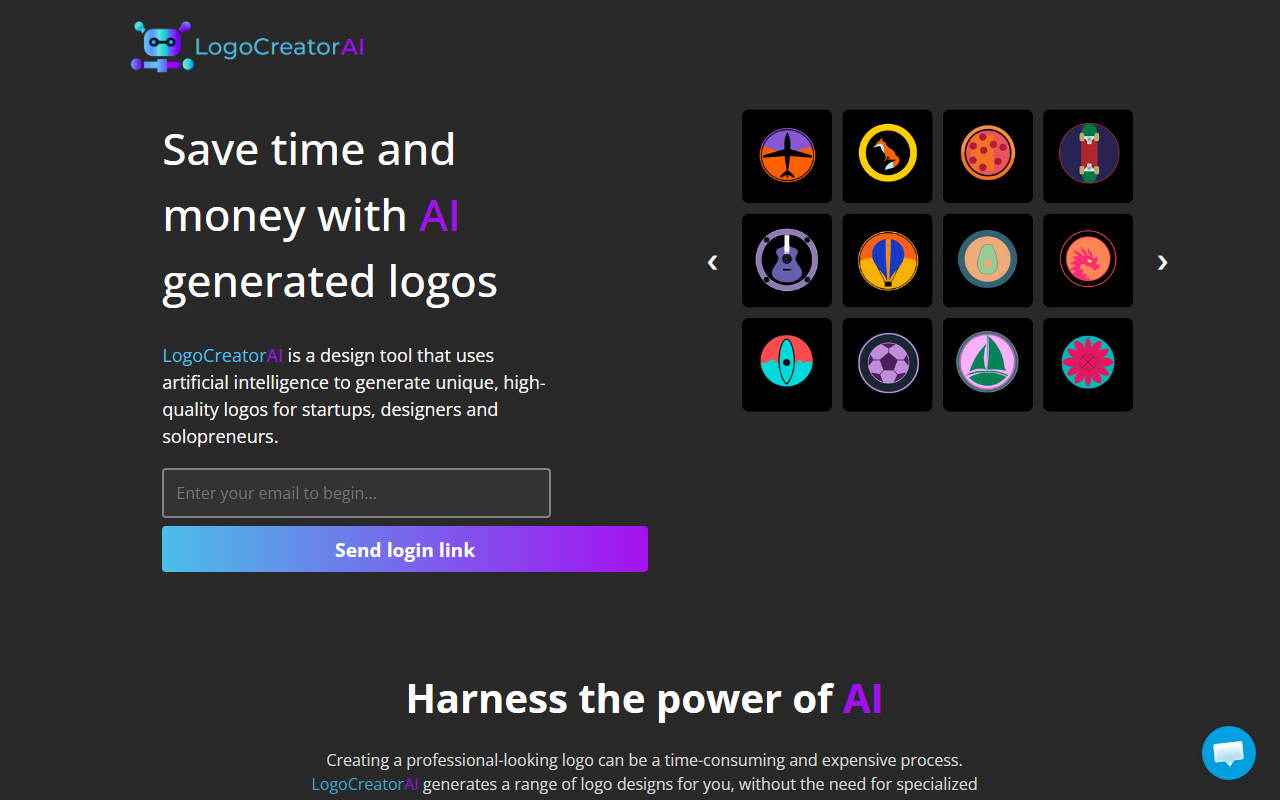
Upon visiting LogoCreatorAI's site, you're greeted with a clean, minimalist layout that immediately communicates its core value proposition: logos created by AI, saving time and money. The entire sign-up flow is frictionless — no password is required. You simply enter your email, and a magic link is sent for instant login. I appreciated this zero-password approach; it removes the initial barrier to testing the tool. Once inside, the dashboard is sparse but functional. There's a clear prompt area where you choose a style from a list of 12, specify a concept (e.g., a tree, a gear, an abstract shape), and pick colors. The interface is almost too simple, but that's by design — it's meant to be fast.
Core Functionality and Output Quality
LogoCreatorAI generates logos by combining your chosen style, concept, and color palette. During my test, I selected the minimal style, a diamond concept, and a blue/orange gradient. Within seconds, the dashboard displayed 10 logo variations (the maximum per generation) as 1024x1024 PNG images with transparent backgrounds. The results were mixed: a few designs were clean and usable, while others felt generic or off-proportion. The FAQ honestly warns that "not every logo will be exactly perfect" — a refreshing admission. Importantly, the tool does not add your company name to the logo. You must download the image and add text using an external editor like Canva or Photoshop. This is a significant limitation if you expect a complete branding package. However, for a quick icon or symbol, it works. The commercial license is generous: you can use and even resell the generated logos, as long as you don't misrepresent them as fully human-made.
Pricing and Value Proposition
LogoCreatorAI uses a credit system: one credit equals one logo generation. Three tiers are available: 15 credits for $10, 45 credits for $25, and 100 credits for $40. That works out to roughly $0.67, $0.56, and $0.40 per logo respectively — very affordable compared to competitors like Looka, which charges about $20–$50 per final logo or a monthly subscription. However, Looka offers vector files (SVG, EPS) and more customization; LogoCreatorAI delivers only raster PNGs. There is no free trial generation, but the low entry price of $10 makes it easy to test. No API is exposed, and no integration with design tools is mentioned. The absence of a white-label or team plan restricts this to individual users or very small teams.
Who Should Use LogoCreatorAI?
This tool is best suited for solopreneurs, freelancers, and bootstrapped startups who need a simple emblem or icon quickly and can't afford a professional designer. It's also useful for designers seeking raw inspiration — generate a batch of concepts, then refine them further. On the other hand, anyone needing a logo with company name text, a specific custom font, or vector scalability should look elsewhere. The AI can produce random, imperfect results; you'll likely need to generate multiple batches. The lack of an editing suite inside the platform is a real drawback. Still, for the price and speed, LogoCreatorAI delivers on its promise. If you're on a tight budget and your branding needs are basic, it's worth the $10 experiment.
Visit LogoCreatorAI at https://logocreatorai.com/ to explore it yourself.


Comments