

First Impressions and Interface
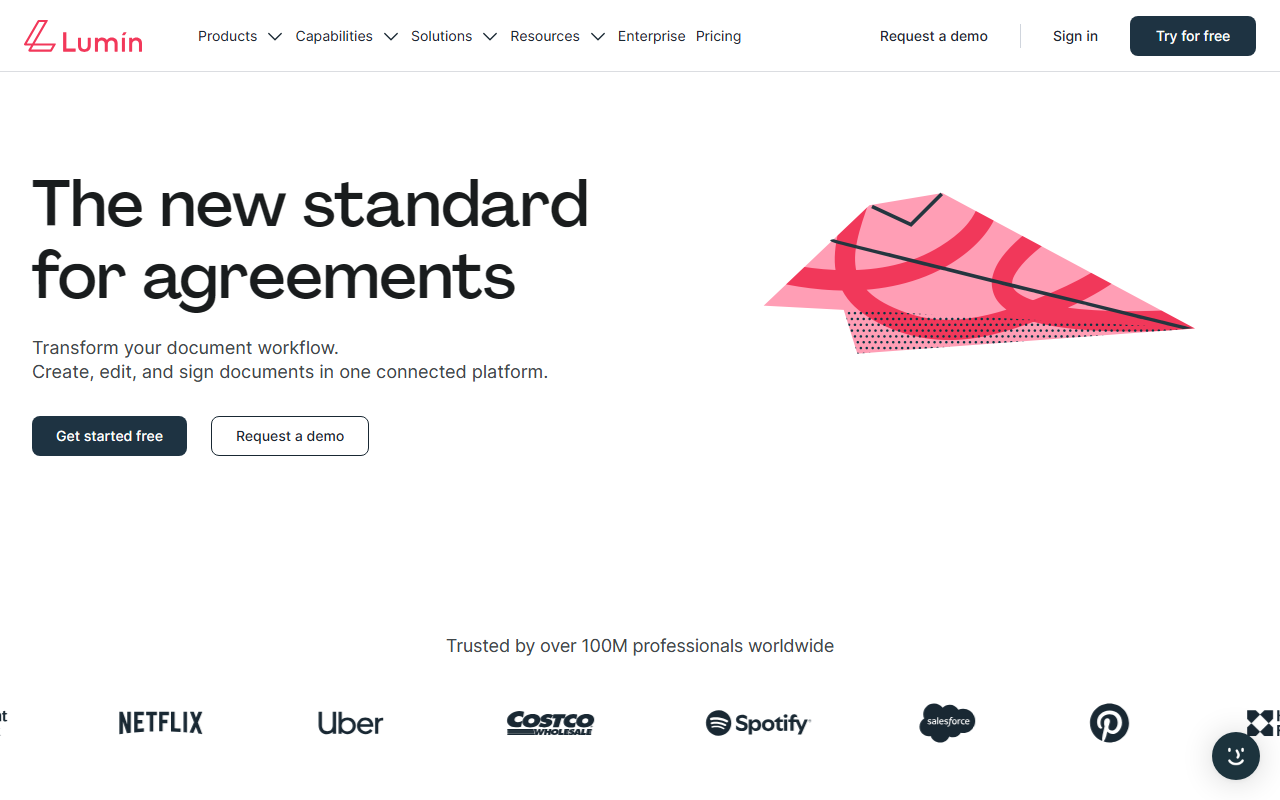
Upon visiting the Lumin website, I noticed a clean, modern design that immediately communicates the product suite: AgreementGen, Lumin Sign, Lumin PDF, and Lumin AI. The dashboard shows a central workspace where you can create, edit, and sign documents without switching between tools. Signing up for the free tier was straightforward — I used a Google account and was in within seconds. The onboarding flow guides you through creating your first document with an AI prompt, which felt intuitive even for a first-time user. I started by typing "Create an NDA for a software vendor" and watched AgreementGen generate a solid draft within ten seconds. The editor then allowed me to tweak terms, add clauses, and share the document with a colleague for review.
Core Features and AI Capabilities
Lumin positions itself as an all-in-one document workflow platform. AgreementGen is the standout AI feature — it generates contracts like NDAs, lease agreements, and employment contracts from simple prompts. When testing the free tier, the AI produced a legally readable NDA, but I noticed it lacks the nuance of specialized legal AI tools such as LawGeex or Spellbook. However, for quick, standard agreements, it saves significant time. Lumin Sign offers secure digital signing with government-backed identity verification, and Lumin PDF provides full editing, collaboration, and annotation tools. The platform runs on a cloud-first architecture, supports offline mode on mobile, and integrates with Google Drive, Microsoft 365, and Slack. Lumin also offers an eSign API for developers, which is a plus for enterprises needing custom workflows. Security is robust: SOC 2 compliance, bank-level encryption, and zero-trust principles — your files stay in Google Drive and are never stored on Lumin's servers.
Pricing and Integrations
Pricing is not publicly listed on the website beyond the free tier. The free plan includes basic PDF editing and limited AI generations. For AgreementGen and advanced collaboration, you need a paid plan — but exact tiers are hidden behind a "Request a demo" button. This opacity can be frustrating for small businesses evaluating costs. Enterprise plans are available with custom pricing, and Lumin also offers a 30-day trial for the full suite. Integrations cover major tools: Google Drive, Dropbox, Box, Salesforce, and Zapier. Unlike competitors like DocuSign or PandaDoc, which focus primarily on eSignatures, Lumin tries to combine editing, signing, and AI drafting in one interface. This reduces tool switching but may lack the depth of dedicated solutions. The API allows custom integration, and the platform is available on iOS and Android.
Final Verdict and Recommendations
Lumin is a strong contender for small to medium businesses that want a unified document platform with AI assistance. Its main strength is the seamless integration of PDF editing, eSigning, and contract generation — all with a user-friendly interface. However, the AI is not as advanced as specialized legal document generators, and the hidden pricing may deter budget-conscious teams. For freelancers or startups needing occasional NDAs and quick signatures, the free tier is a great starting point. Larger enterprises with complex compliance needs should evaluate if the API and security meet their requirements. Overall, Lumin simplifies document workflows without overwhelming users, but it's not a replacement for heavy-duty legal software. Visit Lumin at https://luminpdf.com/ to explore it yourself.




Comments