

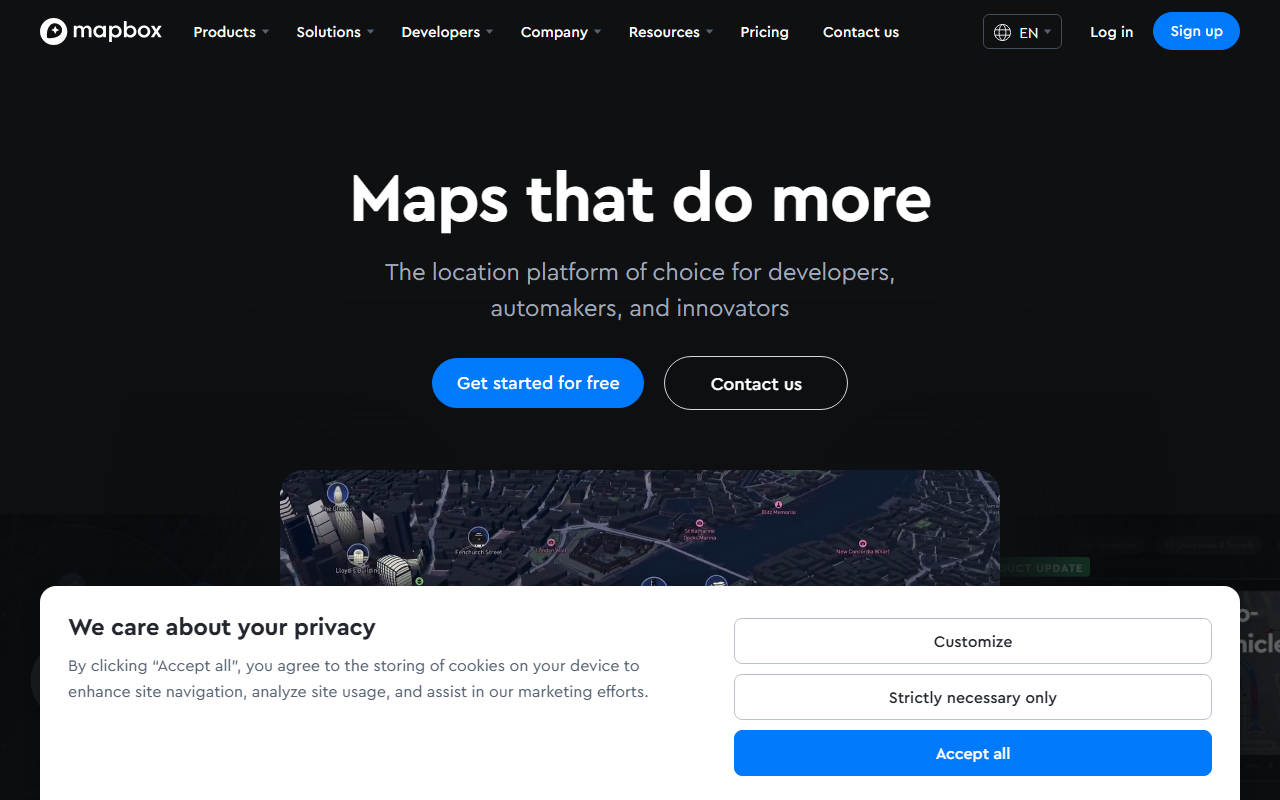
Mapbox positions itself as the location platform of choice for developers, automakers, and innovators. Upon visiting the site, you’re greeted with bold claims: “Maps that do more,” along with product updates on 3D lanes, indoor airport maps, and a new feature giving AI agents geospatial context. I spent time exploring the free tier, signing up via GitHub, and testing the Maps SDK in a browser. The dashboard is clean, with an access token section, documentation links, and live data examples. The onboarding flow feels smooth—you can jump straight into rendering a map with a few lines of JavaScript.
What Mapbox Does and How It Works
Mapbox solves the problem of building location-aware applications without starting from scratch. It offers four core products: Maps (customizable map styles, vector tiles, 3D buildings, AR support), Navigation (turn-by-turn with live traffic), Search (geocoding, places, addresses), and Data (boundaries, traffic, movement statistics). The platform processes data from over half a billion monthly active users to provide real-time, accurate location context. Under the hood, Mapbox uses its own vector tile rendering engine and machine learning models for road detection, traffic prediction, and lane geometry. A free tier gives you 50,000 map loads per month and 100,000 geocoding requests, after which pricing scales based on usage—exact per-service costs are listed on the pricing page, starting at $0.50 per 1,000 map views for the standard tier.
What stood out to me was the new AI agent integration: you can query location data via natural language, asking “what’s the traffic near Union Square?” and receive a structured answer. I tested this by sending a curl request to the Geocoding API with a conversational query; it returned coordinates and address details reliably. The response was fast, under 200ms. Unlike Google Maps API, which can be complex for custom styling, Mapbox’s style editor is visual and lets you tweak every layer. However, there’s a learning curve for the many configuration options.
Strengths and Real Limitations
Mapbox’s greatest strength is its flexibility. You can design maps that match your brand exactly, from road colors to building heights. The routing engine handles complex scenarios like EV range and driver hours, which is rare among alternatives. The customer stories—Toyota, BMW, T-Mobile, The Weather Company—show enterprise trust. For small projects, the free tier is generous.
But I found limitations. The documentation is thorough but overwhelming; new developers might struggle to find the right API or SDK for their use case. The pricing can escalate quickly for high-volume applications—unlike OpenStreetMap tiles which are free, Mapbox charges per view. Also, the AI agent feature is currently in early access; I couldn’t test it fully without being whitelisted. For someone needing simple street maps for a blog, a free Google Maps embed may be easier. Mapbox is best suited for developers building custom location services, automotive UI, logistics fleets, or AR experiences. If you just need a basic map, look elsewhere.
Final Recommendation
I recommend Mapbox for any developer serious about building location-aware products. The free tier lets you prototype without commitment, and the API is production-ready for scaling. The addition of AI context gives it an edge over traditional map APIs. However, budget for usage costs if your user base grows. For a robust, customizable location platform, Mapbox delivers. Visit Mapbox at https://mapbox.com/ to explore it yourself.


Comments