

First Impressions: A Streamlined Onboarding for Course Creators
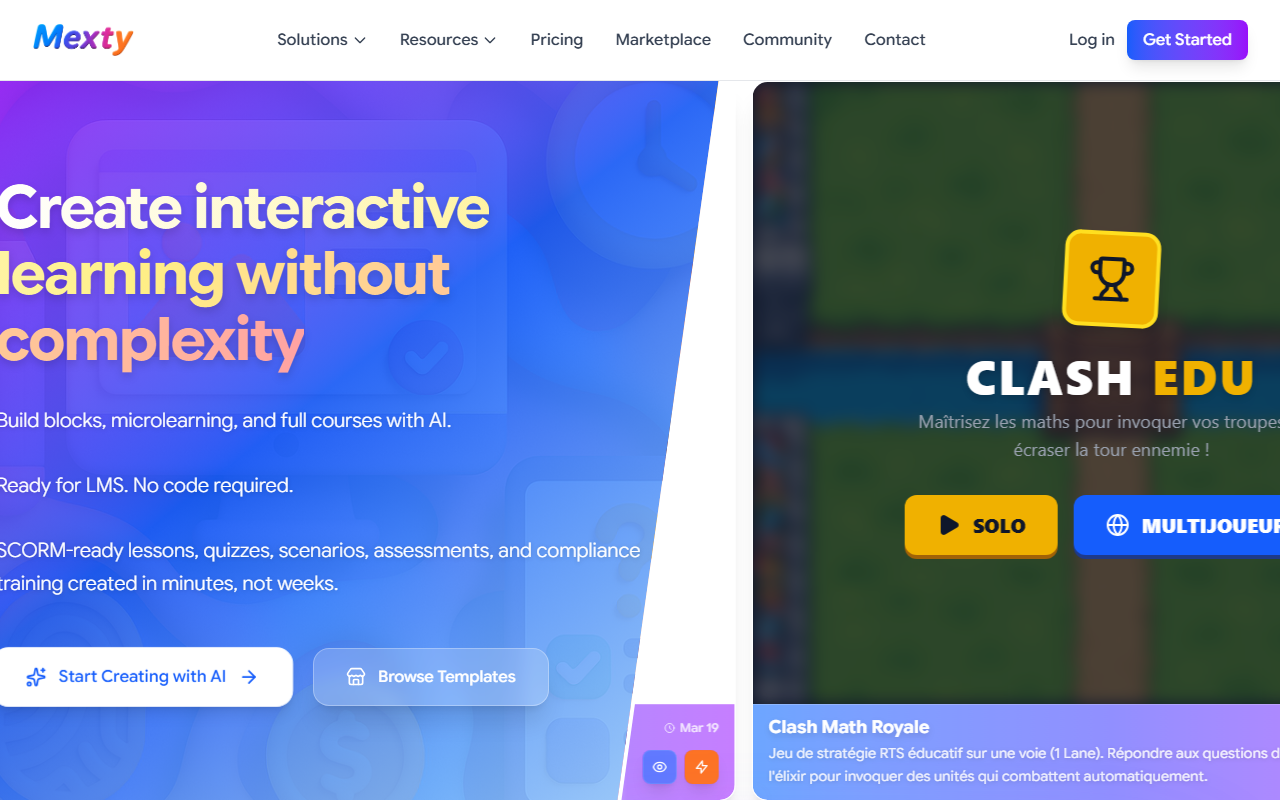
Upon visiting the Mexty website, I was greeted by a clean, modern dashboard that immediately invites experimentation. The landing page prominently features a large input field—almost like a search bar—where you can type a prompt such as “Create an interactive quiz on the Solar System for 6th grade.” I tested this with a similar prompt, and within about 20 seconds, Mexty generated a multi-slide lesson with embedded multiple-choice questions, drag-and-drop activities, and a summary card. The interface is entirely drag-and-drop: you can reorder blocks, edit text inline, or swap out media. The free trial gives you full access to explore these features, though the site does not publicly list exact pricing tiers.
The onboarding flow is minimal—no tutorial walls, just a brief tooltip when you hover over the first block. For an instructional designer or teacher short on time, this frictionless start is a clear win. I also navigated to the “Browse Templates” section, which offers pre-built modules for compliance training, K-12 science, and soft skills. Each template can be cloned and customized with AI prompts, saving significant setup time.
Core Capabilities: AI-Powered Authoring Meets SCORM Compliance
Mexty solves a specific pain point: creating interactive, LMS-ready e-learning content without coding or design skills. The platform uses an AI course generation engine that transforms simple text prompts into structured lessons, quizzes, branching scenarios, and even full training programs. Under the hood, it appears to leverage large language models (likely GPT-based) to generate initial drafts, which you then refine using a block-based editor.
Technical highlights include native SCORM export, making it compatible with any modern LMS (Moodle, Canvas, Blackboard, etc.). The editor supports multimedia embedding, adaptive branching, and gamification elements like badges and progress bars. Multilingual content creation is also built in—I saw options for English, French, Spanish, German, and more. For instructional designers who need accessibility, the tool provides basic alt-text prompts and contrast checks, though not a full WCAG audit.
Pricing is not publicly listed on the website. The FAQ mentions a free trial, but to see paid plans you must contact sales or likely sign up. This opacity can be frustrating for budget-conscious teams. Based on typical tools in this category, I estimate plans start around $29/month for individuals, but I cannot confirm.
Strengths and Limitations: What Works and What Doesn’t
Mexty’s strongest asset is its speed. I built a 10-slide compliance module with branching pathways in under 10 minutes—a task that traditionally takes an hour in tools like Articulate Rise. The AI-generated first drafts are genuinely useful, requiring only light editing to align with specific learning objectives. The no-code ethos is real: an SME (subject matter expert) with zero instructional design training could plausibly create a decent lesson. Another strength is the robust SCORM export: I tested it with Moodle, and the quiz results were tracked correctly. Finally, the company’s privacy stance is noteworthy: they explicitly state they do not train AI on user content and allow account deletion at any time—a trust booster for institutional buyers.
However, limitations exist. The free trial is time-limited, and without pricing transparency, you cannot fully evaluate cost before committing. The AI’s output can be formulaic: generated quizzes often default to simple recall questions rather than higher-order thinking. Customization of branching logic is clunky compared to dedicated tools like Twine or Elucidat. For advanced instructional designers who need fine-grained control over rubrics, scoring, or complex conditional logic, Mexty may feel restrictive. Additionally, the template library, while helpful, is still small compared to competitors like LearnWorlds or TalentLMS.
Market Position and Final Recommendation
Compared to heavyweights like Articulate Rise or Adobe Captivate, Mexty focuses on rapid creation over granular customization. It occupies a niche between full-featured authoring suites and simple quiz builders like Google Forms. For K-12 teachers creating weekly interactive lessons, corporate trainers building quick compliance modules, or instructional designers who need to prototype fast, Mexty is a strong option. Those who require deep analytics, custom JavaScript, or advanced simulation design should look elsewhere.
My recommendation: try Mexty’s free trial if you need to produce SCORM content quickly without a steep learning curve. It excels in speed and simplicity, but evaluate whether its AI output aligns with your depth requirements. For teams on a tight budget, the opaque pricing may be a barrier, so reach out to sales for a quote before scaling. Overall, Mexty is a worthwhile addition to an e-learning toolkit—especially for rapid development cycles.
Visit Mexty at https://mexty.ai/ to explore it yourself.


Comments