

What Mokker AI Does and How It Works
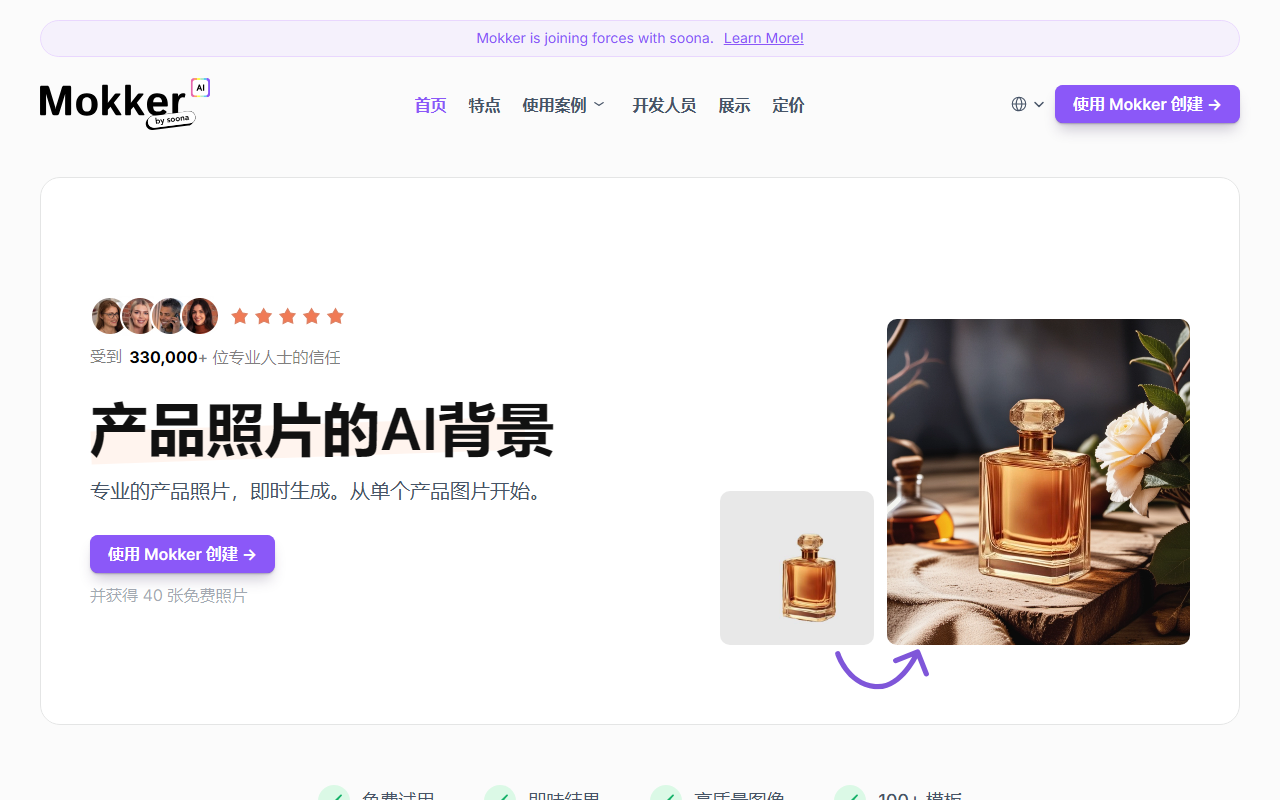
Upon visiting Mokker AI, you are greeted with a clean, modern interface that immediately emphasizes its core promise: instant AI background replacement for product photos. The tagline "Professional product photos, instantly. From a single product image." sets clear expectations. The onboarding is straightforward — you upload a product photo, the AI removes the background automatically, you select from over 100 templates across various industries, and then you receive the generated image. I tested the free tier, which offers 40 free photos without requiring a credit card. The results appeared within seconds, with the AI accurately isolating the product’s edges even on moderately complex shapes like a bottle with a glossy label. The dashboard provides quick access to recent projects, templates, and a moodboard feature where you can upload your own reference images for style inspiration.
Key Features and Workflow
Mokker AI’s workflow is designed for speed and consistency. Beyond simple background removal, the tool includes a Product Replace feature that lets you swap a product into an existing photo while maintaining lighting and shadows — a huge time-saver for batch product shoots. The template library spans categories such as lifestyle, studio, and natural settings, and you can further fine-tune the output using the moodboard upload. For developers, Mokker offers an API, which I noticed listed under the Developers section, allowing integration into ecommerce platforms. The tool also supports high-resolution exports suitable for print, making it viable for catalogs and flyers. One notable integration is Mokker’s partnership with soona, a creative production platform, which suggests they are targeting serious ecommerce businesses. However, the tool is strictly for product images; it does not handle portraits or complex scenes with multiple subjects, which is a limitation to keep in mind.
Pricing and Market Position
Mokker AI’s pricing is not publicly listed on the homepage, but the free tier provides 40 photos, which is generous for evaluation. Likely, paid plans scale by image volume or additional features like API access. Compared to alternatives like Clipdrop (which offers general background removal) or Remove.bg (focused on people and objects), Mokker differentiates itself by targeting product photography specifically, with curated templates and the product replace capability. This makes it a strong choice for ecommerce sellers, brand managers, and content creators who need consistent, high-quality product images without hiring a photographer. The claim of being trusted by over 100,000 professionals adds credibility, though I could not independently verify this. One genuine limitation: the AI sometimes fails to perfectly replicate intricate reflections or transparent objects, requiring manual touch-ups in an external editor. For basic backgrounds, though, the results are impressive.
Verdict: Who Should Use Mokker AI?
Mokker AI is best suited for ecommerce entrepreneurs, small to medium online retailers, and social media managers who frequently need product photos with varied backgrounds. The ease of use and batch processing potential can significantly reduce production time and costs. Those needing advanced retouching or multi-object scenes should look elsewhere—perhaps at a full-service photography platform. Overall, Mokker AI delivers on its promise of instant, professional product photography for most straightforward use cases. Visit Mokker AI at https://mokker.ai/ to explore it yourself.


Comments