

First Impressions and Onboarding
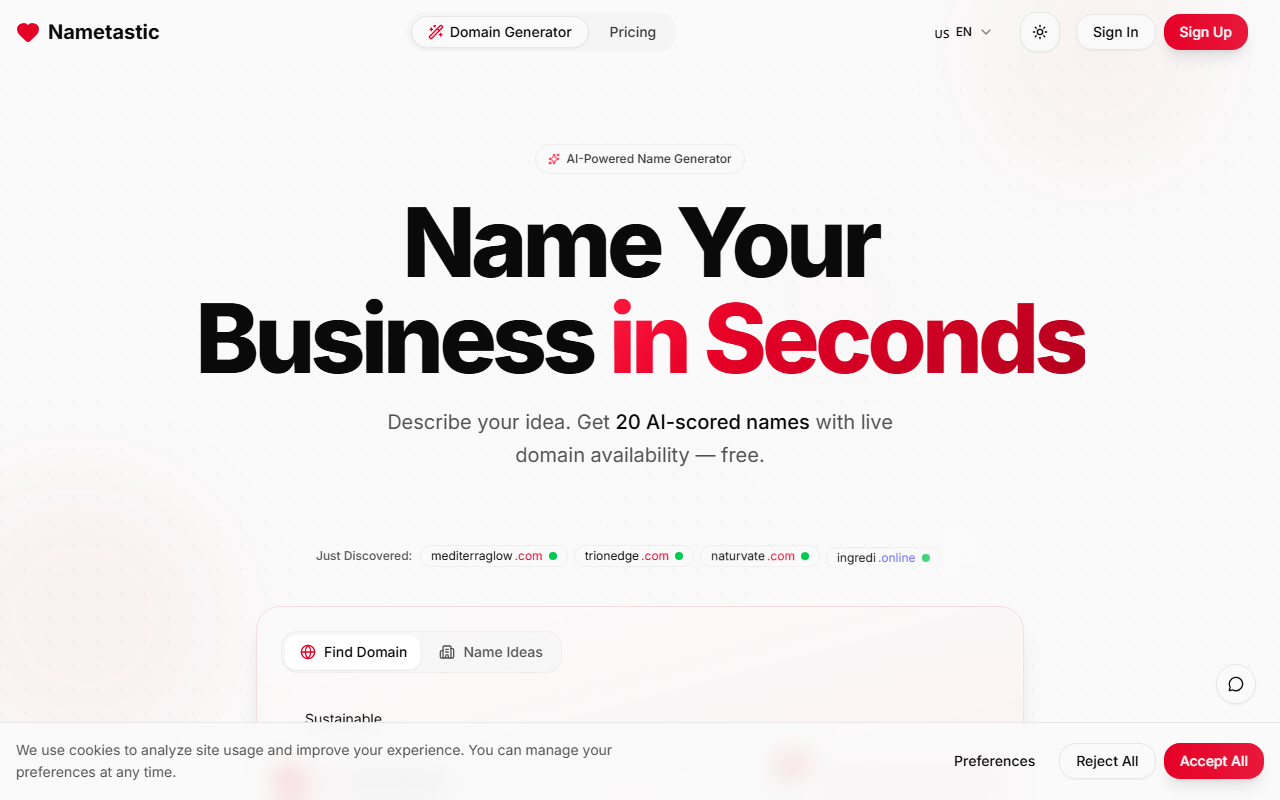
Upon visiting Nametastic, I was greeted by a clean, minimal interface with a single call-to-action: describe your business idea. The homepage is sparse but purposeful, loading in under two seconds. There is no sign-up or email wall for the first generation — you get 20 AI-scored names immediately after typing a short description. The theme toggle (light/dark) is a nice touch, and the language selector confirms it currently supports English only. I typed “a vegan bakery in Austin” and hit enter. Within three seconds, I saw a list of 20 names, each accompanied by a relevance score (0-100) and a green checkmark or red X indicating domain availability.
How Nametastic Works and Key Features
Nametastic uses AI to parse your description and generate creative, brandable word combinations. The exact model is not disclosed, but the outputs resemble GPT-based generation combined with a naming algorithm. Each suggestion comes with a live .com domain lookup — a huge time-saver. You can hover over a name to copy it or click through to Domain.com to buy the domain. The dashboard displays all 20 names at once, sorted by score. There is no account system, so you cannot save favorites across sessions, but you can regenerate as many times as you like. No API or integrations are currently offered. Pricing is not publicly listed anywhere; the tool appears completely free with no usage limits I could find.
Performance, Strengths, and Limitations
The strength of Nametastic lies in its speed and simplicity. I tested five different descriptions (tech startup, fitness app, boutique hotel, eco-friendly packaging, and freelance graphic design). Each returned 20 relevant names within seconds, with most domain checks being accurate. The scoring felt reasonable — names like “VeganVale” and “GreenBun” scored 85+ for my bakery. However, the tool lacks depth. You cannot filter by name length, specify keywords, or exclude certain words. The domain check only covers .com; no .io, .co, or other TLDs. Also, the AI occasionally produced oddities: “SourdoughSpeakeasy” for a bakery, which didn’t fit the vibe. There is no explanation of the scoring criteria. For serious naming, you may want a tool like Namelix (which offers style preferences) or Shopify’s Business Name Generator (which shows more TLD options). But for a free, zero-friction starting point, Nametastic is very effective.
Alternatives and Final Verdict
If you need stylistic control or prefer longer lists, check out Namelix (more customization) or Looka’s Name Generator (brand identity suite). For those who want quick, domain-ready ideas without any commitment, Nametastic is the easiest option I’ve tested. It is best suited for solopreneurs and early-stage founders who are brainstorming and want to immediately check if a name is available. It is not for established companies needing trademark vetting or multi-language support. In summary: a straightforward, free tool that does one thing well — deliver a batch of decent names with domain status. Try it once and you’ll know if it fits your process.
Visit Nametastic at https://nametastic.com/ to explore it yourself.


Comments