

First Impressions and Onboarding
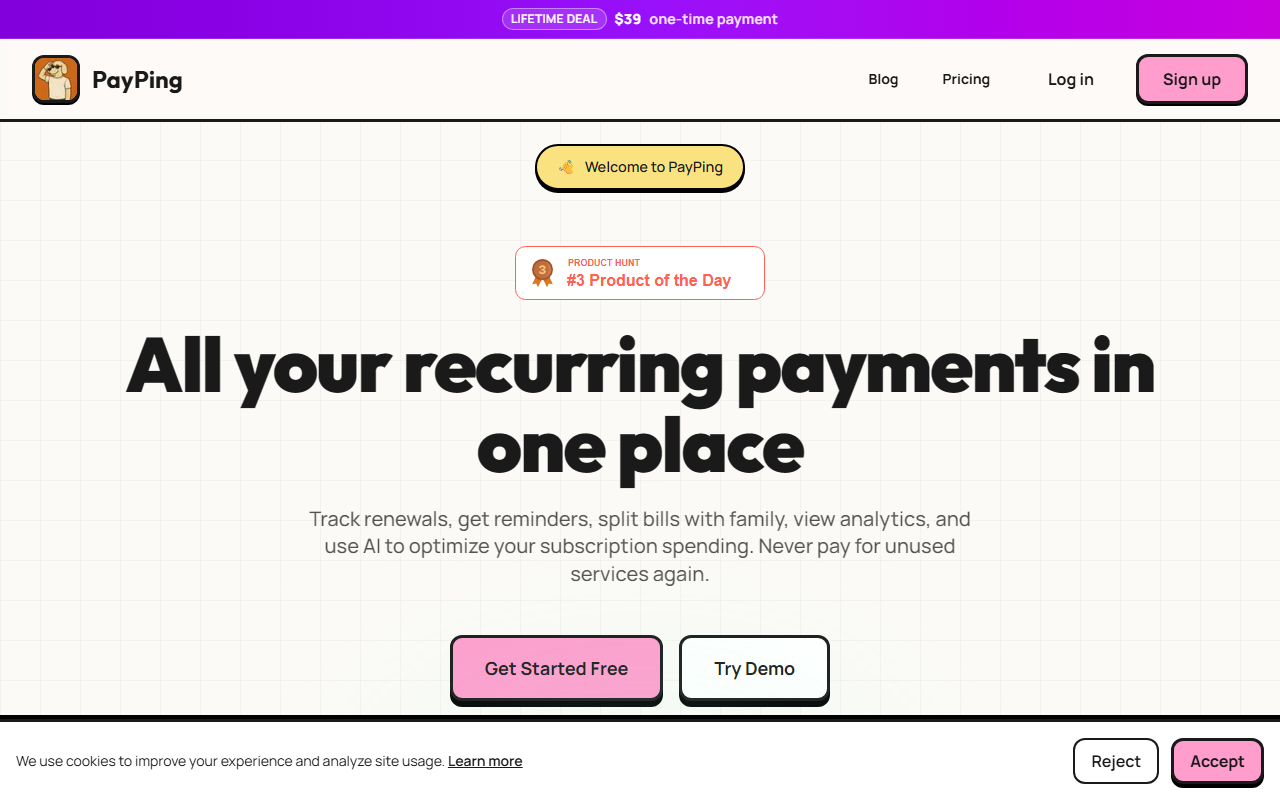
Upon visiting payping.space, I was greeted by a clean, modern landing page that immediately communicated the core value proposition: managing all recurring payments in one place. The “Get Started Free” button is prominent, and the interactive Feature Studio caught my eye. This guided tour walks you through 14 screens across three chapters – Core Views, Automation, and Analytics + Visuals. I clicked through the Core Views screens, starting with the dashboard overview that shows total spend, renewals, and changes in a clean snapshot. The interface is designed for clarity: big visuals, a guided flow, and full context for each view. When testing the free tier, adding a subscription was straightforward – you can do it manually or import from email. PayPing scans your inbox for subscription confirmations and receipts, which it then organizes automatically. The process took me less than two minutes to set up my first subscription.
Core Features and AI Integration
PayPing solves a specific and increasingly common problem: keeping track of multiple subscriptions, trials, and recurring bills. The dashboard aggregates every subscription with logos, status, and totals, and the “Payment info and credits” section lets you track cards and billing cycles. One standout feature is bill splitting – you can share costs with family members using customizable splits (e.g., 80-20). The AI component, though not explained in gritty technical detail, focuses on analyzing your spending patterns to suggest optimizations. During my test, I added three subscriptions (a streaming service, a cloud storage plan, and a gym app). The AI flagged the gym app as potentially unused based on my manual categorization (I marked it as low usage). This kind of actionable insight is where PayPing distinguishes itself from basic trackers. Renewal reminders can be customized: 7, 3, or 1 day before billing. The analytics section provides spending graphs, trends, and a renewal calendar. For a tool in the AI Office category, PayPing leverages automation to reduce manual overhead, but it does not advertise a dedicated API or integrations with specific payment processors.
Pricing and Market Position
PayPing offers a free forever plan that covers up to three subscriptions – ideal for individuals testing the waters. For power users, a one-time payment of $39 unlocks lifetime unlimited subscriptions with no recurring fees. This pricing is refreshingly simple compared to competitors like Rocket Money (which charges a monthly fee) or Subby (which has a freemium model with in-app purchases). PayPing’s focus on beautiful visualizations and AI-driven savings suggestions sets it apart. However, the free tier is quite limited; anyone with more than three active subscriptions must pay. There is no mention of a mobile app, which could be a drawback for users who prefer on-the-go management. The website also lacks details about data security or encryption, though the company appears to be a small, independent project. The FAQ hints at future updates, but current features are well-polished for a young tool.
Final Verdict and Recommendations
PayPing is best suited for individuals or families who want a simple, visually appealing way to track a handful of subscriptions and avoid surprise charges. Its AI insights, while not groundbreaking, provide genuine value by highlighting potential savings. The lifetime pricing is a steal for heavy users. That said, if you manage dozens of subscriptions or need advanced integrations (e.g., bank syncing, budgeting tools), you may outgrow PayPing quickly. The lack of a mobile app and limited free tier are real limitations. For a lightweight subscription manager that prioritizes clarity and ease of use, PayPing is a solid choice. I recommend trying the free tier first – add your top three subscriptions, test the reminders and analytics, then decide if the $39 upgrade fits your needs. Visit PayPing at https://payping.space/ to explore it yourself.


Comments