

First Impressions: What Recap Is and Does
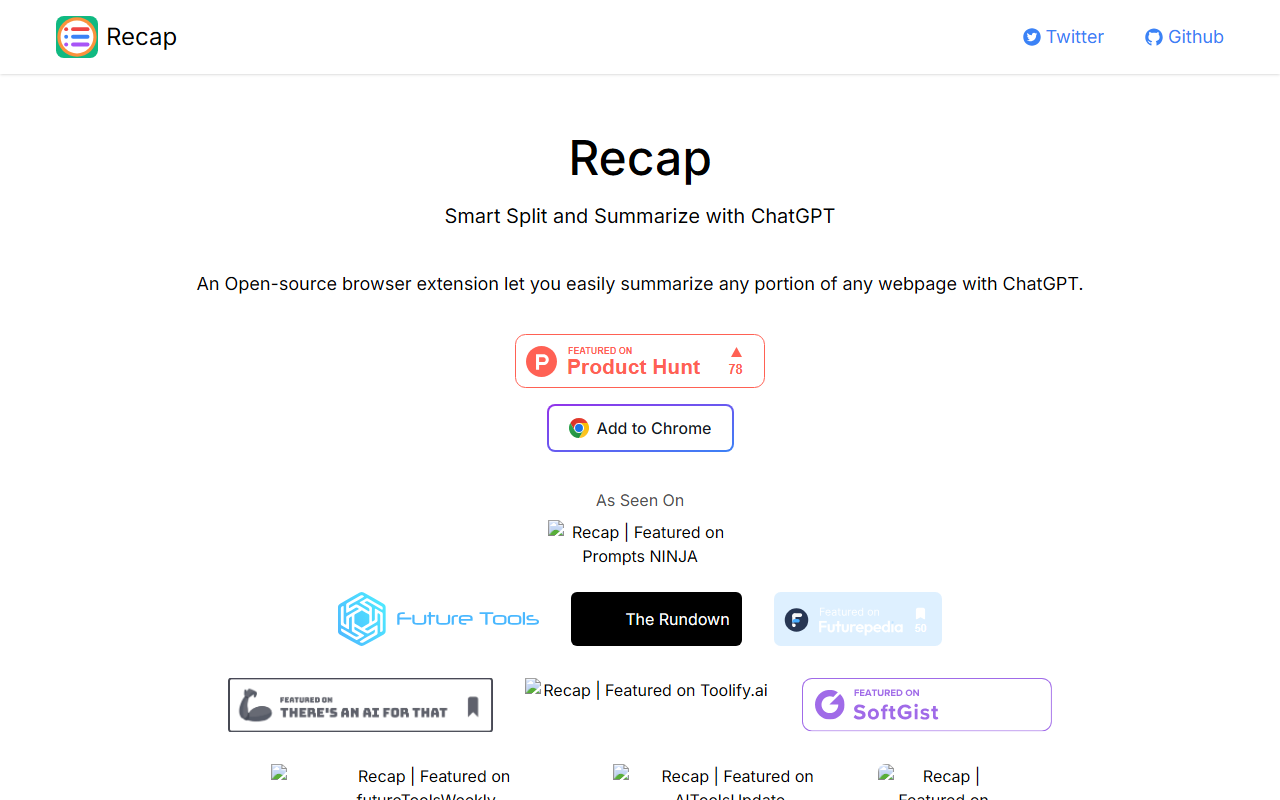
Upon visiting the Recap homepage at recapext.xyz, you are greeted with a clean, minimal design. The tagline—"Smart Split and Summarize with ChatGPT"—makes the tool's purpose immediately clear. Recap is an open-source browser extension that lets you highlight and summarize any portion of a webpage using ChatGPT. Unlike many AI writing assistants that try to do everything, Recap focuses on one task: extracting concise summaries from long-form content directly in your browser. The site offers a single "Add to Chrome" call-to-action, indicating the extension is currently available only for Google Chrome. A frequently asked questions section hints at key details: the tool is free to use, but you need a ChatGPT account to power the summaries. A loading changelog suggests the project is actively maintained, though the details were not fully visible during my visit.
Hands-On Experience: How It Works
After installing the extension from the Chrome Web Store (a process that takes seconds), Recap adds a small icon to your browser toolbar. When I tested it on a long news article, the workflow was straightforward: highlight the text you want summarized, then click the Recap icon. A popup appears with the selected text and a "Summarize" button. In my test, the extension sent the highlighted content to ChatGPT and returned a bullet-point summary within about three seconds. The quality of the summary was impressive—concise and capturing the main points without losing context. You can also adjust the summary length? Not explicitly, but the ChatGPT model appears to handle varied lengths well. Notably, Recap does not modify the page itself; it overlays a simple popup, keeping the browsing experience clean.
The open-source nature means you can inspect the code or even contribute on GitHub. For privacy-conscious users, this is a major plus: the extension does not track your activity or store summaries. All processing goes through ChatGPT, so your text is sent to OpenAI, but Recap itself claims no data collection. The FAQ confirms that a ChatGPT account is required—so if you don’t have one, you’ll need to sign up for OpenAI’s service. One limitation I observed: the extension works only on standard web pages. It does not support PDFs or dynamic content like chat interfaces. Also, there is no option to summarize an entire page automatically; you must manually select text, which can be cumbersome for very long articles.
Strengths and Limitations
Strengths: Recap’s primary advantage is its simplicity and cost. Unlike alternatives such as TLDR This or SMMRY—which often require subscriptions or have usage limits—Recap is completely free and open-source. The use of ChatGPT ensures high-quality summaries that capture nuance, and the extension respects your privacy by not logging any data. The integration is seamless: you highlight, click, and get a summary in seconds. For researchers, students, or anyone reading lengthy online content, Recap saves significant time.
Limitations: The most obvious limitation is platform support. As of this writing, Recap is available only for Chrome. Firefox and Edge users are left out, though open-source code could theoretically be adapted. Additionally, the requirement of a ChatGPT account means users must already have or create an OpenAI account—a barrier for some. I also noticed that the extension occasionally failed to summarize very short selections (fewer than 20 words) and struggled with heavy JavaScript sites. There is no customization of summary length or style; you get whatever ChatGPT decides. The project seems to be in early stages—the changelog was still loading, and the FAQ lacked detailed answers to some questions (e.g., whether there are any usage limits).
Who Should Use Recap?
Recap is best suited for students, researchers, journalists, and avid readers who regularly consume long-form web content and want quick, AI-powered summaries without paying for a premium tool. If you already use ChatGPT, the extension integrates naturally into your workflow. However, if you need summary customization, support for PDFs or non-Chrome browsers, or prefer a tool that doesn’t require a separate OpenAI account, you might look elsewhere. Alternatives like Grammarly or QuillBot offer summarization alongside other features but come at a cost. Recap provides a focused, no-frills solution for the core task of summarizing selected webpage content—and at zero price, it’s worth a try for any Chrome user with a ChatGPT account.
Visit Recap at https://recapext.xyz/ to explore it yourself.


Comments