

Exploring Roboto: A First Look at the Analytics Engine for Physical AI
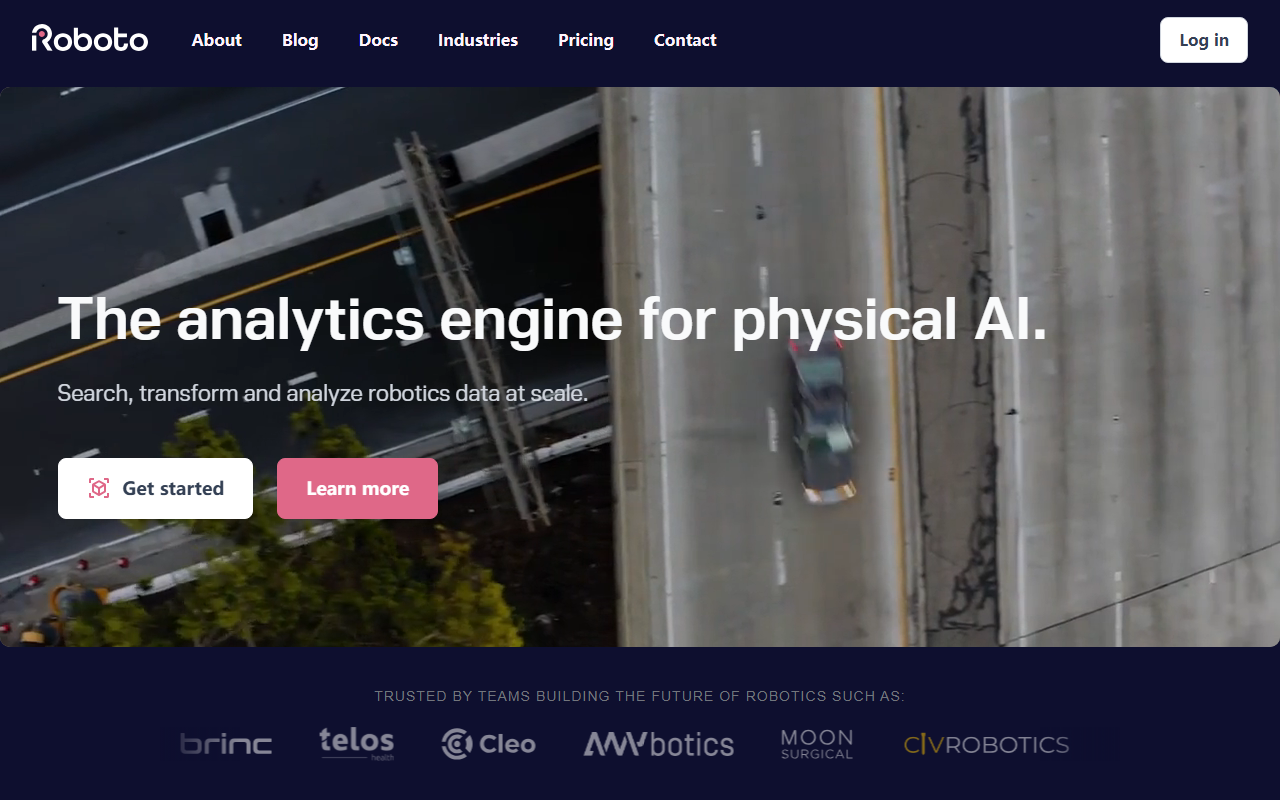
Upon visiting Roboto's website, I was immediately struck by its focus on a very specific, technical audience: robotics engineers dealing with massive amounts of multimodal data. The dashboard isn't shown in screenshots on the homepage, but the copy makes it clear this is a developer-centric tool. The tagline, “The analytics engine for physical AI,” sets the stage. The site highlights workflows like organizing logs into datasets, automating analysis with actions, and searching across topics and events. I noticed they prominently feature a Python SDK installation command — pip install roboto — which signals that programmatic access is core to the experience.
What impressed me during my review was the depth of integrations mentioned. Roboto supports ROS, PX4, MCAP, Ardupilot, and Parquet out of the box, along with proprietary formats. That’s a huge time-saver for teams that juggle multiple data sources. The homepage also includes a blog section with titles like “Detecting Complex Events in Robotics Data” and “Accelerating Drone Flight Analysis with AI Summaries,” which suggests the team is actively iterating on features for real-world use cases.
Core Features and Hands-On Impressions
Roboto organizes its capabilities into six clear pillars: Datasets, Actions, Events, Search, AI Analysis, and SDK/CLI. From a reviewer’s perspective, I found the Actions feature particularly compelling. It lets you run automated processing — think custom reports, QA checks, or algorithm tests — directly within the platform. You can either use community-built actions or create your own. This eliminates the need for a separate data pipeline. Similarly, AI Analysis promises to summarize logs and surface anomalies automatically, which is a game-changer for teams that spend hours triaging fleet issues after deployment.
I also liked the emphasis on Events. In robotics, important moments like obstacles, crashes, or anomalies often get buried in terabytes of sensor data. Roboto allows you to highlight these events manually or auto-generate them with actions, then share links to specific slices. The testimonials from BRINC Drones and Telos Health add credibility: one quote mentions how each prevented RMA (return merchandise authorization) saves “real money.” Another from an autonomy engineer highlights catching issues “before they become a problem for customers.” These are concrete benefits, not vague promises.
The website doesn't provide a live demo or signup flow without contacting sales, but the SDK and CLI are clearly available for early access. My sense is that Roboto is still in a growth phase, prioritizing enterprise robotics teams rather than individual developers.
Pricing, Competitors, and Market Positioning
Pricing is not publicly listed on the website. There is a “Pricing” link in the top navigation, but clicking it does not reveal any tiers — it likely leads to a contact form for custom quotes. This is common for enterprise tools, but it means smaller teams or solo developers may need to evaluate whether the investment is worthwhile. Roboto has been selected for the Physical AI Fellowship by AWS & NVIDIA, which indicates strong backing and industry validation.
In terms of competitors, Roboto competes in the niche of robotics data analytics platforms. Tools like Foxglove (formerly Cruise’s webviz) offer data visualization for ROS, but Roboto goes further by adding AI-driven analysis and automated actions. Another alternative is to build a custom stack using open-source libraries like ROS bags, pandas, and ML frameworks. However, Roboto saves teams the cost and time of building that infrastructure themselves — a point echoed in a testimonial from Telos Health’s director of algorithms.
One limitation I noticed is that the platform seems heavily focused on post-deployment log analysis rather than real-time monitoring. If your workflow requires live dashboards for a running robot, you might need to pair Roboto with another tool. Additionally, the lack of a free tier or public pricing means casual exploration is impossible without a sales conversation.
Recommendation: Who Should Adopt Roboto?
Roboto is best suited for established robotics companies or research labs that deal with large volumes of complex, multimodal data and need to scale their debugging and analysis processes. Use cases include automated QA for production fleets, root cause analysis of hardware-software issues, and collaborative investigation of edge cases. The Python SDK and CLI make it easy to integrate into existing CI/CD pipelines. If you’re building autonomous drones, surgical robots, or self-driving vehicles, Roboto could significantly reduce your time-to-insight.
On the other hand, if you’re a hobbyist or a small startup with minimal data, it may be overkill. The platform’s value grows with data volume and team size. I also caution against jumping in without a clear understanding of pricing; reach out to their sales team early to ensure it fits your budget. Overall, Roboto fills a genuine gap in the robotics ecosystem — it’s not just another dashboard tool, but an analytics engine that leverages AI to turn logs into actionable intelligence.
Visit Roboto at https://roboto.ai/ to explore it yourself.


Comments