

First Impressions and Setup
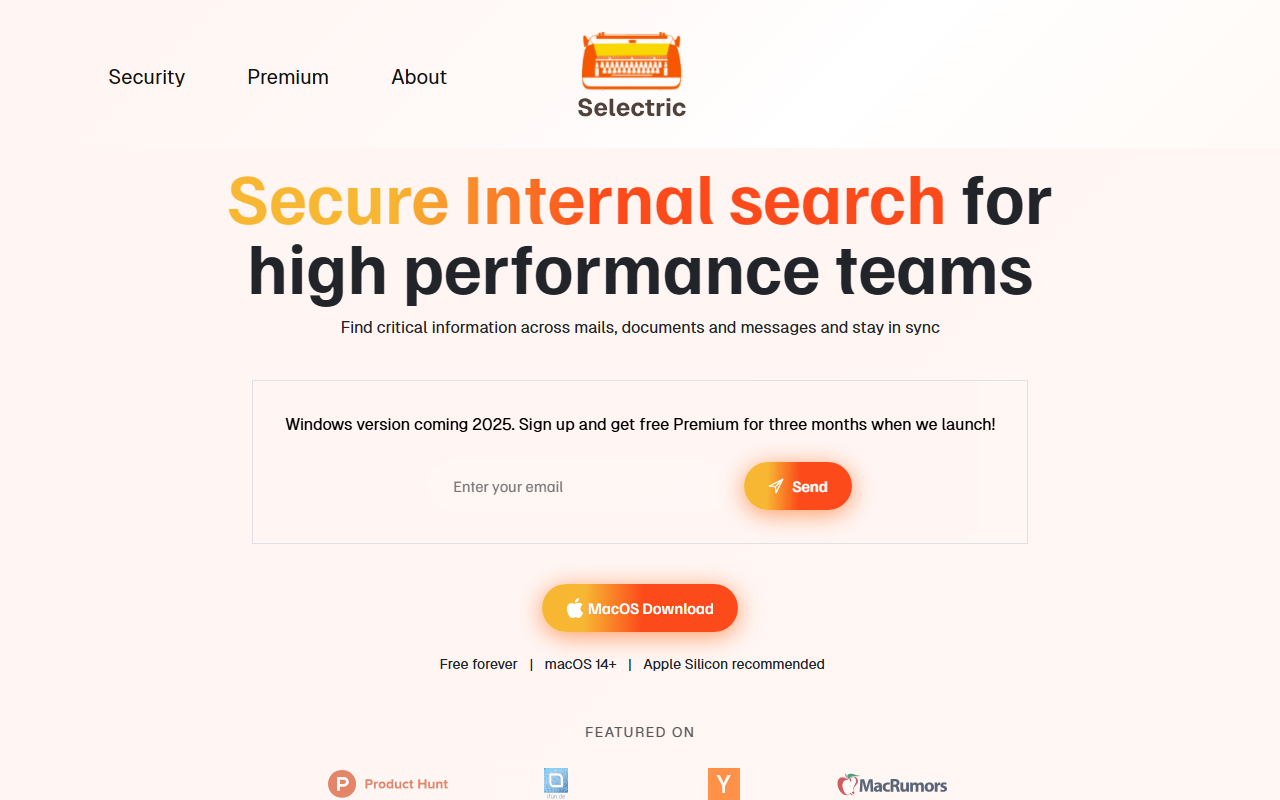
Upon visiting the Selectric website, I was greeted with a clean, minimal design that immediately communicates its core purpose: secure internal search for teams. The site emphasizes a Windows version coming in 2025, but for now, only macOS 14+ (Apple Silicon recommended) is supported. I signed up for the waitlist and received a download link for the Mac app. The installation process is straightforward: a quick download, drag the app to your Applications folder, and launch. The first-run experience walks you through connecting your accounts—Google Workspace, Microsoft 365, Slack, Teams, Dropbox, and Box. I connected my Gmail and Drive accounts. The initial indexing took about 15 minutes, as promised. The app sits in the menu bar, and the global keyboard shortcut (⌘+Shift+K) is easily customizable. The setup is genuinely frictionless; within five minutes, I could start searching across my email and documents.
Search Capabilities and Performance
Selectric’s search is fast and impressively comprehensive. Once indexing is complete, searches are near-instant. I tested with a query for "Q4 planning" and saw results from both Google Drive presentations and Slack messages in a unified list. The app surfaces relevant snippets alongside the source, making it easy to jump to the original file. The AI features are where Selectric shines. It can analyze an email thread and generate a contextually accurate reply, pulling in details from your calendar and documents. For example, when I received a request to confirm a tax EIN, Selectric located the relevant document and generated a response with the correct number. This saves real time. The average user saves 2 hours per week, according to the site—a claim that feels plausible after using it. Search results are grounded in your personal index, so there is no risk of hallucinated data leaking from other users’ content. The app uses local AI models for summaries and optionally cloud models for generation, but data is never stored on external servers. This is a strong differentiator from cloud-only tools like Google Workspace's built-in search or Slack’s search, which lack the same cross-platform unification and privacy guarantees.
Privacy and Security
Privacy is Selectric’s killer feature. Every user has a personal index that stays on their local machine. No data is sent to the cloud unless you explicitly use the cloud AI for email responses, and even then, it is discarded immediately. The app does not have access to your search queries or history. This is a huge advantage over competitors like Glean or Coveo, which often require cloud indexing and raise security concerns for regulated industries. Selectric is designed for teams that handle sensitive information—legal, finance, or healthcare—where data cannot leave the device. The FAQ states that data is never used to train AI models. I verified that the app does not make any unexpected network calls during local searches. The trade-off is that indexing is limited to your local machine’s storage, but the app is remarkably efficient: less than 250MB for 10,000 emails and documents. For most professionals, this is more than sufficient.
Who Should Use Selectric?
Selectric is best suited for power users who juggle multiple communication tools and need instant, private access to their digital history. It is particularly valuable for high-performance teams in fast-moving environments where information changes frequently and tracking the canonical source of truth is a pain. The app is free forever, with a premium tier that unlocks unlimited AI email replies and faster cloud model access. However, pricing is not publicly listed beyond the "free Premium for three months" promo. This makes it hard to assess long-term cost. Limitations: the macOS-only requirement restricts Windows and Linux users until 2025. Also, while the app supports many integrations, some niche tools (e.g., Notion, Asana) are missing. I would recommend Selectric to anyone who spends more than an hour a week searching for files across apps. If you are a solo freelancer or someone with minimal cross-app search needs, the free tier of Google or Slack may suffice. For teams that prioritize data sovereignty and speed, Selectric is a compelling choice. Visit Selectric at https://selectric.io/ to explore it yourself.


Comments